HP 63XL vs HP 65XL Ink Cartridges: What's the Difference and Are They Interchangeable?
If you've ever stood in front of a shelf of HP ink cartridges — or scrolled through options online — and wondered whether the 63XL and 65XL are basically the same thing, you're not alone. They look nearly identical, they're both high-yield black and tri-color combo options, and they're often priced similarly. But they are not interchangeable, and putting the wrong one in your printer will cause an error every time.
This guide explains exactly what separates them, which printers use each one, and how to make sure you're buying the right cartridge.
HP 63XL vs 65XL: Side-by-Side Comparison
| HP 63XL | HP 65XL | |
|---|---|---|
| Black Page Yield | ~480 pages | ~300 pages |
| Color Page Yield | ~330 pages | ~300 pages |
| Ink Type | Tri-color (CMY combined) | Tri-color (CMY combined) |
| OEM Black Price | ~$35–$40 | ~$30–$35 |
| OEM Color Price | ~$35–$40 | ~$30–$35 |
| Interchangeable? | ❌ No | ❌ No |
| Printer Series | Envy, OfficeJet, DeskJet (older) | DeskJet, Envy (newer budget models) |
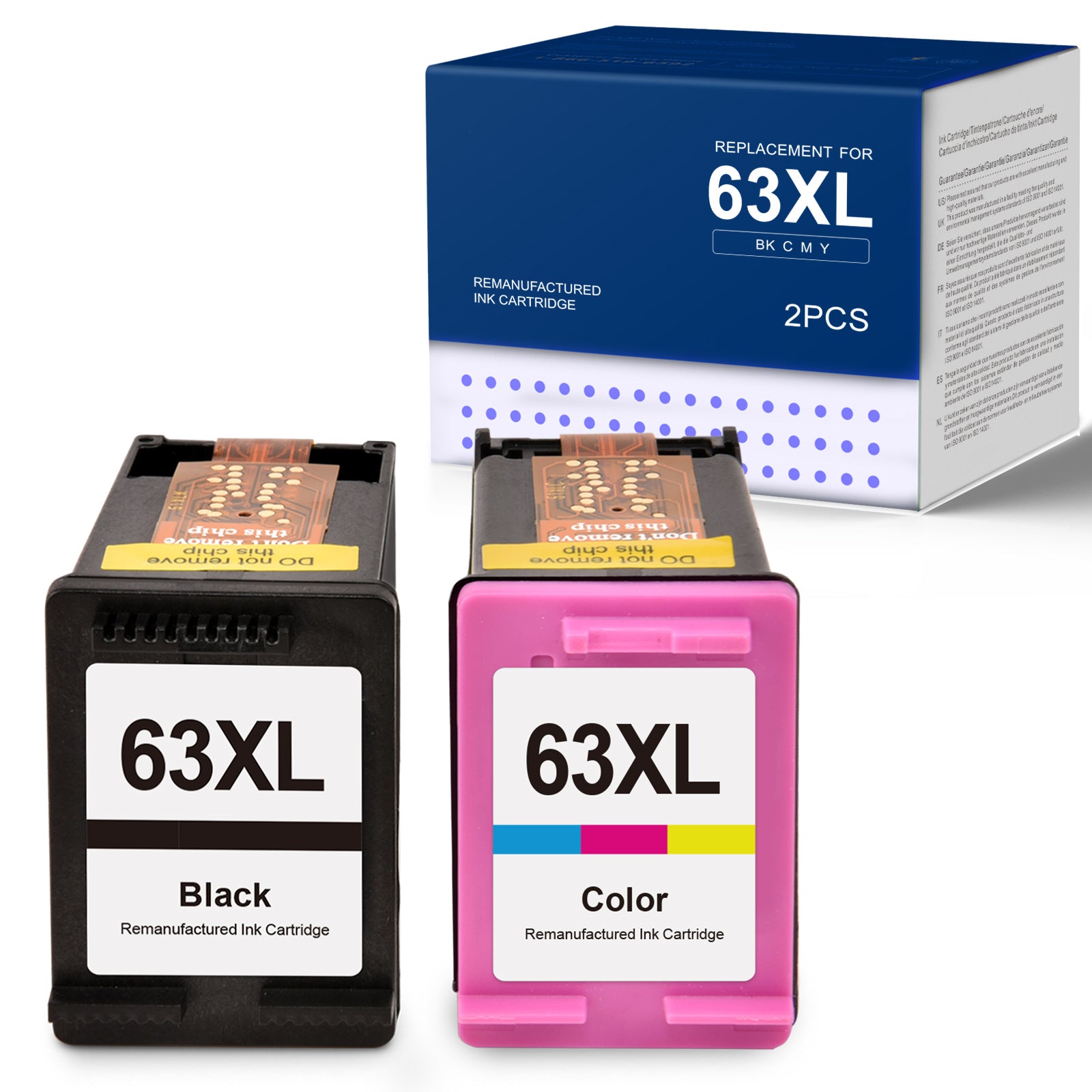
The most important difference: 63XL has a higher page yield than 65XL, particularly for black ink — 480 pages versus 300. The 63XL is generally a better value per page if your printer supports it.

Which Printers Use HP 63XL?
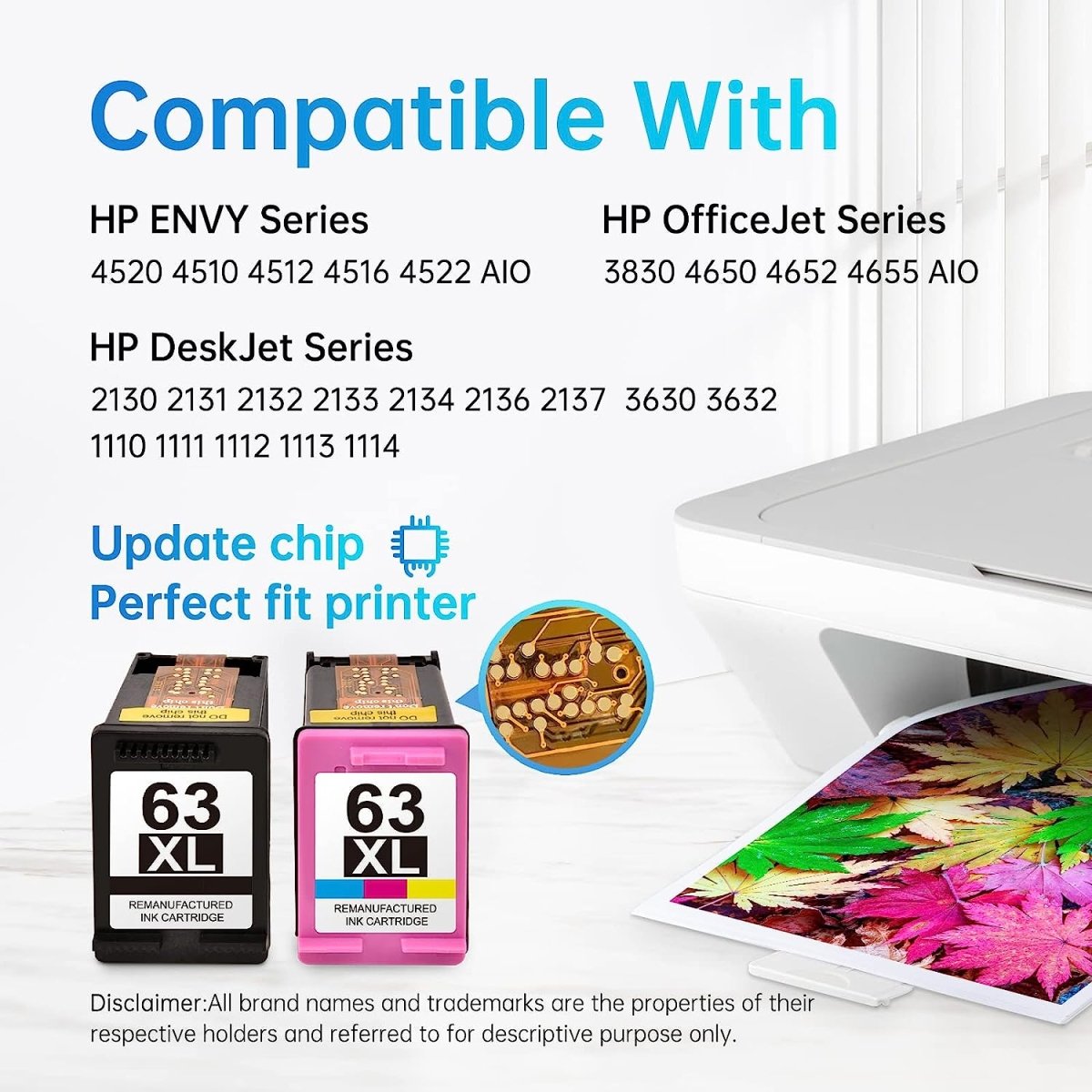
The 63XL (and standard 63) cartridges work with these HP printer models:
HP Envy: Envy 4510, 4511, 4512, 4513, 4514, 4516, 4520, 4521, 4522, 4523, 4524, 4527
HP OfficeJet: OfficeJet 3830, 3831, 3832, 3833, 3834, 4650, 4652, 4654, 4655, 4656, 4657, 4658, 5200, 5212, 5220, 5222, 5230, 5232, 5252, 5255, 5258, 5260, 5264
HP DeskJet: DeskJet 1112, 2130, 2131, 2132, 2133, 2134, 2136, 3630, 3631, 3632, 3633, 3634, 3636, 3637, 3639

Quick check: Look on the inside of your printer's front cover or ink door. HP prints the compatible cartridge number on a label inside — if it says 63 or 63XL, this is your cartridge.
Which Printers Use HP 65XL?
The 65XL (and standard 65) cartridges work with these HP models:
HP DeskJet: DeskJet 2622, 2624, 2628, 2629, 2630, 2632, 2633, 2634, 2636, 2638, 2655, 2656, 2657, 3720, 3722, 3723, 3724, 3726, 3728, 3730, 3732, 3733, 3734, 3735, 3752, 3755, 3758, 3760, 3761, 3762, 3763, 3764
HP Envy: Envy 5000, 5010, 5012, 5013, 5014, 5020, 5021, 5022, 5023, 5024, 5030, 5032, 5034, 5052, 5055, 5058
HP AMP: AMP 100, 120, 125, 130
Can I Use HP 65XL in a Printer That Takes HP 63XL?
No. Despite looking very similar, the cartridges have different chip encodings and slightly different physical dimensions. Your printer will display an "incompatible cartridge" or "incorrect cartridge" error if you install the wrong series.
This is one of HP's most complained-about design decisions — the cartridges are nearly visually identical, which leads to a lot of accidental wrong purchases. Always verify your model number before buying.
How to Tell HP 63XL and 65XL Apart
If you have both cartridges in front of you and aren't sure which is which, here's what to look for:
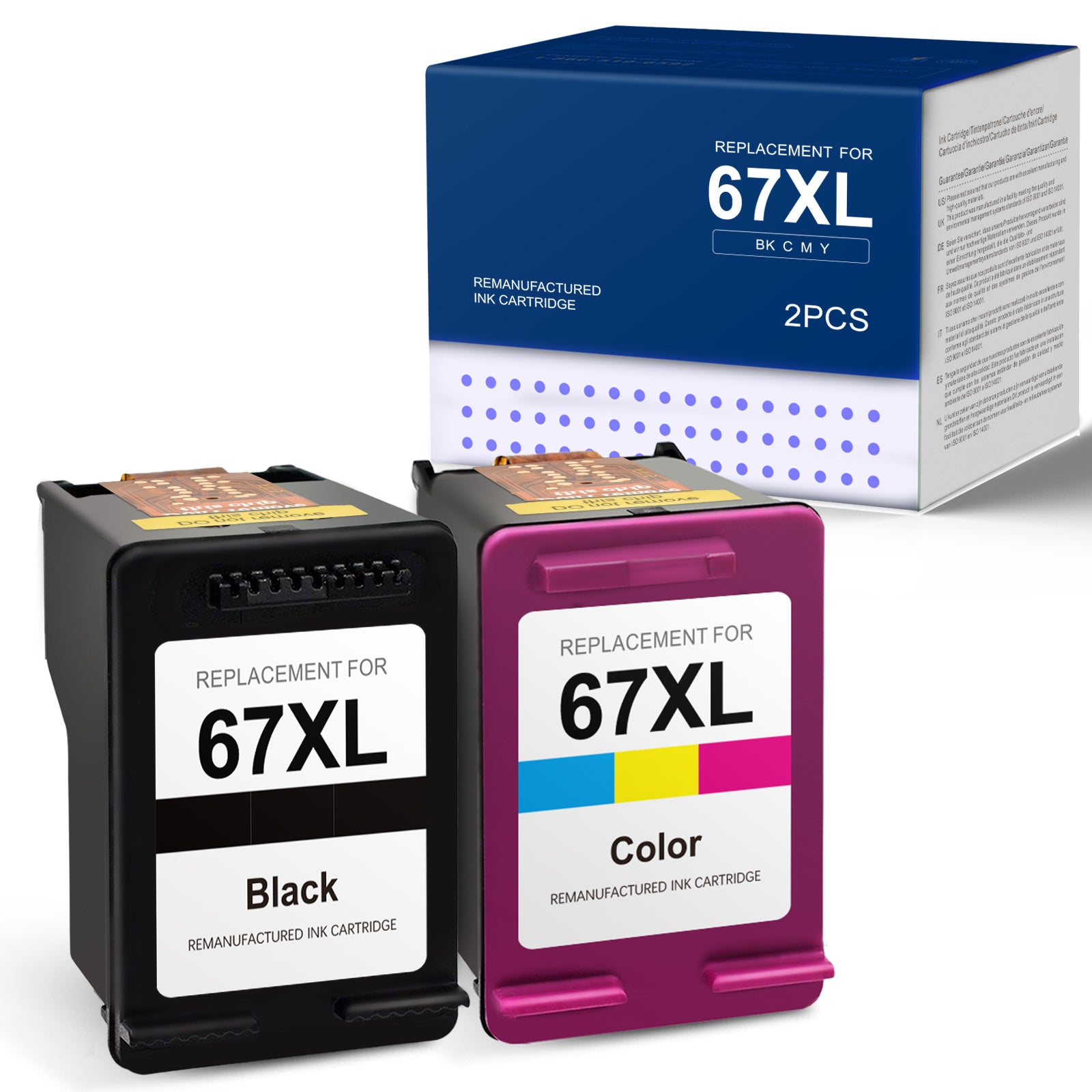
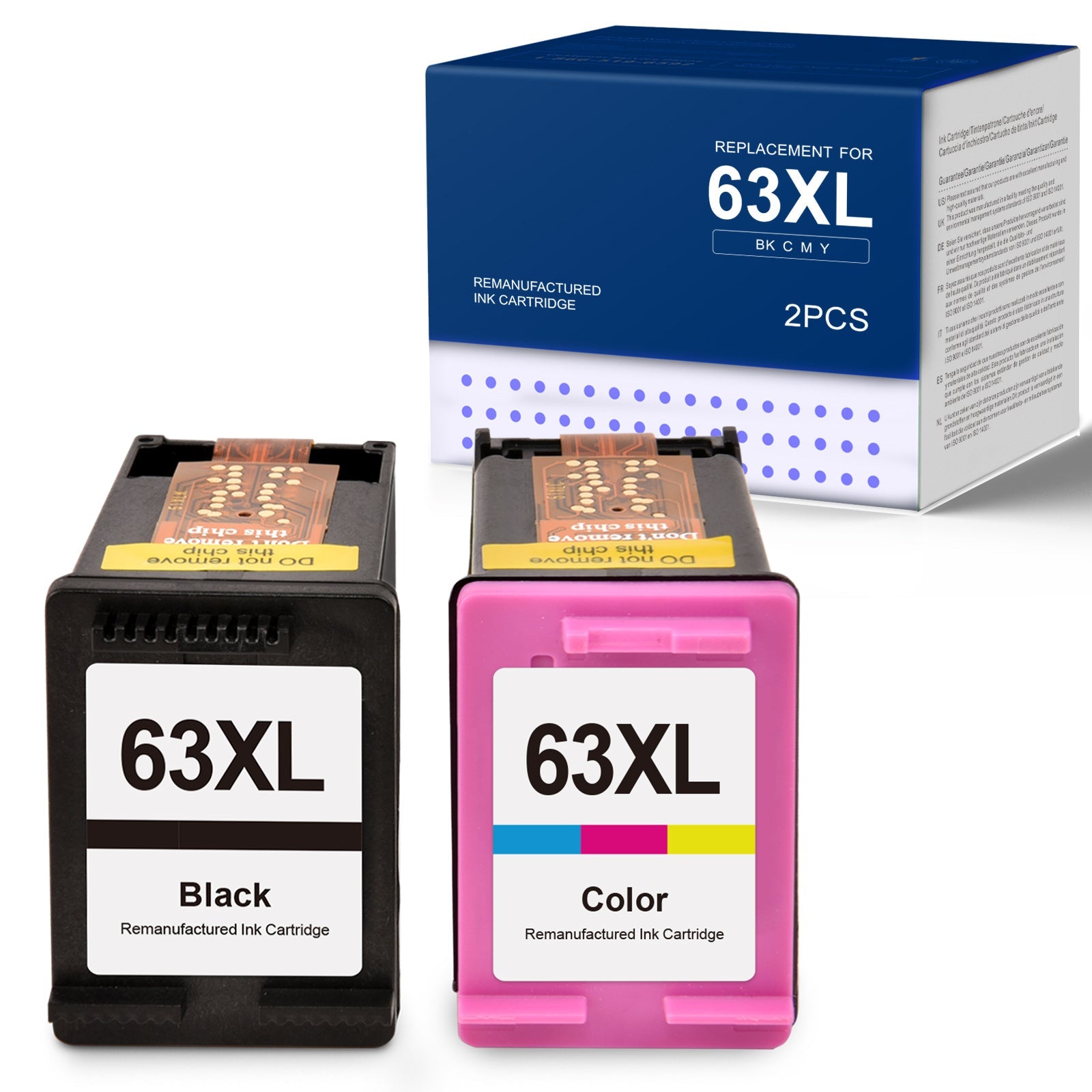
Check the cartridge label: The number 63 or 65 is printed clearly on the side of each cartridge. The XL designation appears alongside it.
Check the box: The box clearly states 63XL or 65XL on the front.
Check the chip color: The 63XL has a slightly different chip arrangement than the 65XL, though this is hard to see with the naked eye.
The easiest method is always to check your printer's ink door label — HP places the compatible cartridge number right there so you never have to guess.
Standard vs XL: Is the Higher Yield Worth It?
Both the 63 and 65 series come in standard and XL versions. Here's why XL almost always makes more sense:
| HP 63 (Standard) | HP 63XL | Difference | |
|---|---|---|---|
| Black Yield | ~190 pages | ~480 pages | 2.5x more pages |
| OEM Price | ~$20 | ~$37 | ~$17 more |
| Cost Per Page | ~$0.105 | ~$0.077 | 27% cheaper per page |
The XL version costs more upfront but delivers a significantly lower cost per page. Unless you print very rarely — fewer than 20 pages a month — the XL is the better financial decision every time.
The same logic applies to the 65 series: the 65XL prints ~300 pages versus the standard 65's ~100 pages, making the XL version around 3x more cost-effective per page.
OEM vs Remanufactured: What to Know for 63XL and 65XL
HP's original cartridges are reliable but expensive. Remanufactured alternatives typically cost 40–55% less and deliver comparable results for everyday document printing.
| HP OEM 63XL (Black) | Linford Remanufactured 63XL (Black) | |
|---|---|---|
| Page Yield | ~480 pages | ~480 pages |
| Chip | Current | Updated |
| Warranty | Limited | Lifetime |
| Price | ~$35–$40 | Significantly less |
| Voids Printer Warranty? | No | No* |
*Under the Magnuson-Moss Warranty Act, HP cannot void your warranty solely because you used a third-party cartridge.
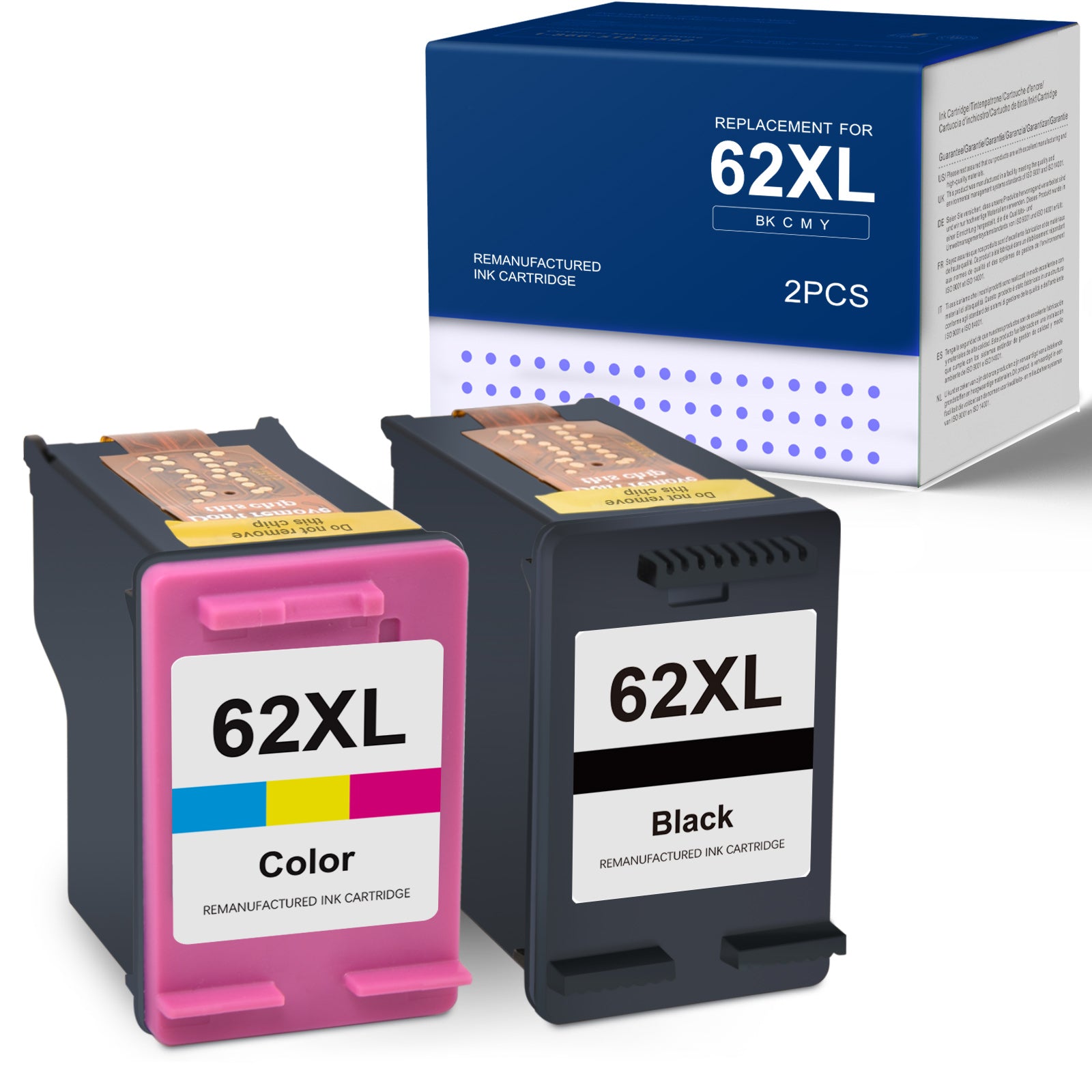
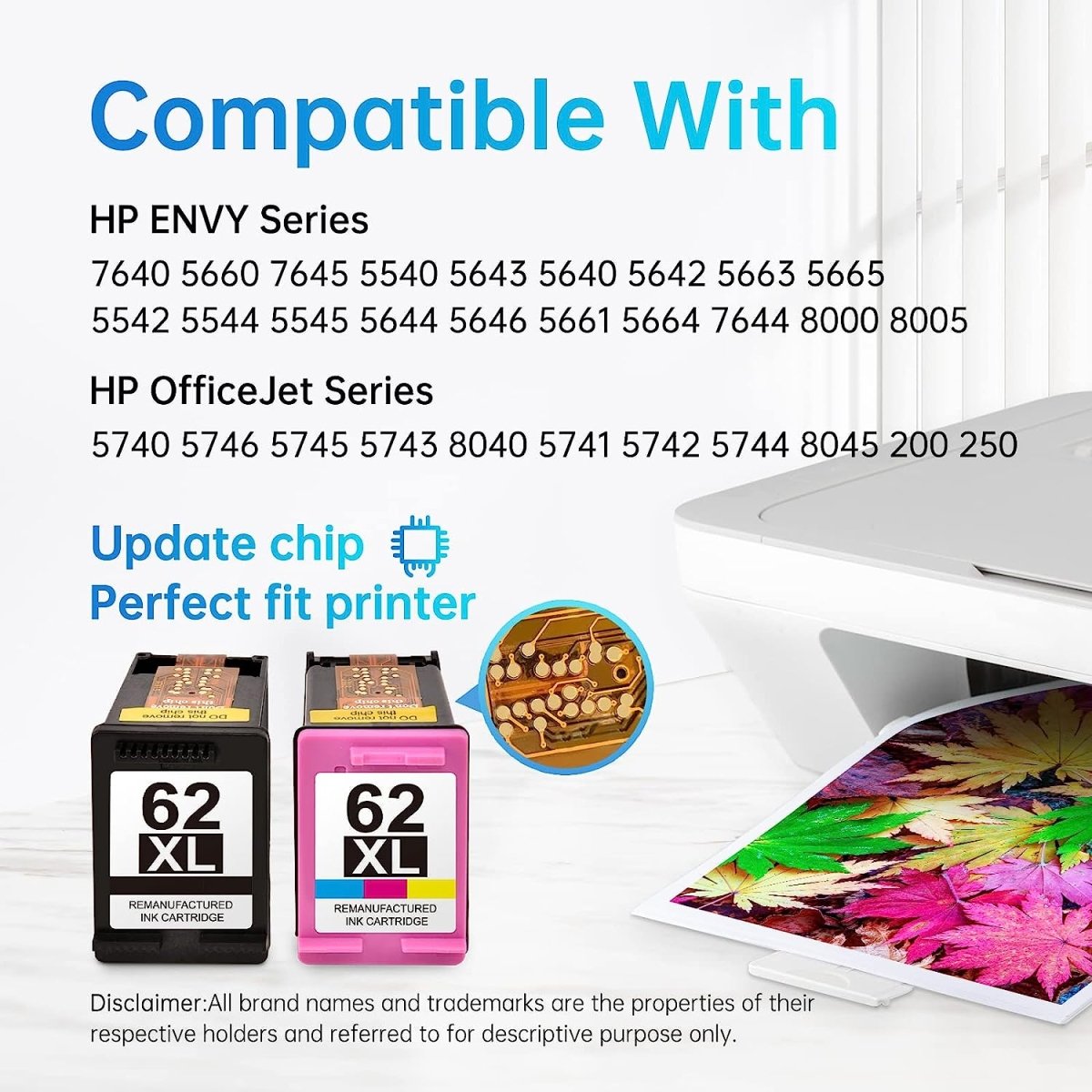
What "remanufactured" means: Original HP cartridge shells are professionally cleaned, refilled with fresh ink, fitted with a new chip, and tested before shipping. Linford's remanufactured cartridges carry a lifetime warranty — if there's any issue with the cartridge, we replace or refund it.
5 Signs Your HP 63XL or 65XL Needs Replacing
- Faded or streaky prints — especially noticeable on text that should be solid black
- "Ink low" warning on your printer's display or HP Smart app
- Printer refusing to print — HP printers stop when ink is fully depleted
- Color shifts in photos — missing cyan, magenta, or yellow in the tri-color cartridge affects all color output
- Dried ink lines — if you haven't printed in several weeks, the cartridge may have dried partially even if ink remains
When you see the low ink warning, you typically have another 20–40 pages before quality drops noticeably. Order a replacement before you run out completely so you're not caught mid-job.
How to Install HP 63XL or 65XL (Step by Step)
- Open the front cover or ink access door on your HP printer and wait for the carriage to move to the center
- Press down gently on the old cartridge to release it, then pull it straight out
- Remove the new cartridge from its packaging and peel off the orange protective tape — do not touch the copper contact strip or the ink nozzles
- Insert the cartridge into the correct slot: black goes on the right, tri-color on the left (on most HP models)
- Press firmly until the cartridge clicks into place
- Close the ink access door — the printer will align automatically and you're ready to print
Common mistake: Forgetting to remove the orange tape. If your printer shows a "cartridge not detected" error right after installation, check that all orange tape and protective film has been fully removed.
Frequently Asked Questions
Can I use HP 63 in a printer that needs HP 65? No. The 63 and 65 series use different chips and are not physically or electronically compatible with each other's printers. Using the wrong series will result in an incompatible cartridge error.
My printer says HP 63XL but I only see HP 65XL at the store. Can I use it? No — if your printer requires 63XL, you need 63XL specifically. The 65XL will not work. Check online retailers or remanufactured cartridge suppliers if your local store is out of stock.
Does the HP Smart app affect which cartridges I can use? HP printers connected to the HP Smart app or enrolled in HP Instant Ink may have firmware that monitors cartridge chips. Linford's remanufactured 63XL and 65XL cartridges use updated chips designed to work with current HP firmware.
How long do unopened cartridges last in storage? HP recommends using cartridges within 2 years of the manufacture date printed on the box. Store them in a cool, dry place away from direct sunlight. Once opened and installed, an ink cartridge can dry out if the printer isn't used for several weeks — printing a nozzle check page every 2–3 weeks helps keep the ink flowing.
What's the difference between HP 63XL black and HP 63XL combo pack? The black-only cartridge contains just the black pigment ink. The combo pack includes one black and one tri-color cartridge — it's the most common and cost-effective way to buy both at once since you'll typically go through them at similar rates.
Shop HP 63XL and 65XL Compatible Cartridges
Linford carries remanufactured replacements for both cartridge series, backed by a lifetime warranty and free shipping on orders over $30.

→ Shop HP 63XL Remanufactured 2-Pack — Black + Tri-Color
→ Shop HP 65XL Remanufactured 2-Pack — Black + Tri-Color
Linford Office is an independent supplier of remanufactured printer cartridges. HP, DeskJet, Envy, OfficeJet, and related model names are trademarks of HP Inc., referenced here for compatibility purposes only.