


Description
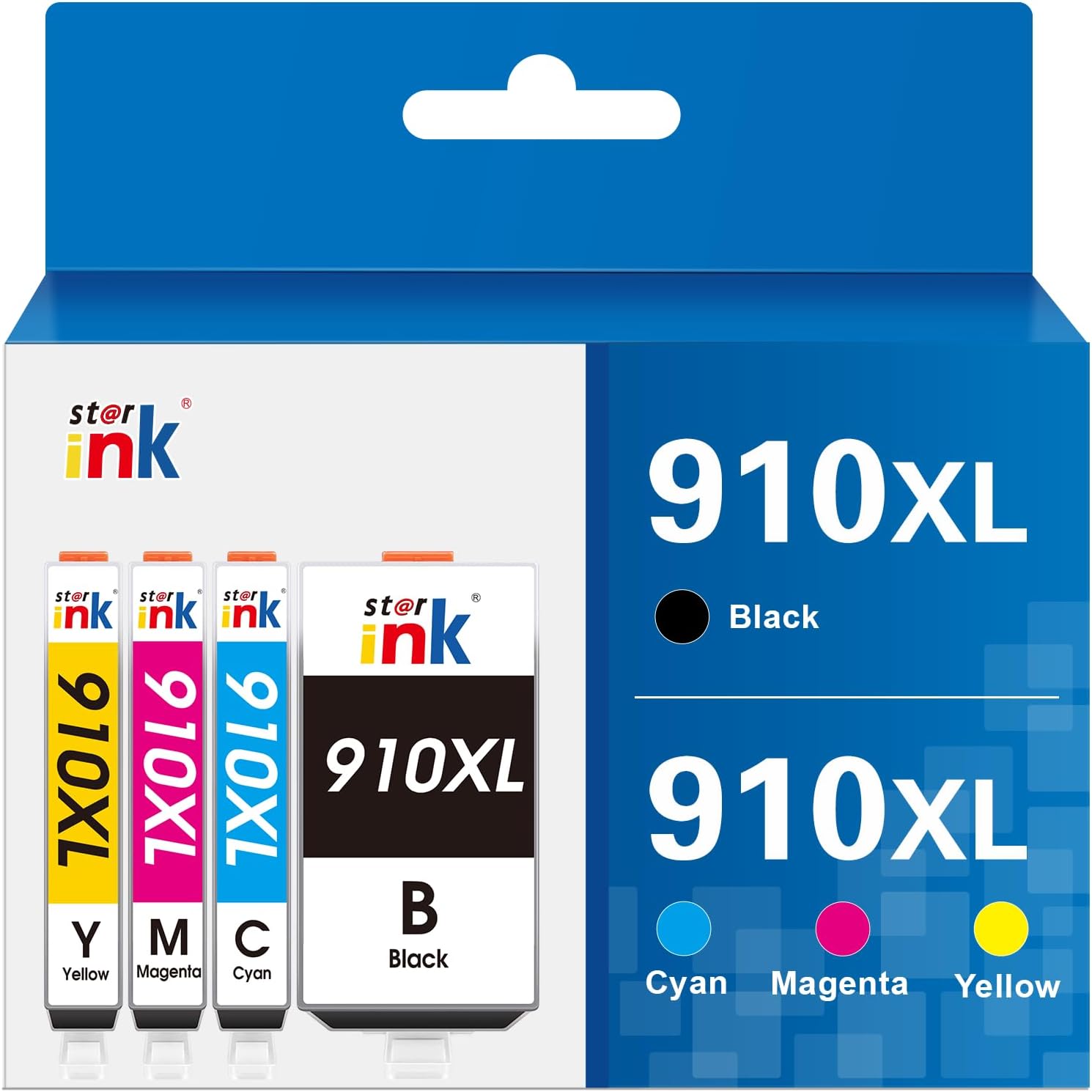
About Linford HP 910XL Compatible Ink Cartridges — 4-Pack (Black, Cyan, Magenta, Yellow)
Print more, spend less. Linford's HP 910XL 4-pack gives you high-yield ink for your HP OfficeJet at a fraction of OEM cost — backed by a lifetime warranty.
🛒 Extra 20% Off — Auto-Applied at Checkout on Orders Over $30. No Code Needed.
What's in the Box
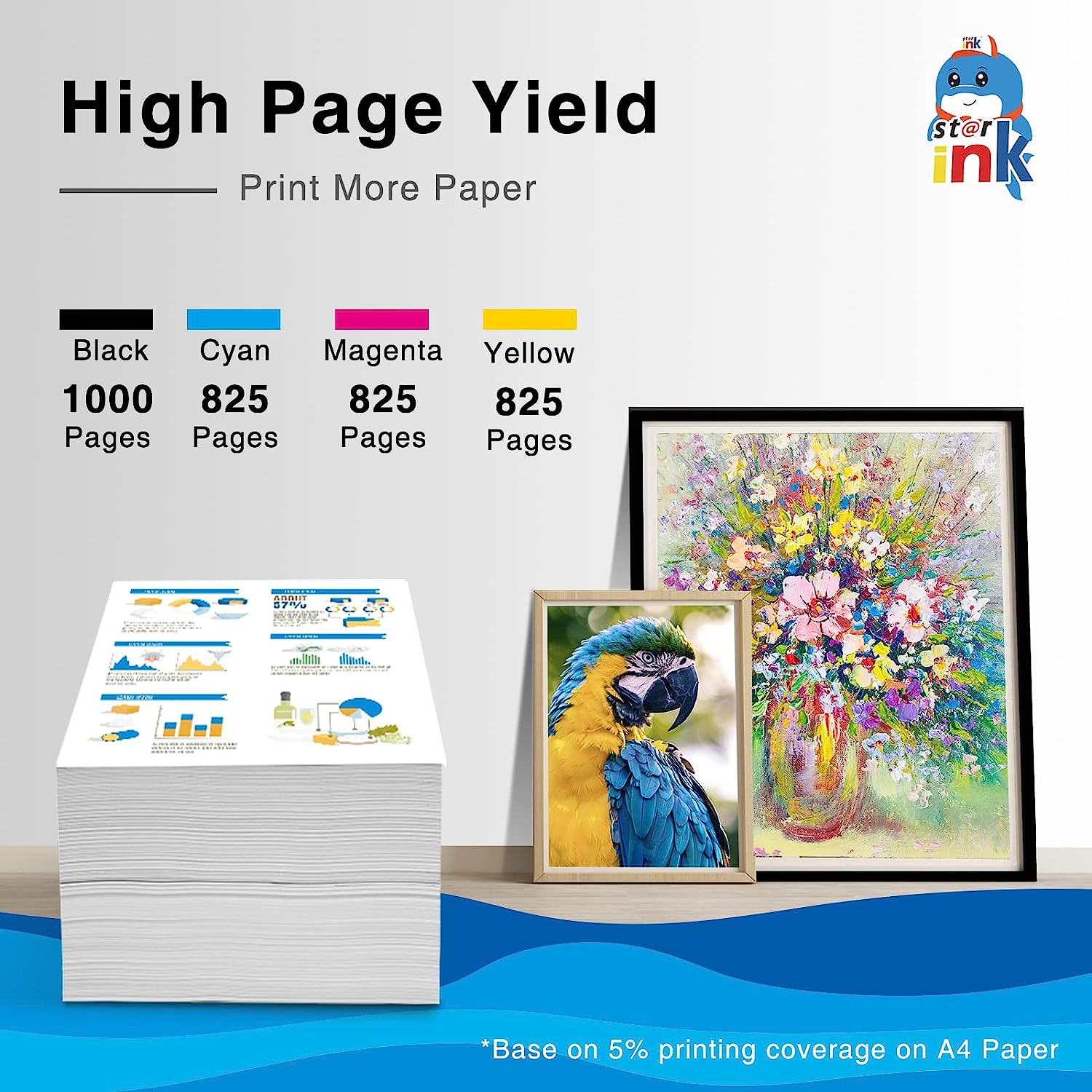
| Cartridge | OEM Number | Color | Page Yield |
|---|---|---|---|
| 1 × HP 910XL Black | 3YL65AN | Black | 825 pages |
| 1 × HP 910XL Cyan | 3YL62AN | Cyan | 825 pages |
| 1 × HP 910XL Magenta | 3YL63AN | Magenta | 825 pages |
| 1 × HP 910XL Yellow | 3YL64AN | Yellow | 825 pages |
| Total | 3,300 pages |
Page yield measured at 5% coverage per ISO standards.
⚠️ HP Firmware Warning — Important
HP periodically pushes firmware updates that can block third-party and compatible cartridges. Disable automatic firmware updates before installing to avoid compatibility issues.
Steps: Printer front panel → Setup → Printer Maintenance → Update the Printer → turn off Auto Update.
Or follow our detailed guide: How to Disable HP Firmware Updates
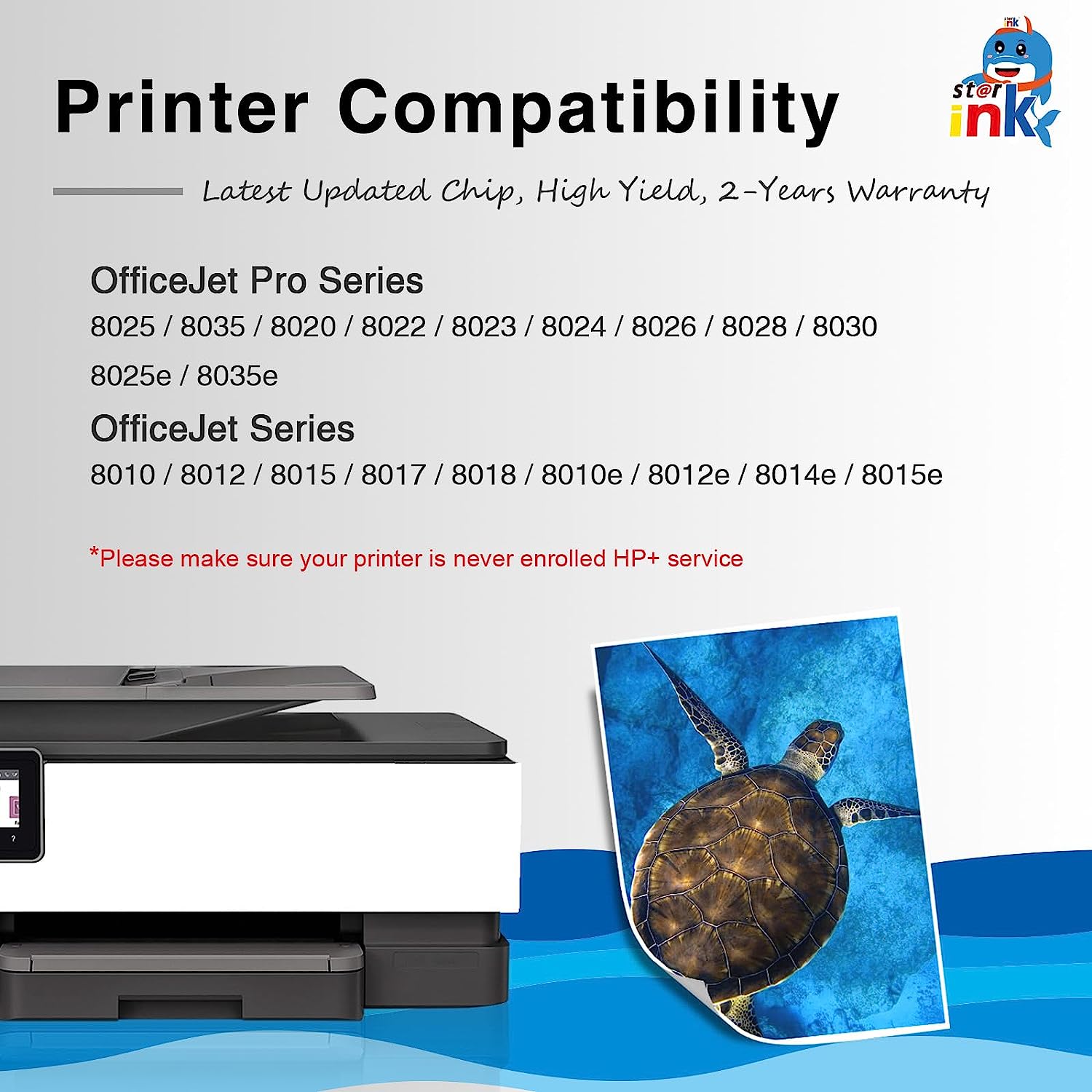
⚠️ HP+ and e-Series Printers Not Compatible
Printers ending in "e" (e.g., OfficeJet Pro 8025e, 8028e) are HP+ printers requiring Original HP ink. Compatible cartridges will not work with HP+ printers. Check your exact model before ordering.
Compatible Printers
| HP OfficeJet Series | HP OfficeJet Pro Series |
|---|---|
| OfficeJet 8010 | OfficeJet Pro 8020 |
| OfficeJet 8012 | OfficeJet Pro 8021 |
| OfficeJet 8013 | OfficeJet Pro 8022 |
| OfficeJet 8014 | OfficeJet Pro 8024 |
| OfficeJet 8015 | OfficeJet Pro 8025 |
| OfficeJet 8017 | OfficeJet Pro 8028 |
| OfficeJet 8018 | OfficeJet Pro 8030 |
| OfficeJet 8022 | OfficeJet Pro 8035 |
⚠️ Models ending in "e" (8025e, 8028e, 8035e etc.) are HP+ — not compatible with third-party ink.
HP 910 vs HP 910XL — Which Should You Buy?
| HP 910 (Standard) | HP 910XL (High Yield) | |
|---|---|---|
| Black Page Yield | ~300 pages | ~825 pages |
| Color Page Yield | ~315 pages | ~825 pages |
| Compatible Printers | Same | Same |
| Best For | Occasional printing | Regular / office use |
| Cost Per Page | Higher | Lower |
The 910XL prints nearly 3× more pages per cartridge. If you print regularly, the XL pays for itself quickly.
Why Choose Linford?
- ✅ New compatible cartridges — not remanufactured, no refilling history
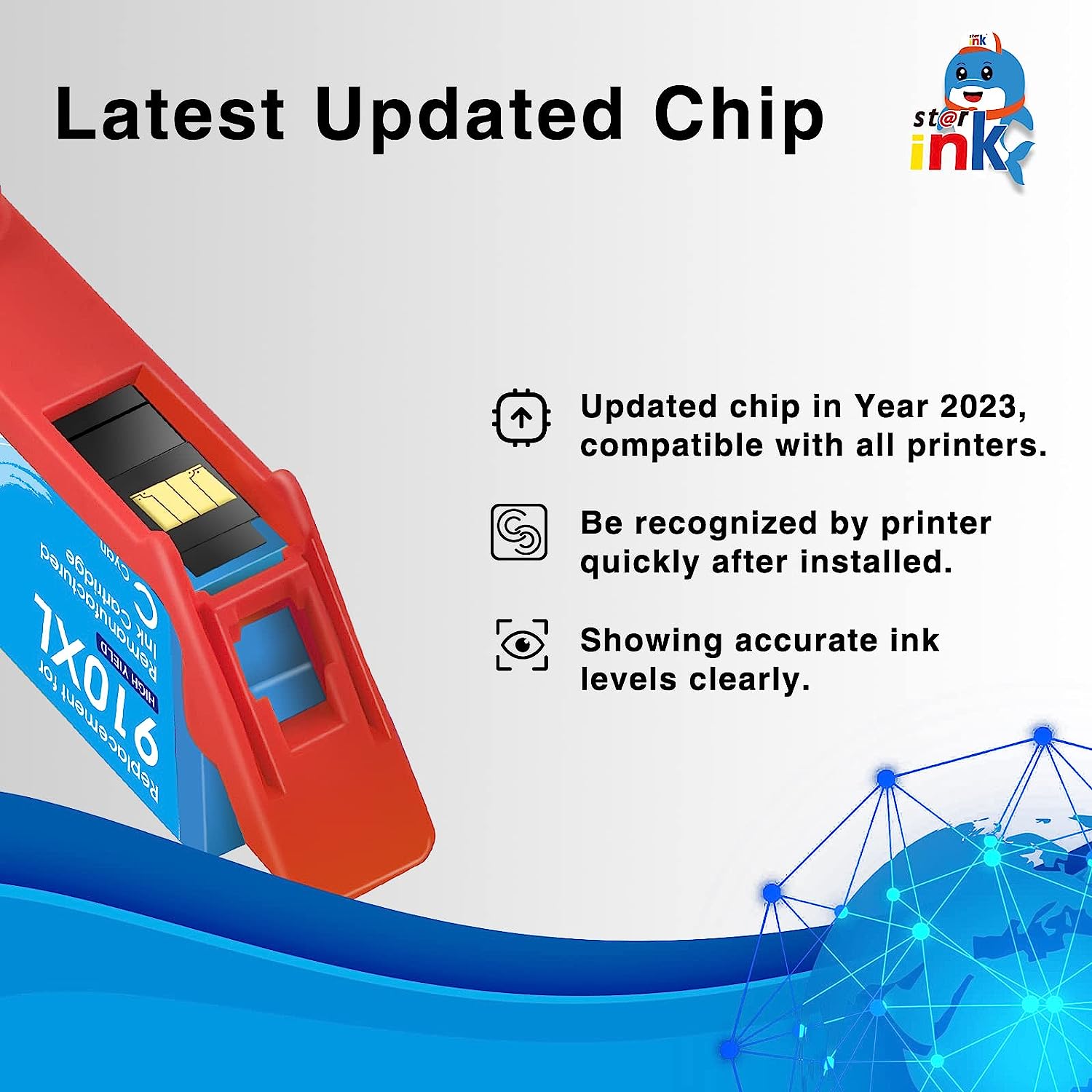
- ✅ Smart chip for accurate ink level display on all 4 colors
- ✅ Pigment-based ink for sharp text and fade-resistant documents
- ✅ Lifetime Warranty — defective cartridge? We replace it, no questions asked
- ✅ Free shipping on orders over $30
- ✅ Ships within 1–4 business days from our US warehouse
How to Install HP 910XL Ink Cartridges
- Turn on your HP printer — Make sure it is powered on before opening the cartridge door.
- Open the cartridge access door — The print carriage will move to the center automatically.
- Remove the old cartridge — Press the tab on the cartridge and pull it straight out. Set aside for recycling.
- Unpack the new 910XL cartridge — Remove from packaging. Do not touch the copper contacts or ink nozzles.
- Remove the protective tape — Peel off the orange tape from the nozzle area completely.
- Insert the cartridge — Slide into the correct color-coded slot and push until it clicks firmly.
- Repeat for all 4 cartridges — Install black, cyan, magenta, and yellow.
- Close the access door — The printer will automatically align the new cartridges.
- Print a test page — Confirm all colors are printing correctly.
"Cartridge not recognized" error? First, check that HP firmware auto-update is disabled (see warning above). Then remove the cartridge, clean the copper contacts with a dry lint-free cloth, and reinstall. Contact Linford support if the issue persists — covered by Lifetime Warranty.
FAQs
Q: What's the difference between HP 910 and HP 910XL? Both fit the same HP OfficeJet printers. The 910 is standard yield (300 pages black / 315 pages color); the 910XL is high yield (825 pages per cartridge for all colors). The XL prints about 2.7× more pages — a much better value for anyone printing regularly.
Q: Are these compatible with HP+ printers or e-series models? No. HP+ printers (models ending in "e") require Original HP ink cartridges. Compatible cartridges will not be recognized. If your printer is an 8025e, 8028e, or similar, this product will not work. Non-e-series models (8025, 8028, 8035 without the "e") are fully compatible.
Q: Will HP firmware updates block these cartridges? Yes, they can. HP's firmware updates have blocked compatible cartridges on some models. We strongly recommend disabling auto-update before installing. See our step-by-step firmware guide.
Q: Will using compatible ink void my HP printer warranty? No. Under the Magnuson-Moss Warranty Act, HP cannot void your printer warranty solely because you used a compatible or third-party ink cartridge.
Q: One of my cartridges leaked during installation. What should I do? Remove the cartridge, wipe clean the slot with a dry lint-free cloth, and install a replacement. Contact Linford support — leaking cartridges are covered under our Lifetime Warranty and we will send a replacement.
Q: How should I store unused cartridges? Store sealed cartridges upright in a cool, dry place away from direct sunlight. Linford HP 910XL cartridges have a shelf life of 18–24 months unopened.
HP, OfficeJet, 3YL65AN, and related model names are registered trademarks of HP Inc. Linford is not affiliated with or endorsed by HP Inc. Product names are used for compatibility identification only.