


Description
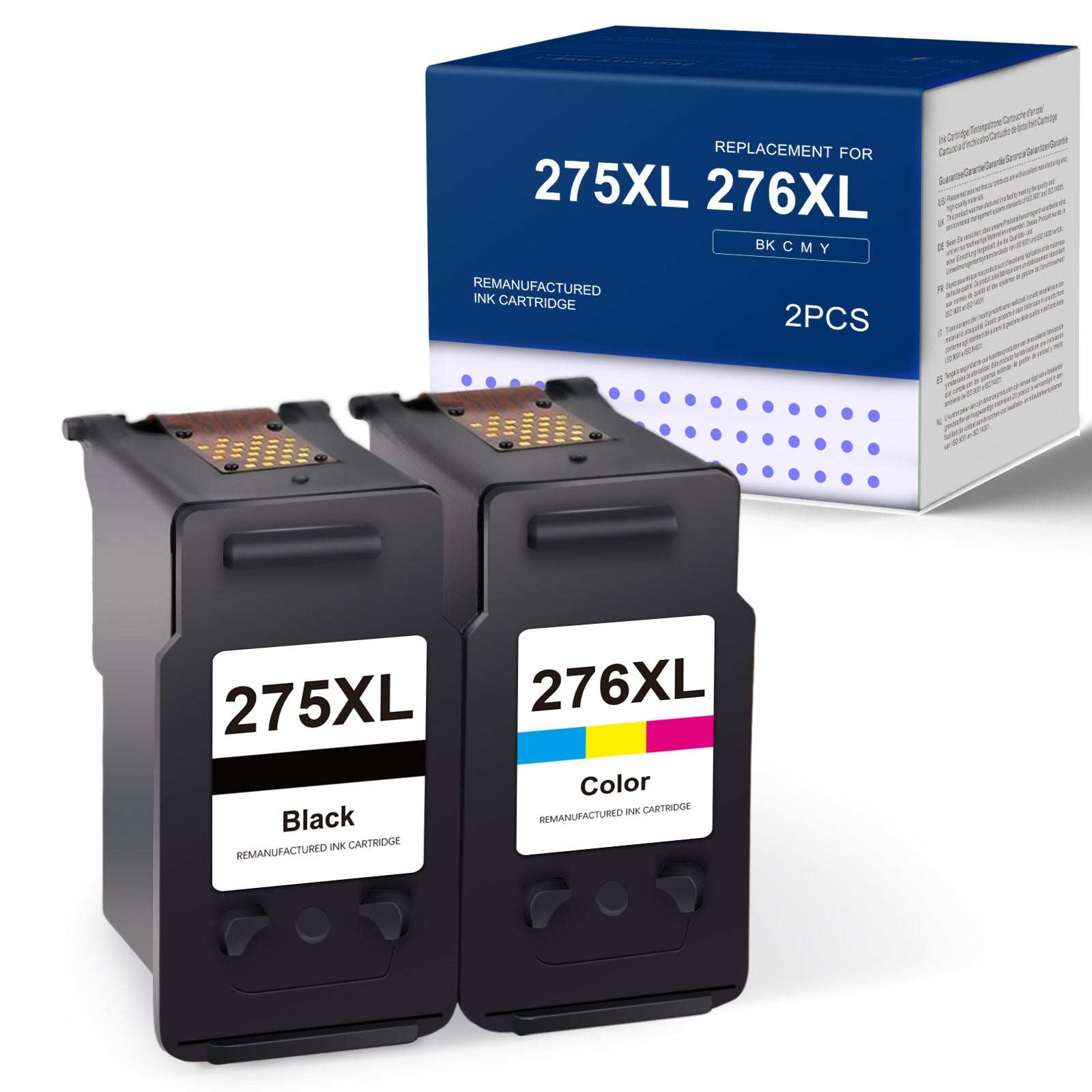
About Linford Compatible Canon PG-275XL CL-276XL Ink Cartridges — 2-Pack (1 Black + 1 Tri-Color)
A complete ink replacement set for your Canon PIXMA TS or TR series printer. Linford's compatible PG-275XL and CL-276XL deliver crisp black text and vibrant color at a fraction of the OEM cost — backed by a lifetime warranty.
🛒 Extra 20% Off — Auto-Applied at Checkout on Orders Over $30. No Code Needed.
What's in the Box
| Cartridge | OEM Number | Color | Page Yield |
|---|---|---|---|
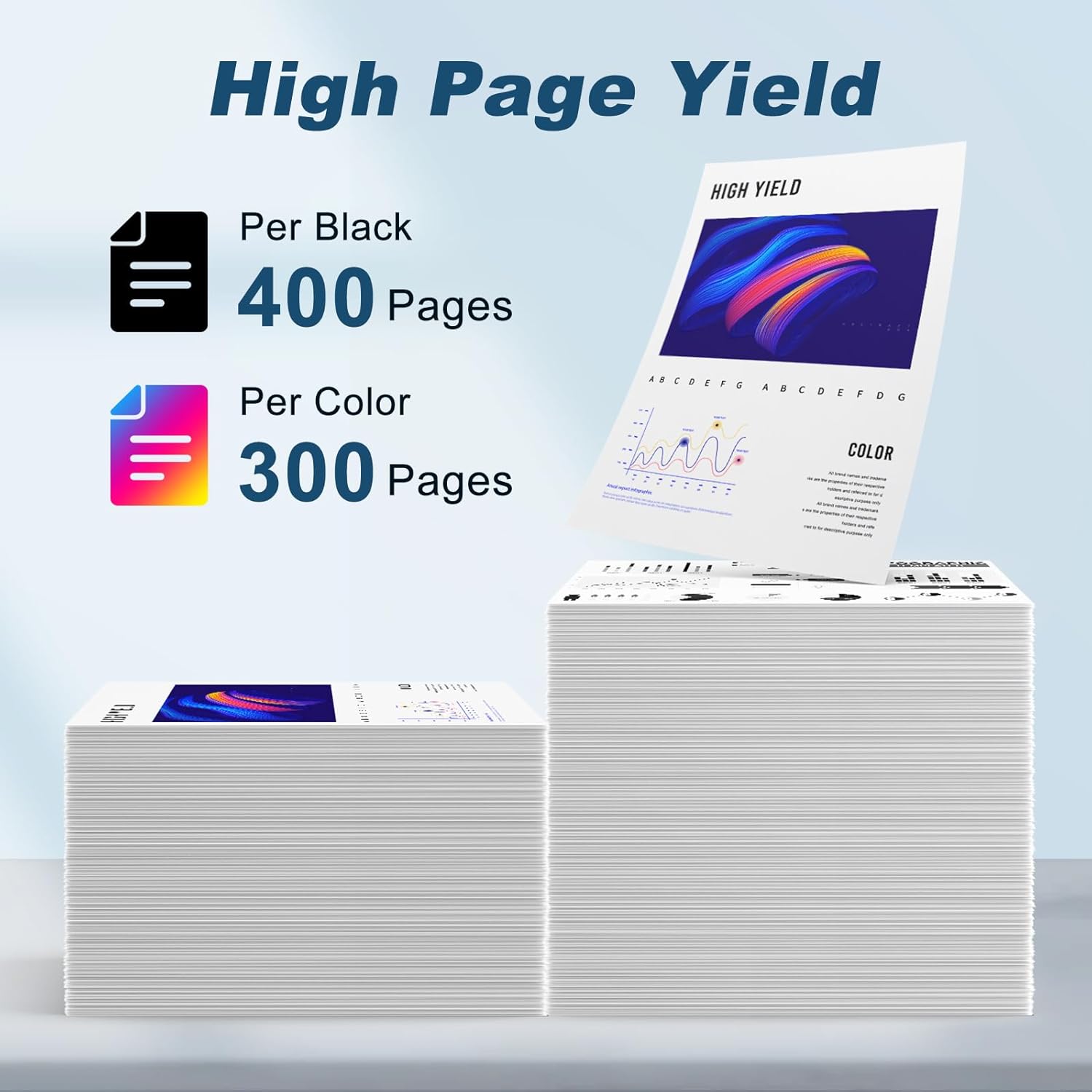
| 1 × Canon PG-275XL | PG-275XL | Black (Pigment) | 400 pages |
| 1 × Canon CL-276XL | CL-276XL | Tri-Color (C/M/Y Dye) | 300 pages |
Page yield measured at 5% coverage per ISO standards.
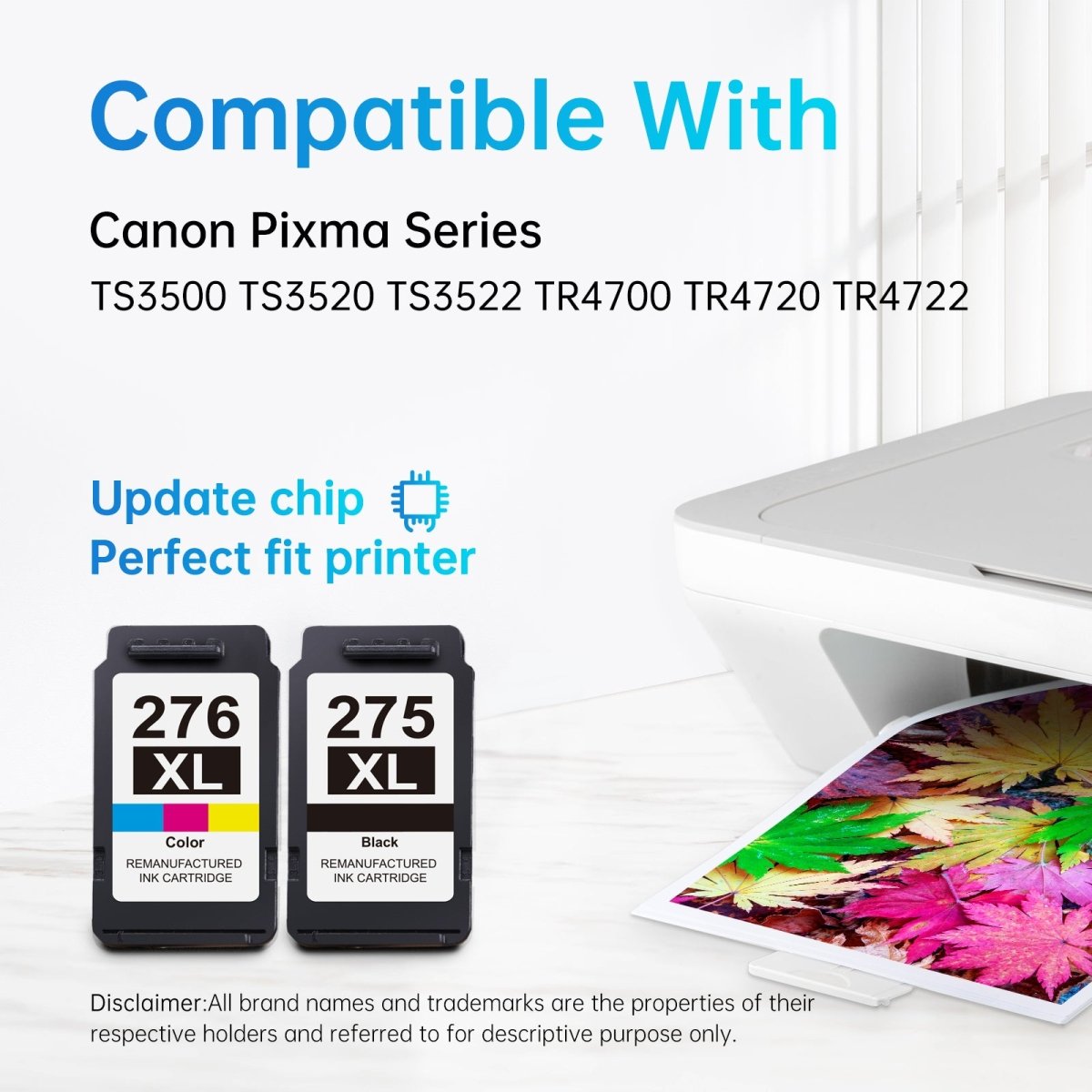
Compatible Printers
| Canon PIXMA TS Series | Canon PIXMA TR Series |
|---|---|
| PIXMA TS3500 | PIXMA TR4700 |
| PIXMA TS3520 | PIXMA TR4720 |
| PIXMA TS3522 | PIXMA TR4722 |
| PIXMA TS3524 |
Canon PG-275 vs PG-275XL — Which Should You Buy?
| PG-275 / CL-276 (Standard) | PG-275XL / CL-276XL (High Yield) | |
|---|---|---|
| Black Page Yield | ~180 pages | ~400 pages |
| Tri-Color Page Yield | ~150 pages | ~300 pages |
| Compatible Printers | Same | Same |
| Best For | Very occasional printing | Regular home use |
| Cost Per Page | Higher | Lower |
The XL versions print approximately 2× more pages than the standard cartridges — the better choice for anyone printing more than occasionally.
Why Choose Linford?
- ✅ Smart chip for accurate ink level display and seamless printer recognition
- ✅ Pigment-based black for sharp, smudge-resistant text; dye-based color for vivid output
- ✅ ISO9001-tested manufacturing for consistent quality
- ✅ Lifetime Warranty — defective cartridge? We replace it, no questions asked
- ✅ Free shipping on orders over $30
- ✅ Ships within 1–4 business days from our US warehouse
How to Install Canon PG-275XL / CL-276XL Ink Cartridges
- Power on the printer — Make sure the Canon PIXMA printer is on before opening the cartridge cover.
- Open the front cover — Lift the printer's front cover. The print head will move to the replacement position automatically.
- Release the old cartridge — Press the tab on the cartridge and pull it straight out. Set aside for recycling.
- Unpack the new cartridge — Remove from sealed packaging. Do not shake or squeeze.
- Remove the protective tape — Peel off the orange tape from the nozzle area completely. Do not touch the copper contacts or ink nozzles.
- Insert the black cartridge — Slide the PG-275XL into the right slot (marked with a black label) and push until it clicks.
- Insert the color cartridge — Slide the CL-276XL into the left slot (marked with a color label) and push until it clicks.
- Close the front cover — Lower the cover completely. The printer will initialize automatically.
- Print a test page — Confirm both cartridges are printing correctly.
"Cartridge not recognized" error? Remove the cartridge, gently clean the copper contacts with a dry lint-free cloth, and reinstall. Contact Linford support if the issue persists — covered by Lifetime Warranty.
FAQs
Q: What is the difference between Canon PG-275 and PG-275XL? Both fit the same Canon PIXMA printers. The PG-275XL is high-yield (~400 pages) vs. the standard PG-275 (~180 pages). Similarly, the CL-276XL yields ~300 pages vs. the standard CL-276 (~150 pages). The XL versions print approximately 2× more pages — more cost-effective for regular use.
Q: Which Canon PIXMA printers use PG-275XL and CL-276XL ink? Canon PIXMA TS3500, TS3520, TS3522, TS3524, and the TR series including TR4700, TR4720, and TR4722. See the full compatible printer list above.
Q: What type of ink is in the PG-275XL and CL-276XL? The PG-275XL uses pigment-based black ink — ideal for sharp, smudge-resistant, water-resistant text. The CL-276XL uses dye-based tri-color ink (cyan, magenta, yellow combined) — optimized for vibrant color prints and photos.
Q: Can I use these cartridges in the Canon TS3524? Yes. The Canon PIXMA TS3524 is fully compatible with both PG-275XL and CL-276XL cartridges.
Q: Will using compatible cartridges void my Canon printer warranty? No. Under the Magnuson-Moss Warranty Act, Canon cannot void your printer warranty solely because you used a compatible or third-party ink cartridge.
Q: How should I store unused cartridges? Store sealed cartridges upright in a cool, dry place away from direct sunlight. Linford Canon PG-275XL/CL-276XL cartridges have a shelf life of 18–24 months unopened.
Canon, PIXMA, PG-275XL, CL-276XL, and related model names are registered trademarks of Canon Inc. Linford is not affiliated with or endorsed by Canon Inc. Product names are used for compatibility identification only.


