



Payment & Security
Your payment information is processed securely. We do not store credit card details nor have access to your credit card information.
Description
Linford Remanufactured Epson 222 Ink Cartridges — 4-Pack (Black + Cyan + Magenta + Yellow)
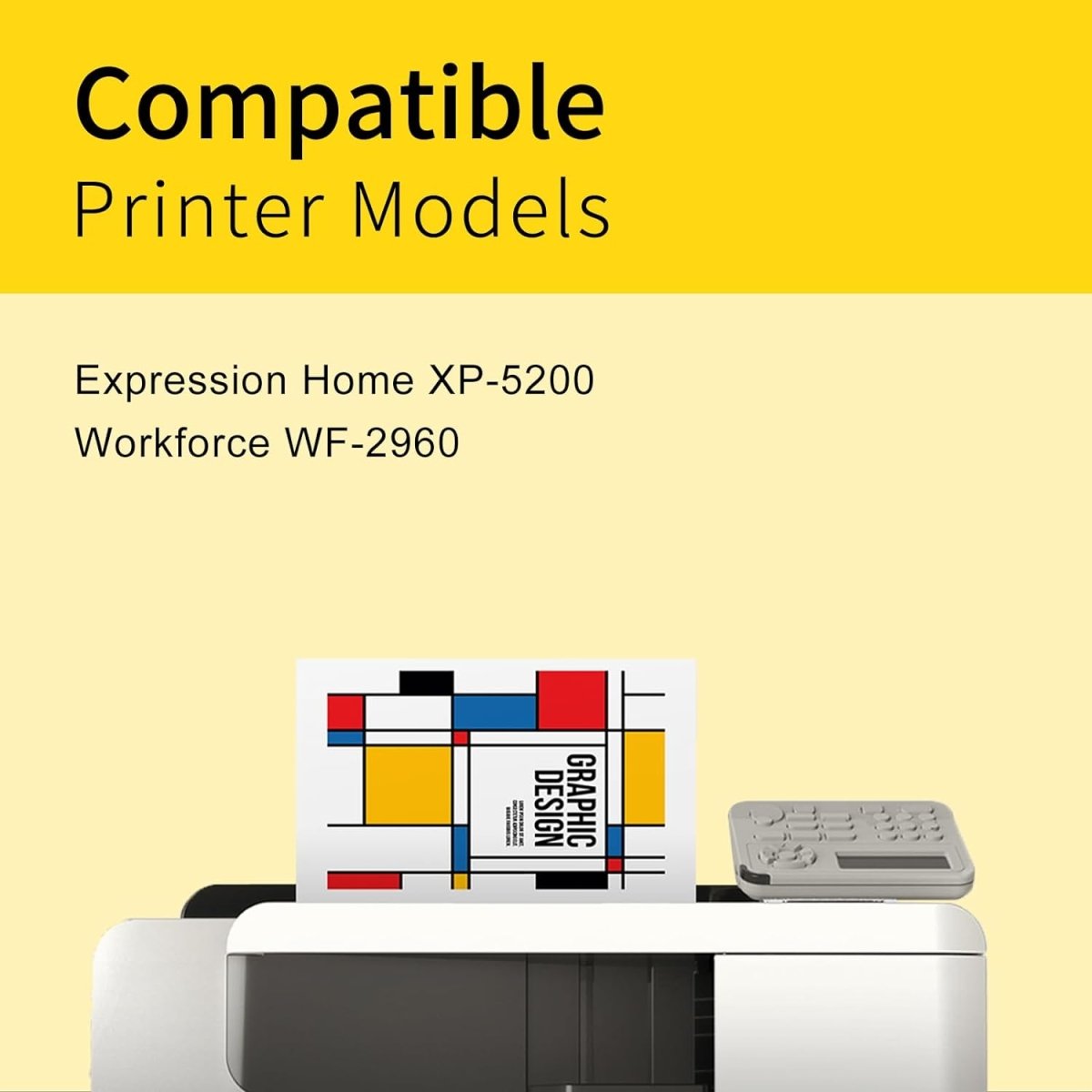
This 4-pack of remanufactured Epson 222 standard-yield ink cartridges covers all four colors for the Epson WorkForce WF-2960 and Expression Home XP-5200 printers. These are remanufactured cartridges — original Epson shells professionally cleaned, refilled with premium ink, and tested for quality. Backed by Linford's lifetime warranty.
Extra 20% off automatically applied at checkout — no code needed.
Need more pages per cartridge? The Epson 222XL high-yield version delivers approximately 550 pages for black — available here.
♻️ Eco-Friendly Choice: By choosing remanufactured cartridges, you're keeping original Epson cartridge shells out of landfills while saving significantly over OEM prices.
What's in the Box
| Cartridge | OEM Number | Color | Page Yield |
|---|---|---|---|
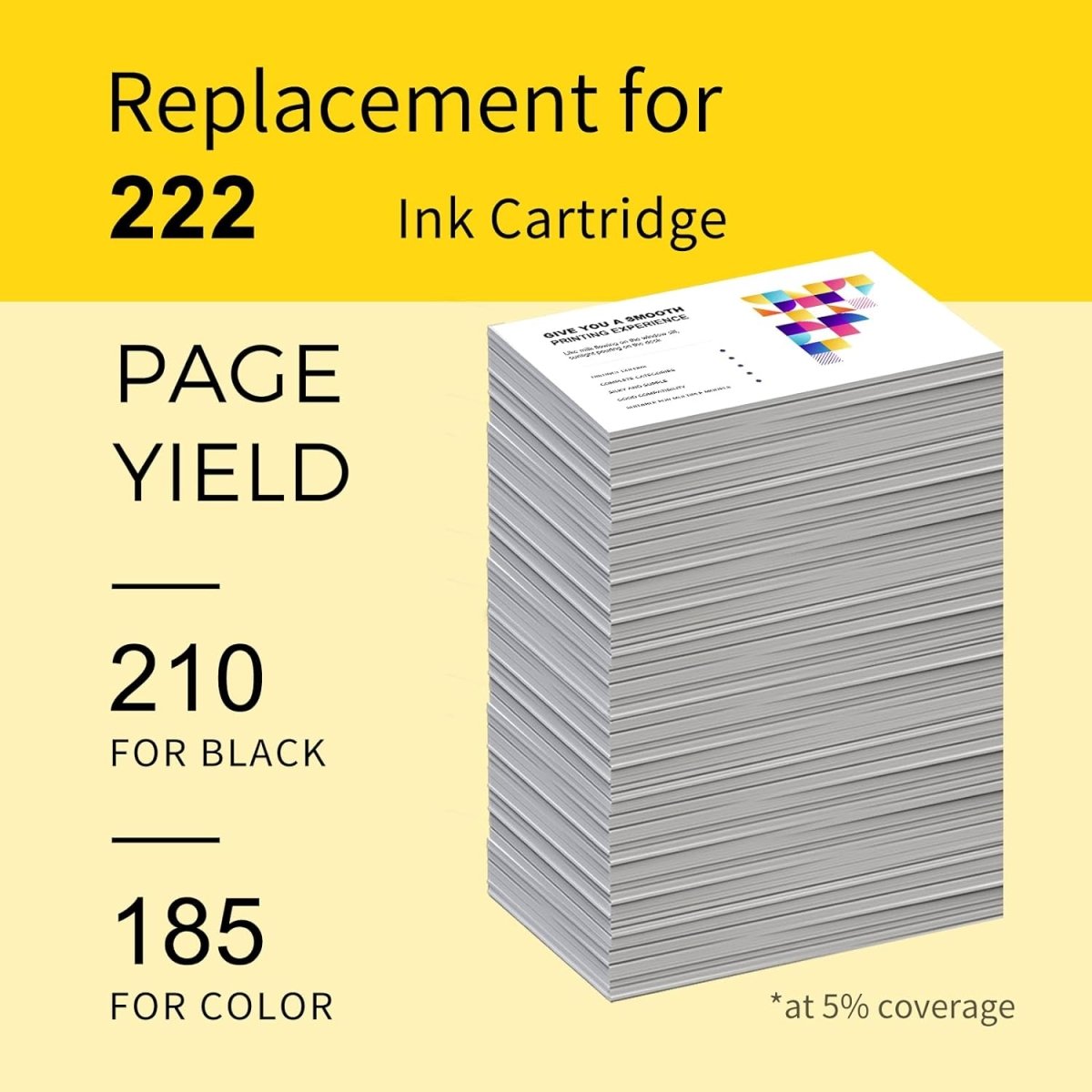
| 1 × Epson 222 Black | T222120-S | Black | ~210 pages |
| 1 × Epson 222 Cyan | T222220-S | Cyan | ~185 pages |
| 1 × Epson 222 Magenta | T222320-S | Magenta | ~185 pages |
| 1 × Epson 222 Yellow | T222420-S | Yellow | ~185 pages |
Page yield measured at 5% coverage per ISO testing standards (Letter/A4).
Epson 222 vs Epson 222XL: What's the Difference?
| Epson 222 (Standard Yield) | Epson 222XL (High Yield) | |
|---|---|---|
| Black Page Yield | ~210 pages | ~550 pages |
| Color Page Yield (each) | ~185 pages | ~185 pages (same) |
| Compatible Printers | Same | Same |
| Best For | Occasional printing | Regular home/office printing |
| Cost Per Page (Black) | Higher | Lower |
The 222XL black cartridge yields approximately 2.6× more pages than the standard 222 black at a lower cost per page. The color cartridge yield is identical in both versions. Both are fully interchangeable in WF-2960 and XP-5200 printers.
Compatible Epson Printers
| Series | Models |
|---|---|
| Epson WorkForce | WF-2960 |
| Epson Expression Home | XP-5200 |
Tip: Before ordering, confirm your current cartridge label shows 222 or 222XL. Both are interchangeable in these printers — the only difference is page yield.
How to Install Epson 222 Ink Cartridges
- Turn on your Epson printer and raise the scanner assembly — the ink cartridge holder will move to the replacement position
- Press the Stop button to move the cartridges to the center if needed
- Press the tab on the cartridge to release it and pull it out
- Remove the new 222 cartridge from its packaging and remove the yellow protective tape from the nozzle area completely — do not touch the chip or nozzles
- Insert the new cartridge into the correct color slot and push down firmly until it clicks
- Repeat for each cartridge being replaced
- Close the scanner assembly — the printer will run a brief initialization cycle
If your printer shows a "cartridge not recognized" error: Remove the cartridge, clean the chip contacts gently with a dry lint-free cloth, and reinstall. If the issue persists, contact our support team for a free replacement under lifetime warranty.
Frequently Asked Questions
What's in this 4-pack? One each of Epson 222 black (T222120-S, ~210 pages), cyan (T222220-S), magenta (T222320-S), and yellow (T222420-S) — each color ~185 pages at 5% coverage.
What is the difference between Epson 222 and 222XL? The 222XL is the high-yield black ink cartridge, yielding ~550 pages vs ~210 pages for the standard 222 black. The color cartridges have the same 185-page yield in both versions. Both are fully interchangeable in WF-2960 and XP-5200 printers.
What is a remanufactured ink cartridge? A remanufactured cartridge uses an original Epson cartridge shell that has been professionally cleaned, inspected, refilled with premium ink, and tested for quality — performing like a new cartridge at a fraction of the OEM price.
My Epson printer shows a "cartridge not recognized" message. Is that normal? Yes. Epson printers display this message when a non-OEM cartridge is detected. Press OK or Continue to proceed. It does not affect print quality.
Will using remanufactured cartridges void my Epson printer warranty? No. Under the Magnuson-Moss Warranty Act, Epson cannot void your printer warranty solely because you used a remanufactured ink cartridge.
How should I store unused cartridges? Store sealed cartridges upright in a cool, dry place away from direct sunlight. For best results, install within 18–24 months of purchase.
Linford Office is an independent supplier of remanufactured printer cartridges. Epson, 222, T222120-S, WorkForce, Expression Home, and related model names are trademarks of Seiko Epson Corporation, referenced here for compatibility purposes only.