


Description
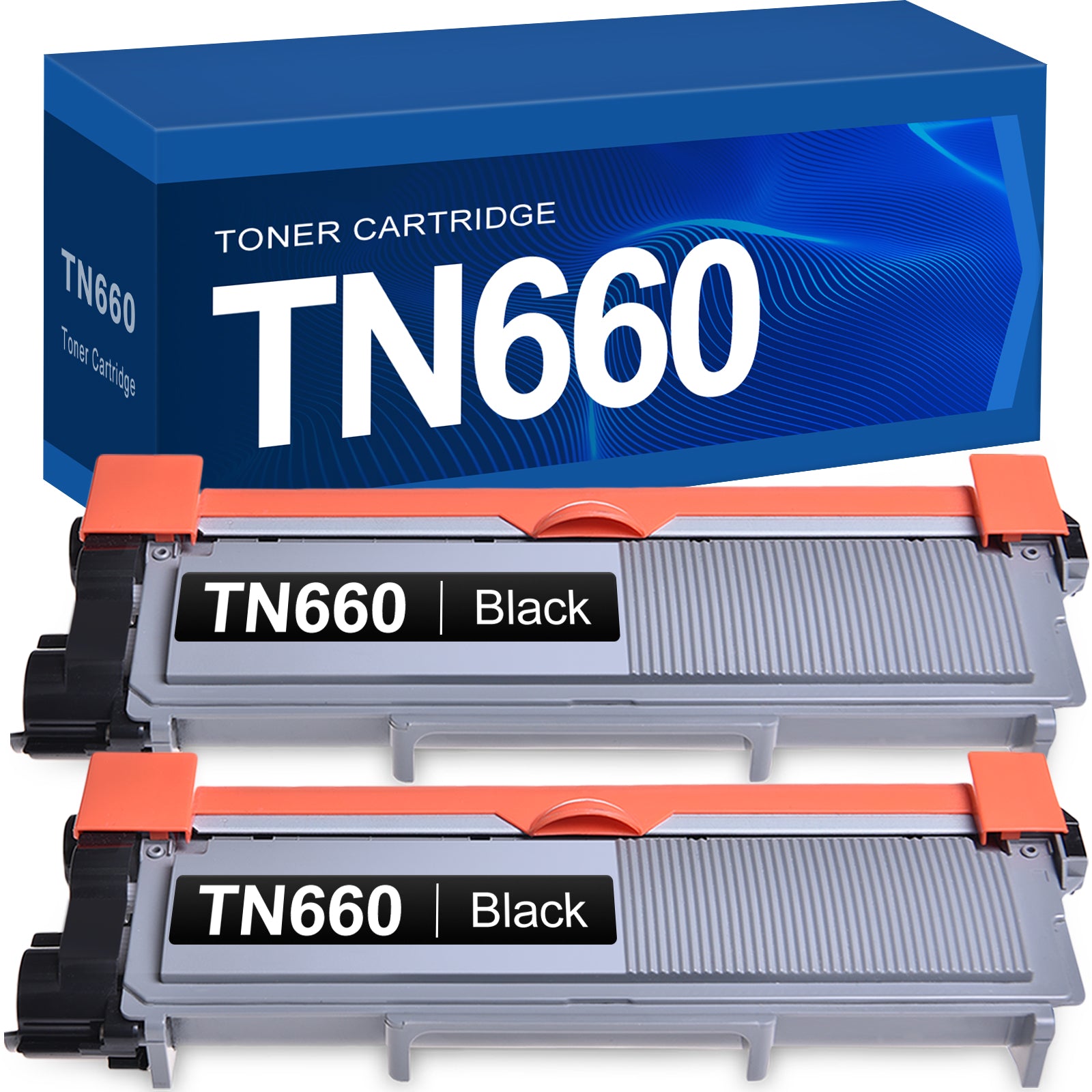
Linford Compatible Brother TN660 Toner Cartridges — High Yield Black 2-Pack
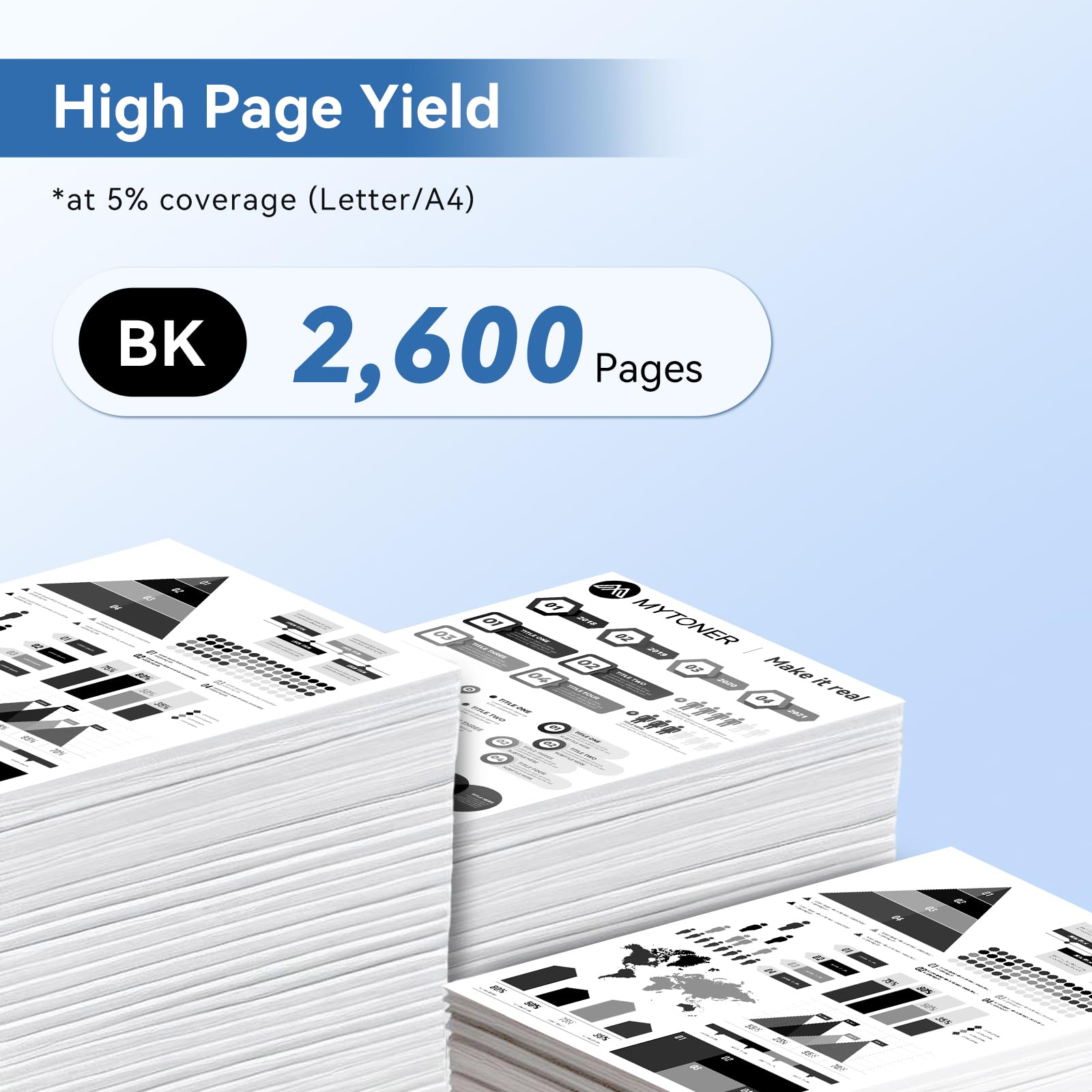
This 2-pack of compatible Brother TN660 toner cartridges delivers 2,600 pages per cartridge at 5% coverage — giving you a total of 5,200 pages from a single purchase. Each cartridge is a new-build compatible replacement (not refilled), manufactured to meet Brother's original print quality specifications. Backed by Linford's lifetime warranty.
Extra 20% off automatically applied at checkout — no code needed.
Note: This pack contains toner cartridges only. Your existing Brother DR630 drum unit stays in place — only the TN660 toner needs replacing.
What's in the Box
| Details | |
|---|---|
| Contents | 2 × Compatible Brother TN660 Black Toner Cartridges |
| OEM Equivalent | TN660 / TN-660 |
| Also Replaces | TN630 (standard yield version) |
| Page Yield | 2,600 pages each at 5% coverage |
| Total Yield | 5,200 pages |
| Cost Per Page | approximately 0.6 cents |
| Shelf Life | 18–24 months unopened |
Compatible Brother Printers
| Series | Models |
|---|---|
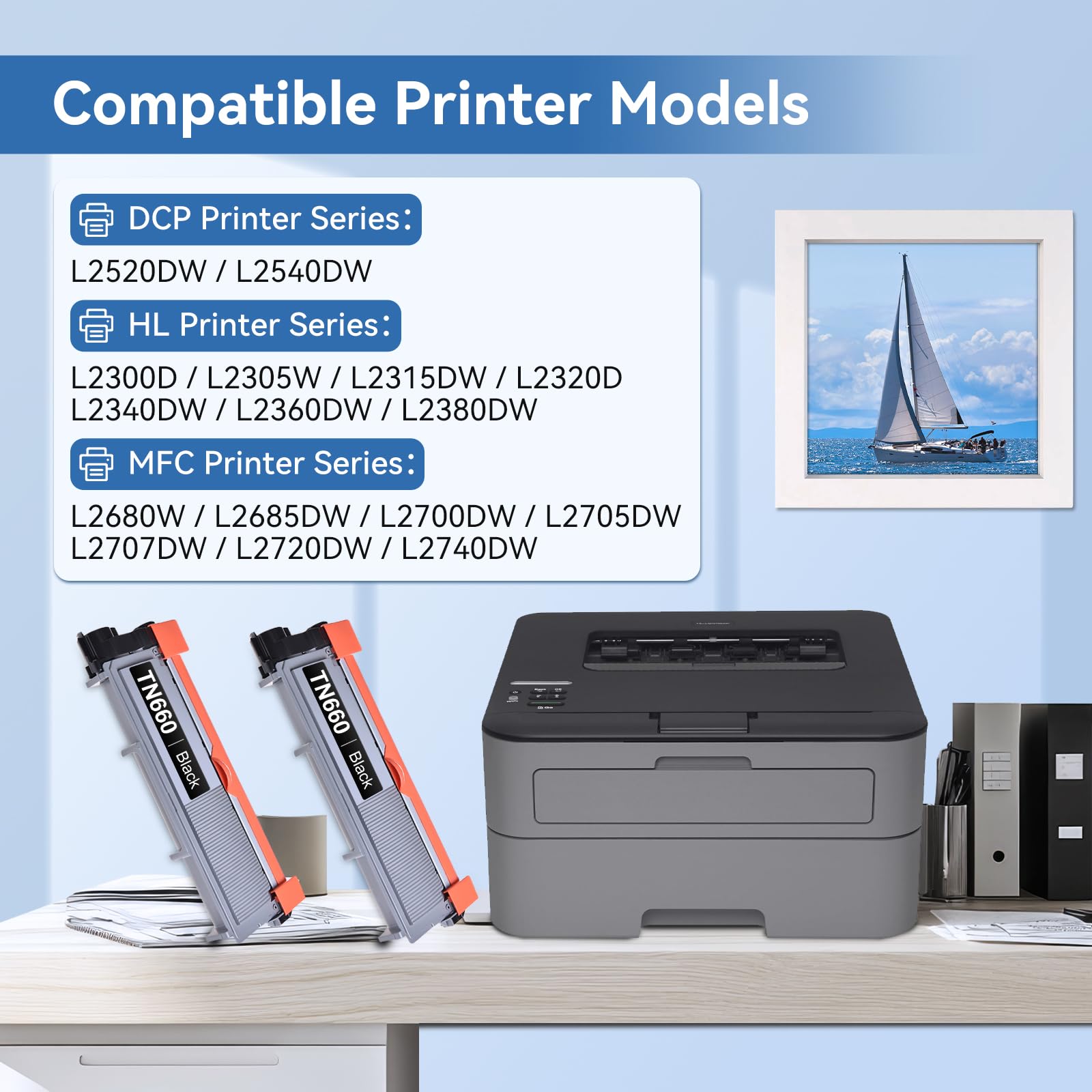
| Brother DCP | DCP-L2520DW · DCP-L2540DW |
| Brother HL | HL-L2300D · HL-L2305W · HL-L2320D · HL-L2340DW · HL-L2360DW · HL-L2380DW |
| Brother MFC | MFC-L2680W · MFC-L2685DW · MFC-L2700DW · MFC-L2705DW · MFC-L2707DW · MFC-L2720DW · MFC-L2740DW |
Not sure if your printer is compatible? Open the front cover of your Brother printer — the compatible toner number is printed on a label inside. If it shows TN660 or TN630, this cartridge fits.
TN660 vs TN630: What's the Difference?
Both cartridges fit the same printers, but TN660 is the high-yield version:
| TN630 | TN660 | |
|---|---|---|
| Yield Type | Standard | High Yield |
| Page Yield | ~1,200 pages | ~2,600 pages |
| OEM Price | ~$40–$45 | ~$55–$65 |
| Cost Per Page (OEM) | ~$0.037 | ~$0.023 |
| Compatible Printers | Same | Same |
TN660 prints 2× more pages than TN630 at a lower cost per page — making it the smarter choice for anyone who prints regularly.
TN660 Toner and DR630 Drum: Understanding the Difference
Your Brother printer uses two separate components that are often confused:
TN660 — Toner Cartridge: Contains the black toner powder that creates the image on the page. Replace when you see a "Toner Low" or "Replace Toner" message. Yields ~2,600 pages.
DR630 — Drum Unit: Transfers toner to paper and lasts much longer — typically through 3–4 toner replacements (~12,000 pages). Only replace when you see a "Replace Drum" message.
Need a DR630 drum unit? Shop the compatible DR630 here.
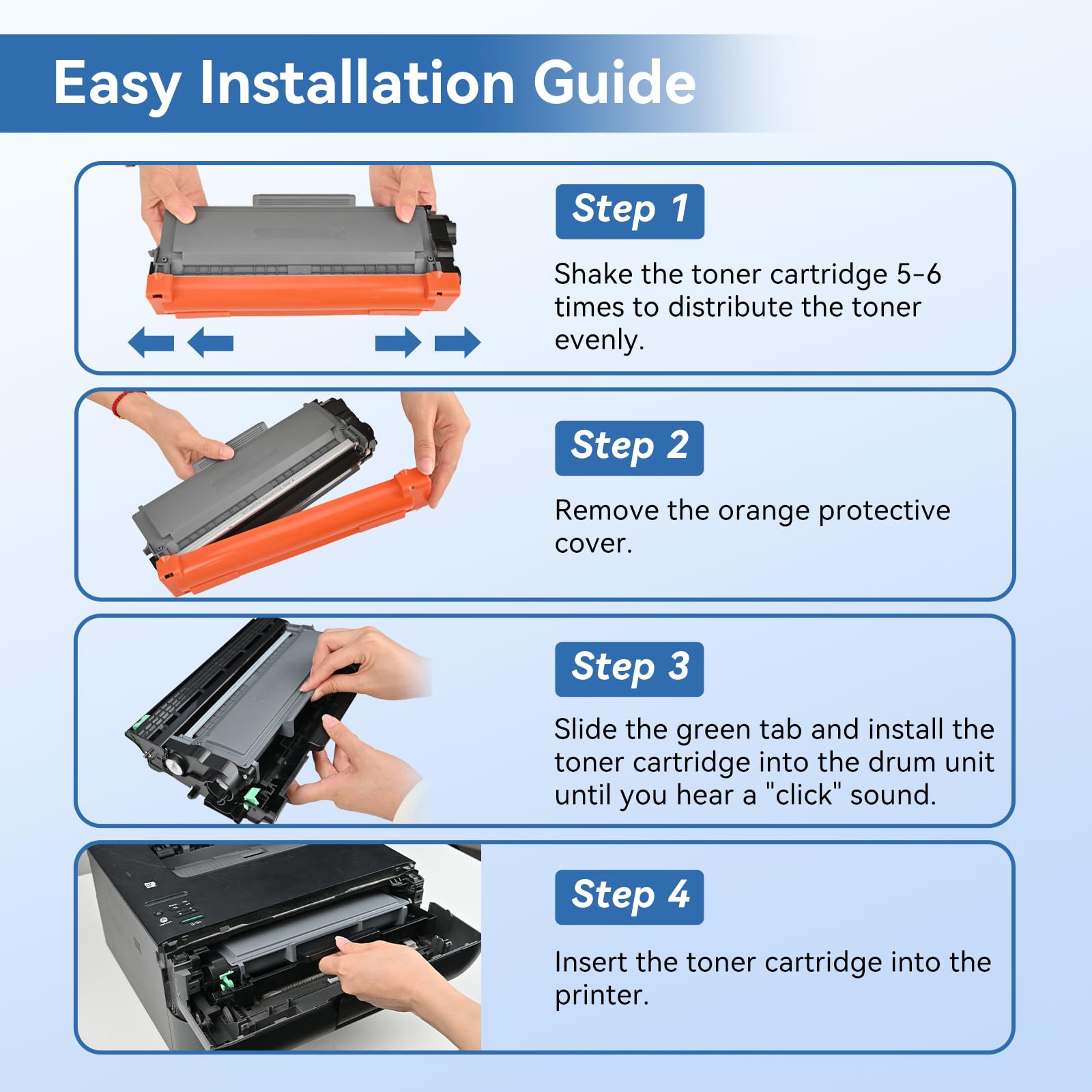
How to Install Brother TN660 Toner Cartridges
- Open the front cover of your Brother printer and pull out the drum and toner assembly together
- Press the green release tab on the left side of the toner cartridge and lift it out of the drum unit
- Remove the new TN660 from its packaging and rock it gently side to side 5–6 times to distribute the toner evenly
- Slide the new cartridge into the drum unit until it clicks firmly into place
- Reinsert the drum and toner assembly back into the printer
- Close the front cover — the printer initializes automatically
Tip: If your printer displays a "Non-Genuine Toner" message after installation, press OK or Go to dismiss it. This is a one-time notification that does not affect print quality.
Frequently Asked Questions
Is TN660 the same as TN630? No. They fit the same printers but have different yields. TN660 is the high-yield version (2,600 pages) and TN630 is standard yield (1,200 pages). You can use either — TN660 just gives you more pages per cartridge.
Does the TN660 require a drum unit? Yes. Brother printers that use TN660 require a separate DR630 drum unit. The drum unit is not included in this pack. Typically, you replace the toner 3–4 times before the drum needs replacing.
How do I know when to replace the drum vs the toner? Your printer will display different messages: "Toner Low" or "Replace Toner" means you need a new TN660 cartridge. "Replace Drum" means the DR630 drum unit needs replacing. They are separate consumables on different replacement schedules.
Will this cartridge void my Brother printer warranty? No. Under the Magnuson-Moss Warranty Act, Brother cannot void your printer warranty solely because you used a compatible cartridge.
How long will 2 cartridges last me? At 2,600 pages per cartridge, this 2-pack gives you 5,200 total pages. At 5% coverage (standard text documents), that's roughly 5–6 months for a home office printing 800–1,000 pages/month, or 2–3 months for a small business printing 2,000 pages/month.
How should I store unused cartridges? Store sealed cartridges in a cool, dry place away from direct sunlight. For best results, install within 18–24 months of purchase.
Linford Office is an independent supplier of compatible printer cartridges. Brother, TN660, TN630, DR630, and related model names are trademarks of Brother Industries, Ltd., referenced here for compatibility purposes only.
How to reset toner on Brother Printer TN660 DR630?
