


Payment & Security
Your payment information is processed securely. We do not store credit card details nor have access to your credit card information.
Description
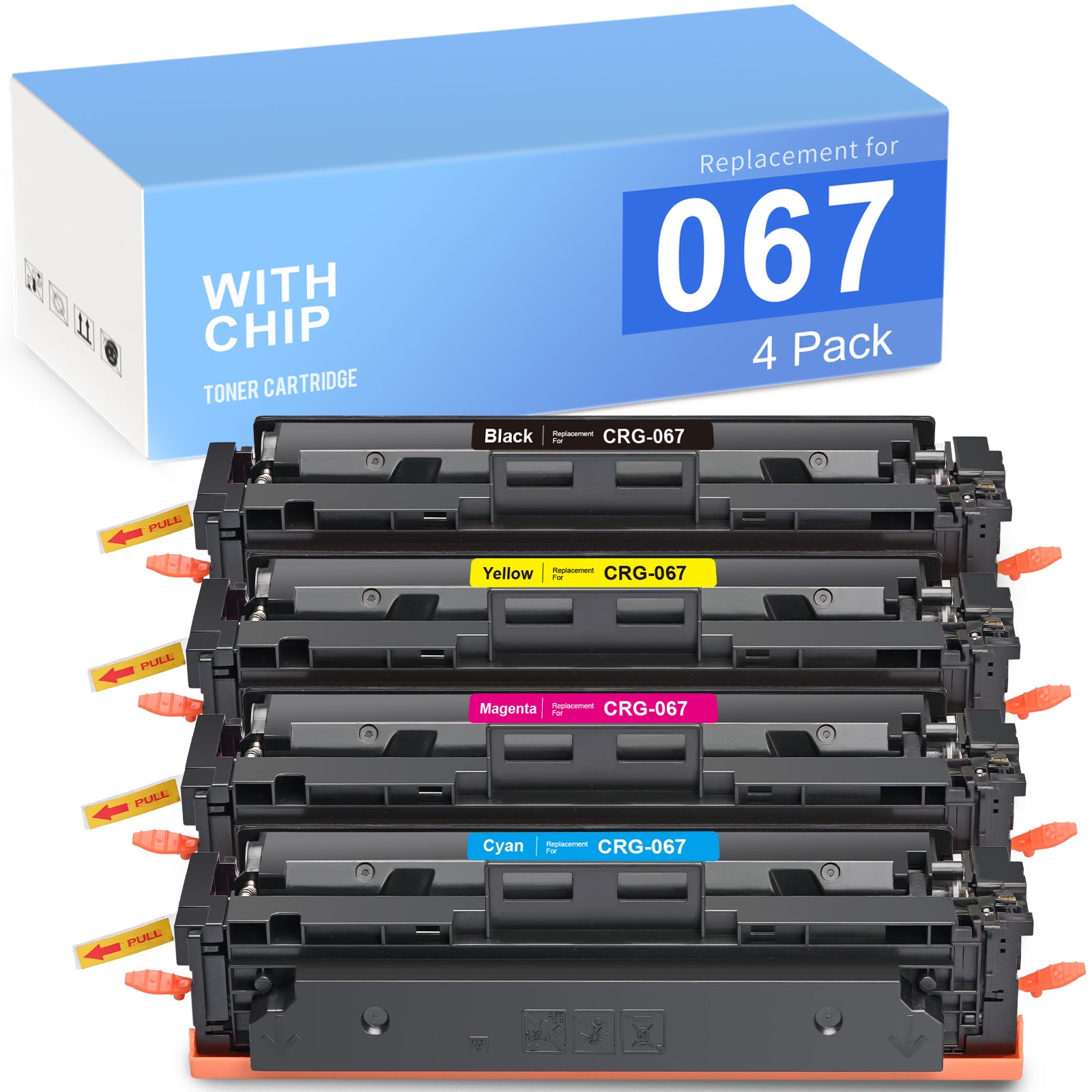
Linford Compatible Canon 067 Toner Cartridges with Chip — 4-Pack (Black + Cyan + Magenta + Yellow)
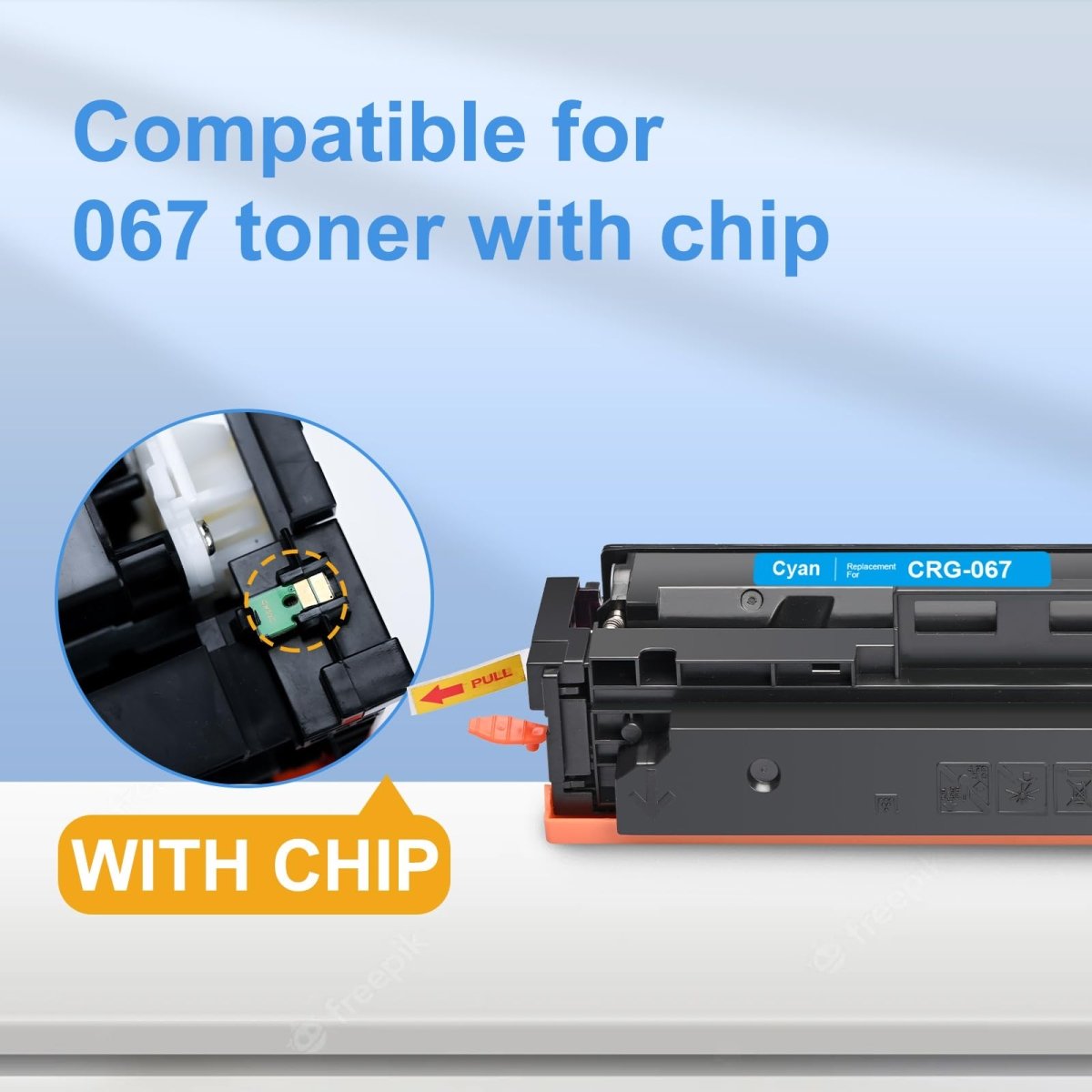
This 4-pack covers all four colors for Canon Color imageCLASS LBP632/633 and MF653/654/656 series printers. Each cartridge includes a pre-installed smart chip — no chip transfer required, ready to install straight from the box. Backed by Linford's lifetime warranty.
Extra 20% off automatically applied at checkout — no code needed.
Note: Canon's original 067 toner cartridge has been discontinued by Canon. Compatible cartridges from Linford are fully stocked and available for continued use with your printer.
What's in the Box
| Cartridge | OEM Number | Color | Page Yield |
|---|---|---|---|
| 1 × Canon 067 Black | 5102C001 | Black | ~1,350 pages |
| 1 × Canon 067 Cyan | 5101C001 | Cyan | ~1,250 pages |
| 1 × Canon 067 Magenta | 5100C001 | Magenta | ~1,250 pages |
| 1 × Canon 067 Yellow | 5099C001 | Yellow | ~1,250 pages |
Page yield measured at 5% coverage per ISO testing standards (Letter/A4).
Compatible Canon Printers
| Series | Models |
|---|---|
| Canon Color imageCLASS | LBP632Cdw · LBP633Cdw |
| Canon Color imageCLASS MF | MF653Cdw · MF654Cdw · MF656Cdw |
Tip: Before ordering, check the label on your current cartridge to confirm it shows 067 or 067H. Both series fit the same printers — see the comparison below.
Canon 067 vs Canon 067H: What's the Difference?
| Canon 067 (Standard Yield) | Canon 067H (High Yield) | |
|---|---|---|
| Black Page Yield | ~1,350 pages | ~3,130 pages |
| Color Page Yield (each) | ~1,250 pages | ~2,350 pages |
| Compatible Printers | Same | Same |
| Best For | Light to moderate printing | High-volume office printing |
| Cost Per Page | Higher | Lower |
The Canon 067H yields approximately 2× more pages and fits the same printers. For offices with regular color printing, the 067H delivers a meaningfully lower cost per page. Need the 067H instead? Shop Canon 067H 4-Pack here.
About the Smart Chip
Canon Color imageCLASS LBP632/633 and MF653/654/656 series printers require a chip on each toner cartridge. These Linford 067 compatible cartridges come with a pre-installed smart chip that supports toner level monitoring and seamless printer recognition.
No chip transfer needed. These cartridges are ready to use straight from the packaging — no need to remove a chip from your old OEM cartridge.
How to Install Canon 067 Toner Cartridges
- Open the front cover of your Canon Color imageCLASS printer
- Pull out the toner cartridge tray to access the slots
- Remove the old cartridge from the slot being replaced
- Take the new 067 cartridge from its packaging and shake it gently 5–6 times side to side to evenly distribute the toner
- Remove the protective pull tab and any protective covering completely
- Insert the new cartridge firmly into the correct color slot until it clicks into place
- Push the tray back in and close the front cover — if prompted with a non-genuine cartridge message, press OK to continue
If print density appears light: Remove the cartridge, gently rock it side to side to redistribute toner, reinstall and test again.
Frequently Asked Questions
Does this pack include all four colors? Yes. This 4-pack contains one each of Canon 067 black (5102C001), cyan (5101C001), magenta (5100C001), and yellow (5099C001) — all with pre-installed chips.
What is the difference between Canon 067 and 067H? Both fit the same printers. Canon 067 is standard yield (1,350 BK / 1,250 color pages); Canon 067H is high yield (3,130 BK / 2,350 color pages). The 067H delivers a lower cost per page for regular printing.
Are Canon 067 and 067H interchangeable? Yes. Both cartridges fit the same Canon imageCLASS printers. You can use either version in your printer — the only difference is page yield.
Do I need to transfer a chip from my old cartridge? No. Each cartridge in this pack comes with a pre-installed smart chip. There is no chip transfer needed.
My Canon printer shows a "non-genuine cartridge" message. Is that normal? Yes. Press OK to continue. Canon printers display this message whenever a non-OEM cartridge is detected. It does not affect print quality or printer function.
Will using compatible cartridges void my Canon printer warranty? No. Under the Magnuson-Moss Warranty Act, Canon cannot void your printer warranty solely because you used a compatible toner cartridge.
Linford Office is an independent supplier of compatible printer cartridges. Canon, 067, CRG-067, imageCLASS, and related model names are trademarks of Canon Inc., referenced here for compatibility purposes only.