How to install HP 67 ink cartridges in your HP DeskJet or Envy printer — it takes less than two minutes. This guide covers the full installation process, compatible printer models, and how to choose between the HP 67 and HP 67XL to get the best value for your printing needs.
HP 67 Ink Cartridges: What You Need to Know First
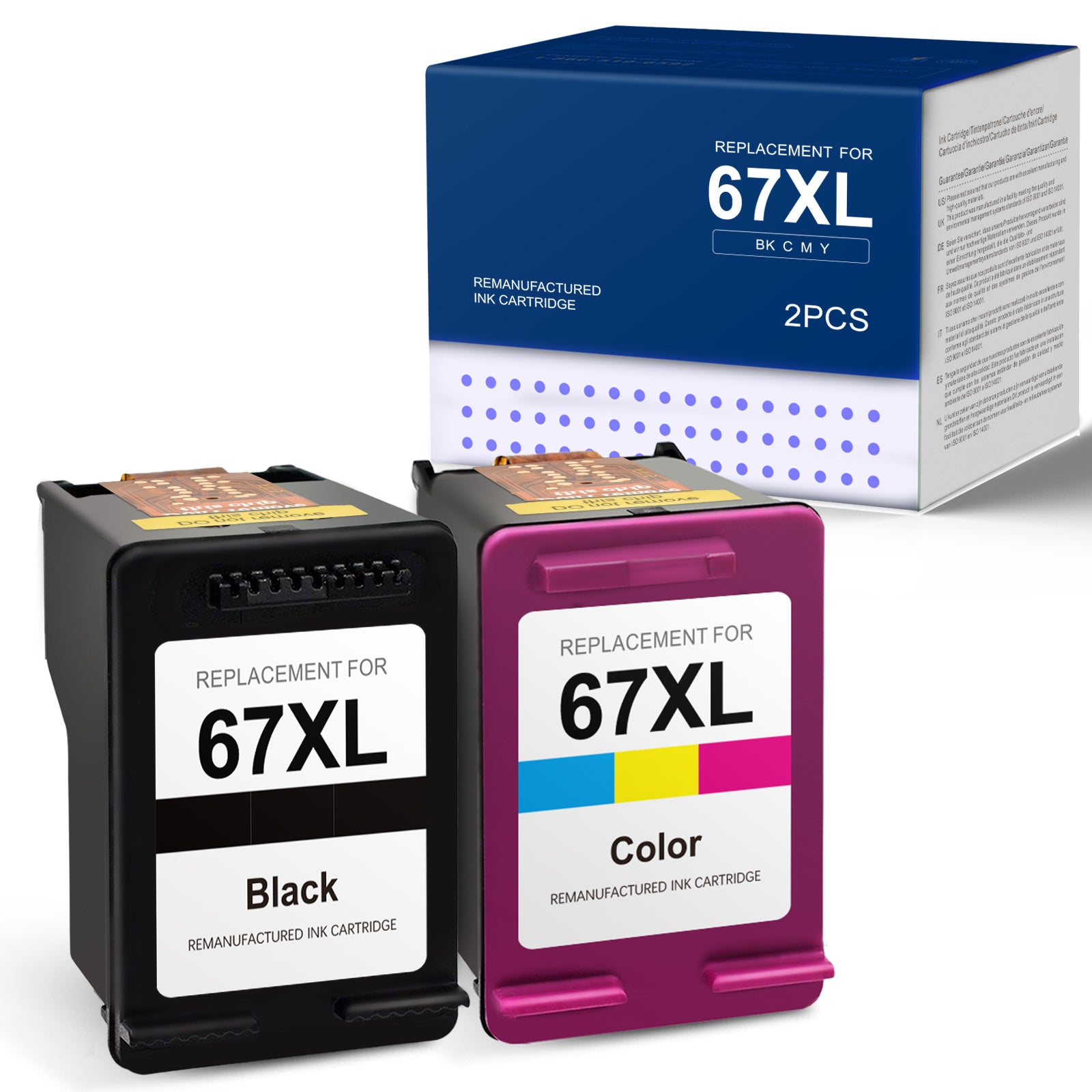
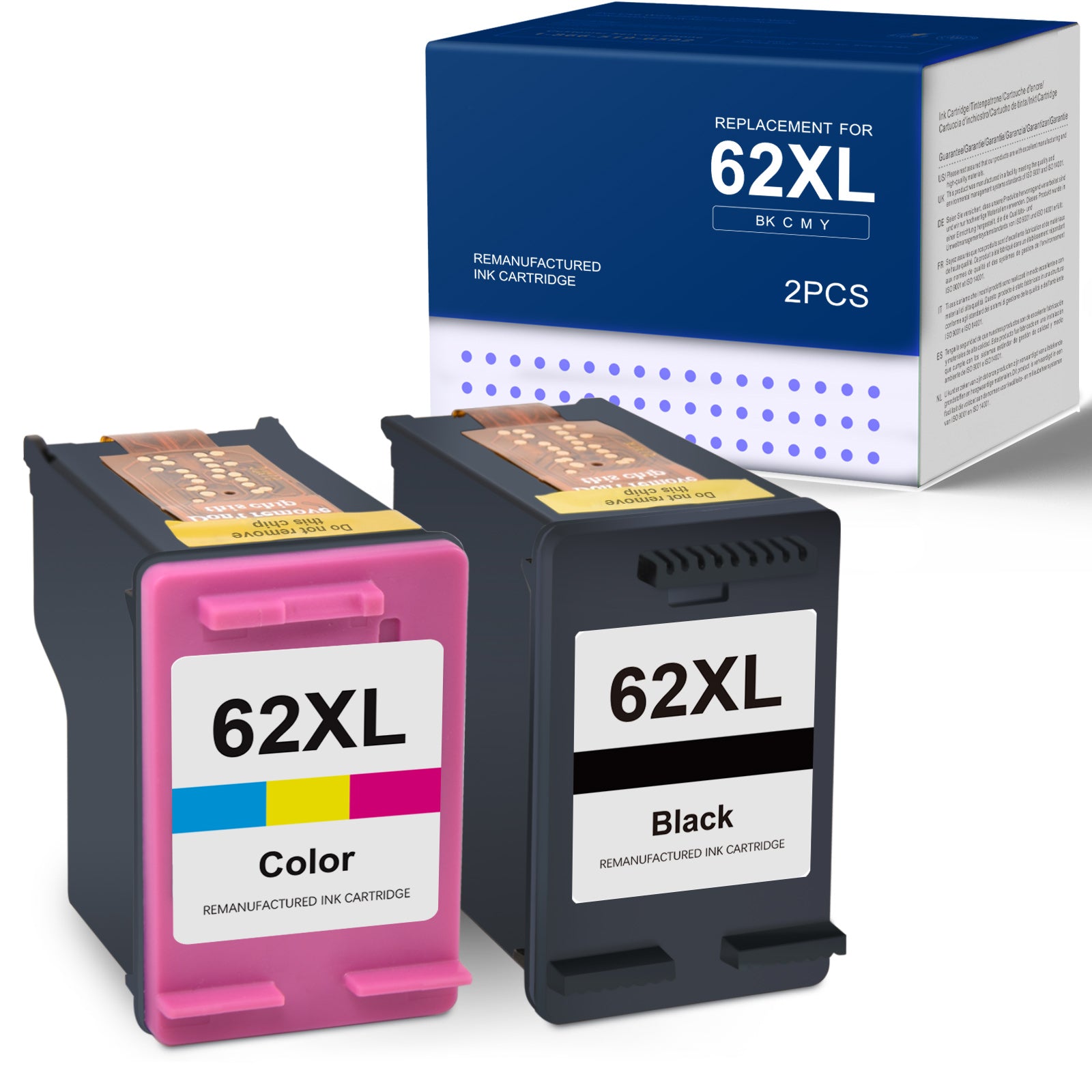
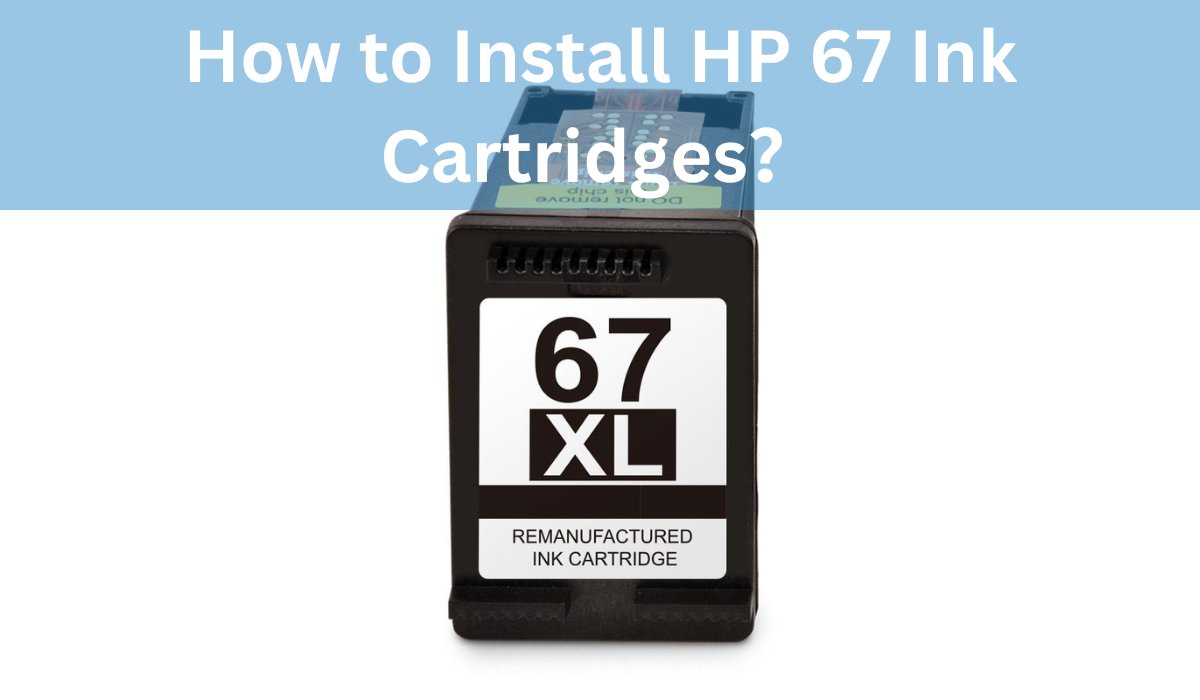
The HP 67 series includes two cartridges:
- HP 67 Black — uses pigment-based ink for sharp, fast-drying text
- HP 67 Tri-Color — uses dye-based cyan, magenta, and yellow ink for vibrant color prints and photos
Both come in standard yield (67) and high-yield (67XL) versions. They fit the same printers — the only difference is how many pages you get per cartridge.
HP 67 vs HP 67XL: Which Should You Buy?
| HP 67 (Standard) | HP 67XL (High Yield) | |
|---|---|---|
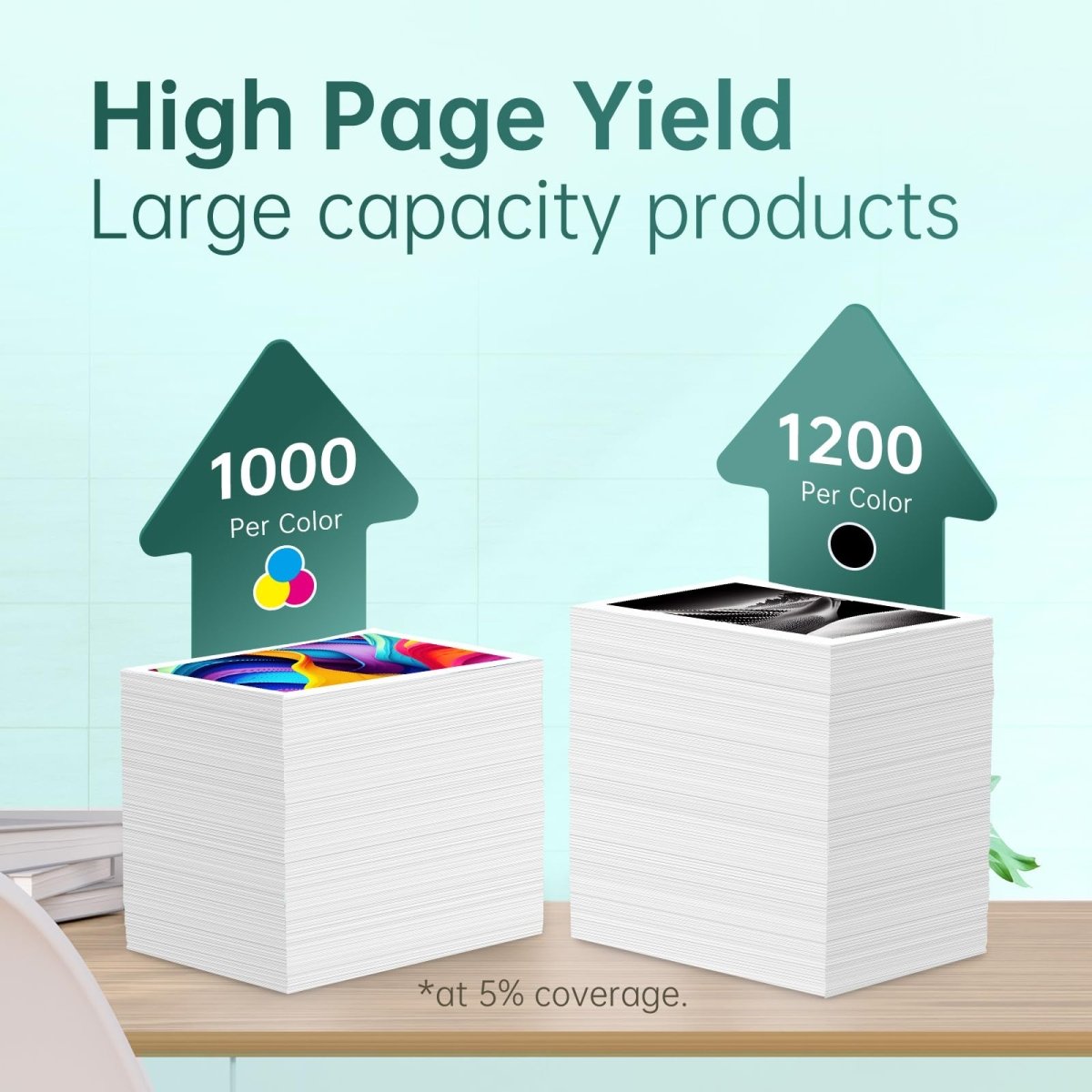
| Black Page Yield | ~120 pages | ~650 pages |
| Tri-Color Page Yield | ~100 pages | ~450 pages |
| OEM Black Price | ~$17.99 | ~$27.99 |
| OEM Cost Per Page (Black) | ~15 cents | ~4.3 cents |
| Best For | Occasional printing | Regular printing |
The 67XL is almost always the better value. At roughly the same price point, you get over 5× more pages from the black cartridge. The cost per page drops dramatically — making the XL version the smarter choice for anyone who prints more than occasionally.
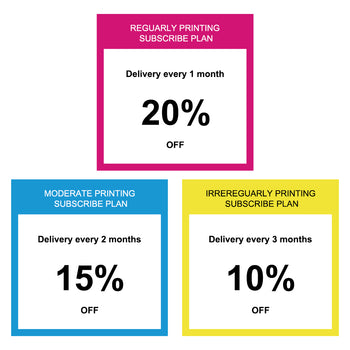
🎉 Extra 20% off automatically applied at checkout on orders over $30 — no code needed.
Compatible HP Printers
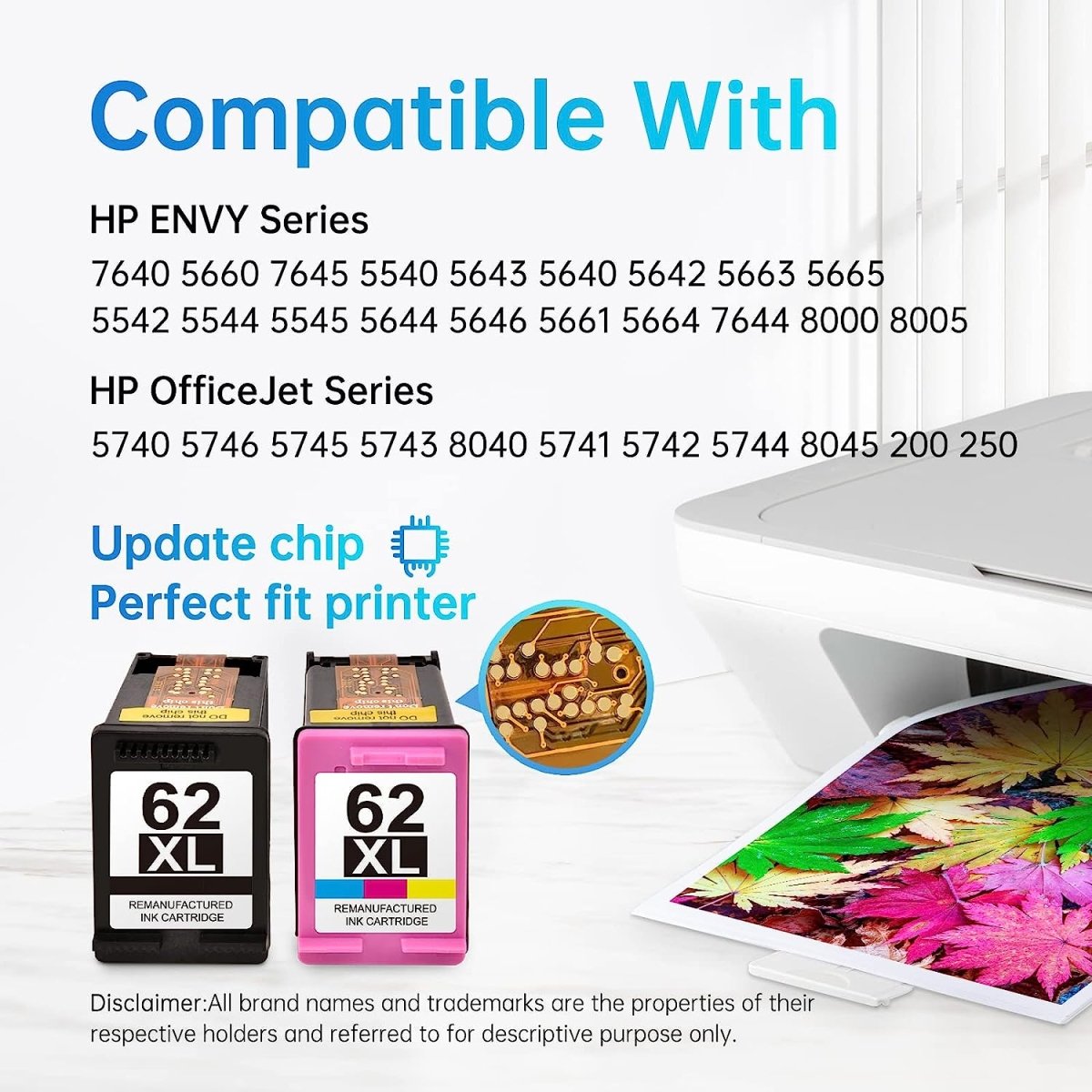
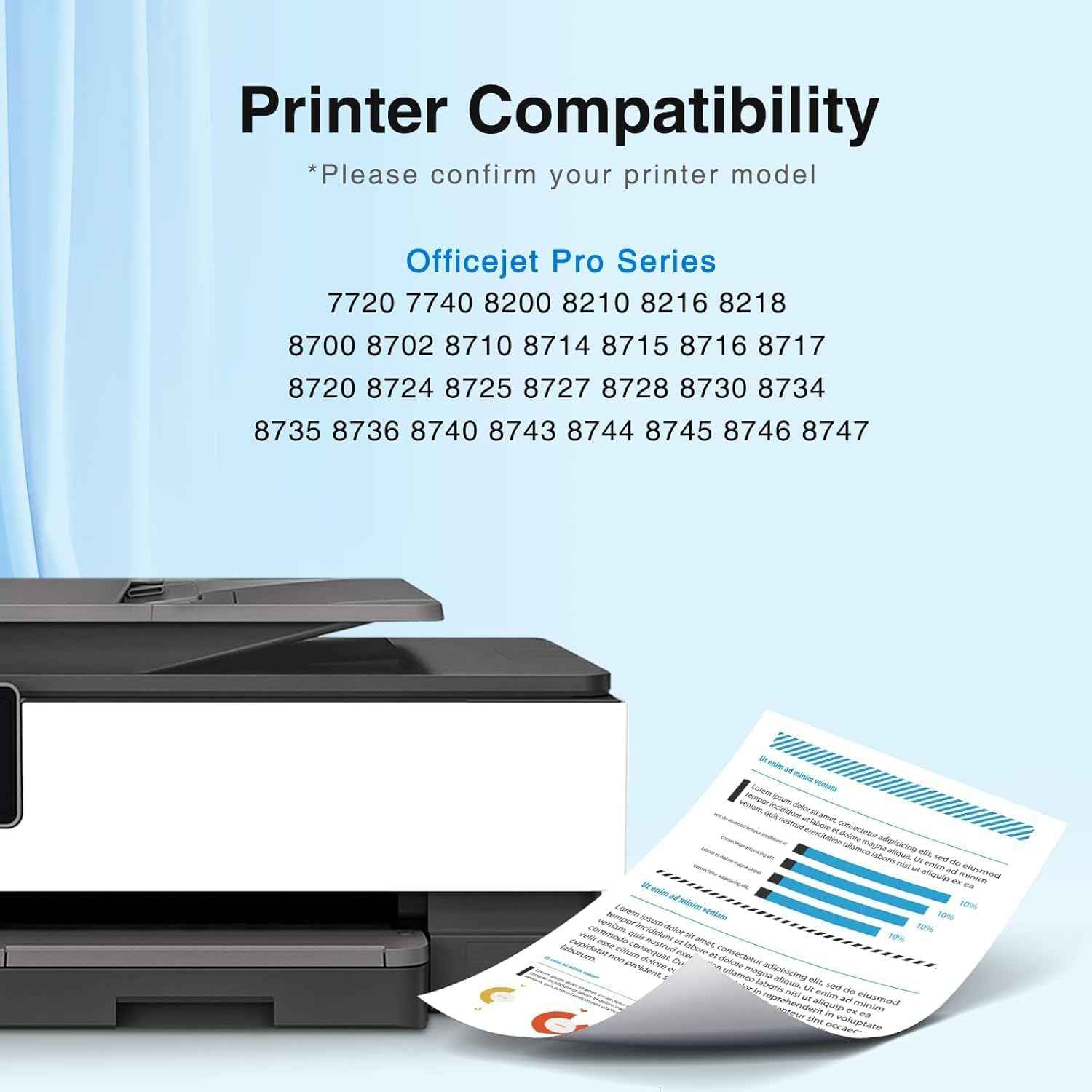
HP 67 and HP 67XL cartridges are compatible with the following printers:
HP DeskJet Series: 1255 · 2300 · 2722 · 2723 · 2724 · 2725 · 2755 · Plus 4122 · Plus 4123 · Plus 4132 · Plus 4140 · Plus 4152 · Plus 4155
HP Envy Series: 6030 · 6032 · 6034 · 6052 · 6055 · 6058 · 6075 · Pro 6430 · Pro 6452 · Pro 6455 · Pro 6458 · Pro 6464 · Pro 6475
Not sure if your printer is compatible? Check the label on your current cartridge or look inside the cartridge access door — the compatible cartridge series is printed on a label inside.
How to Install HP 67 Ink Cartridges (Step by Step)
Step 1: Prepare the new cartridge
- Remove the cartridge from its packaging
- Peel off the orange protective tape from the nozzle area completely — do not skip this step
- Do not touch the copper contacts or the ink nozzles
- If the contacts are smudged, wipe gently with a dry lint-free cloth
Step 2: Open the printer and access the cartridge slot
- Turn on your HP printer
- Open the top cover — the cartridge carriage will automatically move to the center replacement position
- Wait for the carriage to stop moving before proceeding
Step 3: Remove the old cartridge
- Lift the latch on the old cartridge slot
- Gently pull the old cartridge straight out and set it aside for recycling
Step 4: Insert the new cartridge
- Hold the new cartridge by the sides — avoid touching the contacts or nozzles
- Slide it into the correct slot:
- Black cartridge goes in the right slot
- Tri-color cartridge goes in the left slot
- Push down firmly until it clicks into place
- Close the latch to secure it
Step 5: Complete the installation
- Close the top cover
- The printer will initialize automatically — this takes 30–60 seconds
- Print a test page to confirm the cartridge is recognized and printing correctly
If your printer shows a "cartridge not detected" error: Remove the cartridge, clean the copper contacts gently with a dry lint-free cloth, and reinstall. Ensure the orange tape is fully removed. If the issue continues, contact Linford support for a free replacement under our lifetime warranty.
If your printer displays a "non-HP cartridge" or "used cartridge" message: Press OK or Continue. This is a standard HP notification when a non-OEM or remanufactured cartridge is installed. It does not affect print quality or printer function.
HP 67 and HP 67XL: Important Compatibility Note
HP periodically releases firmware updates that can affect third-party cartridge compatibility, particularly for HP+ enrolled printers (e-series models such as DeskJet 2755e, Envy 6055e).
- If your printer model does not end in "e" — these cartridges work normally
- If your printer ends in "e" and is enrolled in HP+ — it may be locked to OEM cartridges only
To avoid interruptions, we recommend disabling automatic HP firmware updates. Read our guide: How to Disable HP Firmware Updates →
Where to Buy HP 67 and HP 67XL Ink Cartridges
OEM HP 67 cartridges can cost $17–$28 each. Linford compatible and remanufactured cartridges deliver the same print quality at up to 60% less — with free US shipping and a lifetime warranty.
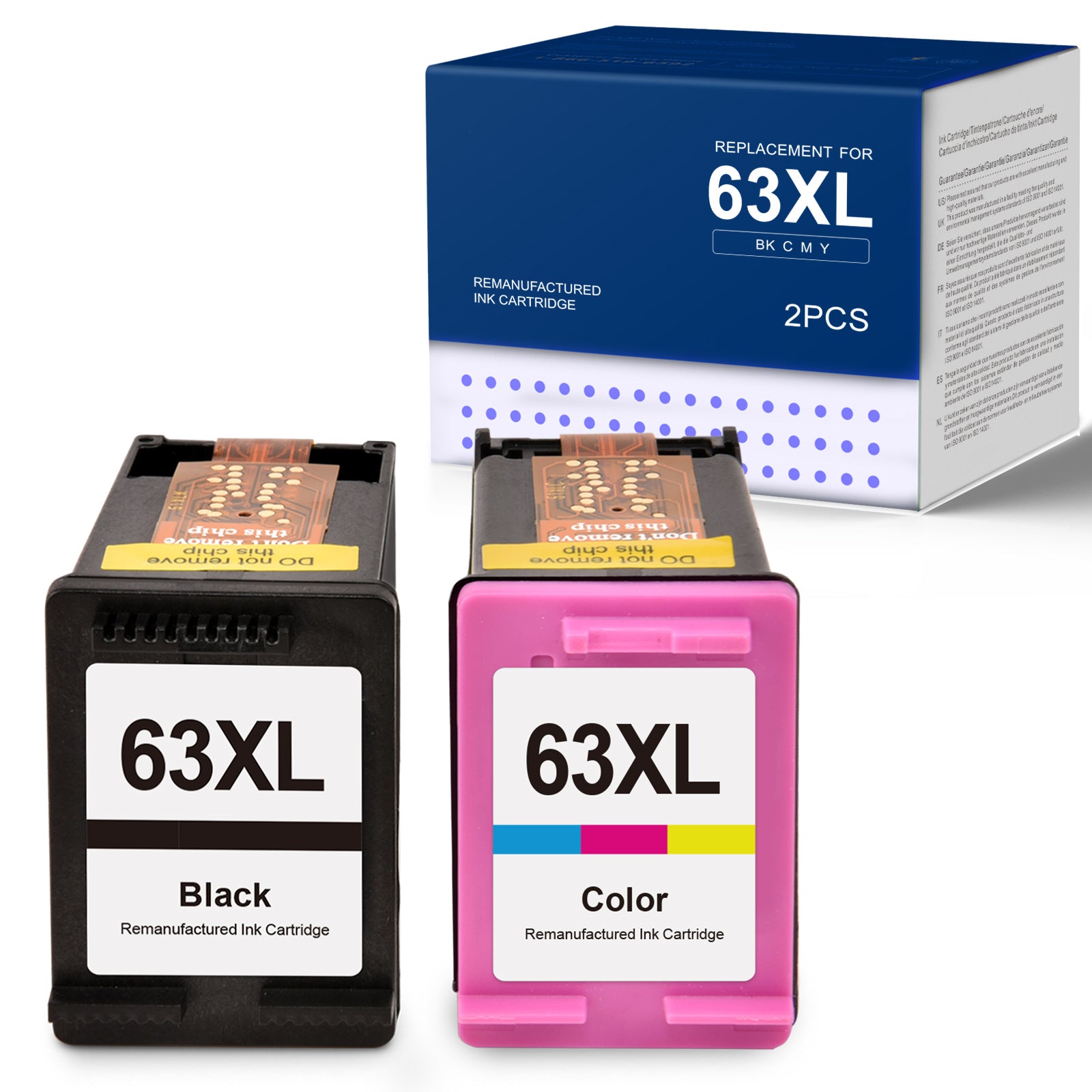
HP 67XL 2-Pack (1 Black + 1 Tri-Color) — Most Popular
✅ 650 pages black · ✅ 450 pages color · ✅ Lifetime warranty · ✅ Ships from USA · ✅ Extra 20% off automatically applied at checkout
Frequently Asked Questions
Can I use HP 67XL instead of HP 67? Yes. HP 67 and HP 67XL fit exactly the same printers. The XL version simply holds more ink for a lower cost per page. There is no performance difference — only page yield.
Why does my HP printer say the cartridge is not genuine? HP printers display this message whenever a non-OEM cartridge is installed. Press OK or Continue to dismiss it. This message does not affect print quality or printer function.
How do I know when my HP 67 ink is running low? Your HP printer will display a low ink warning on the screen or via the HP Smart app. You can also check ink levels through your computer's printer settings.
Do Linford HP 67XL cartridges come with a warranty? Yes. All Linford ink cartridges come with a lifetime warranty. If you experience any issue, contact us for a free replacement.
Will installing a compatible cartridge void my HP printer warranty? No. Under the Magnuson-Moss Warranty Act, HP cannot void your printer warranty solely because you used a compatible or remanufactured ink cartridge.
Ready to Order?
Free US shipping on orders over $30. Extra 20% off automatically applied at checkout — no code needed.
→ Shop HP 67 & 67XL Compatible Ink Cartridges
Linford Office is an independent retailer of compatible printer cartridges. HP, HP 67, HP 67XL, DeskJet, Envy, and related names are trademarks of HP Inc., referenced here for informational and compatibility purposes only.