Ink and Toner Cartridges for Canon Printers
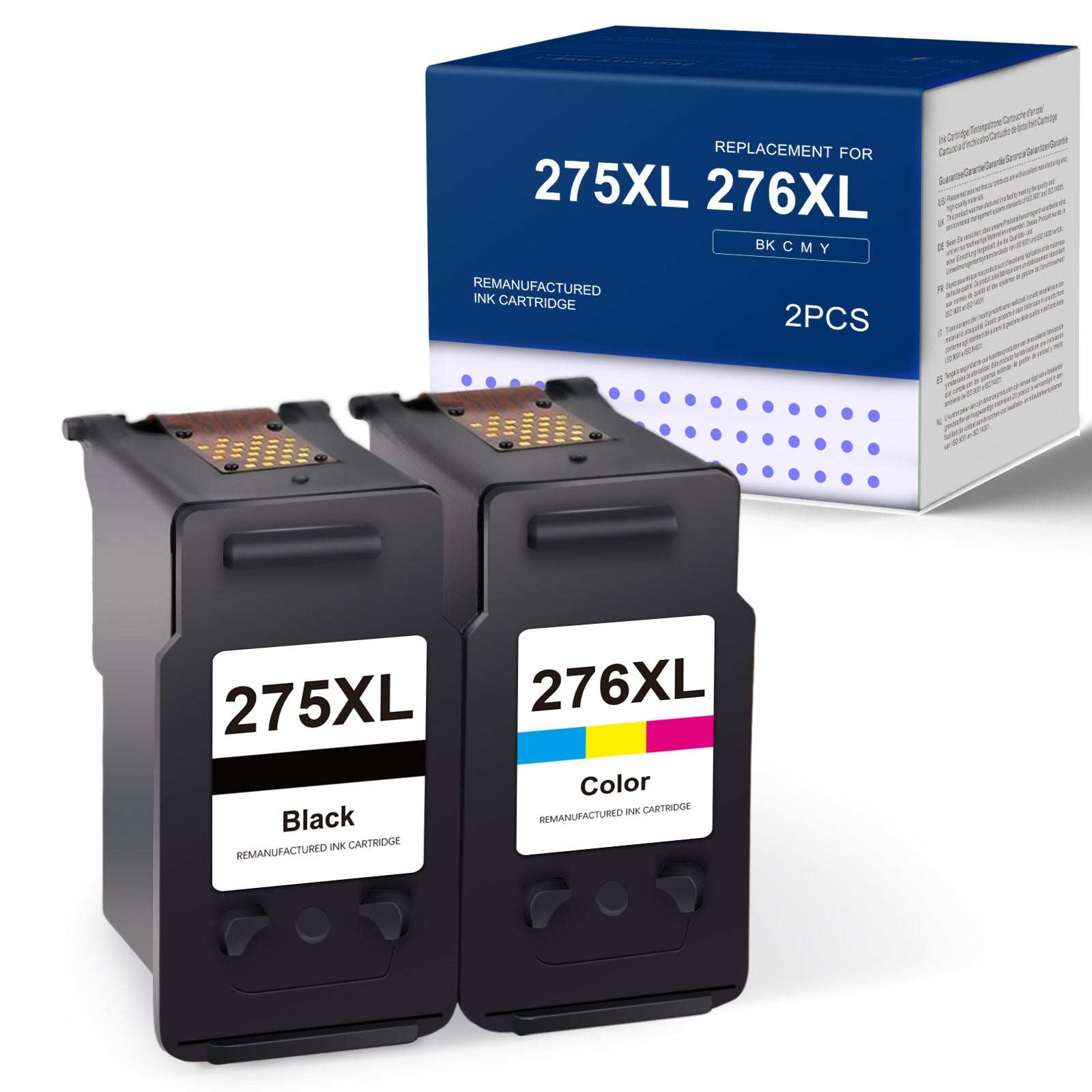
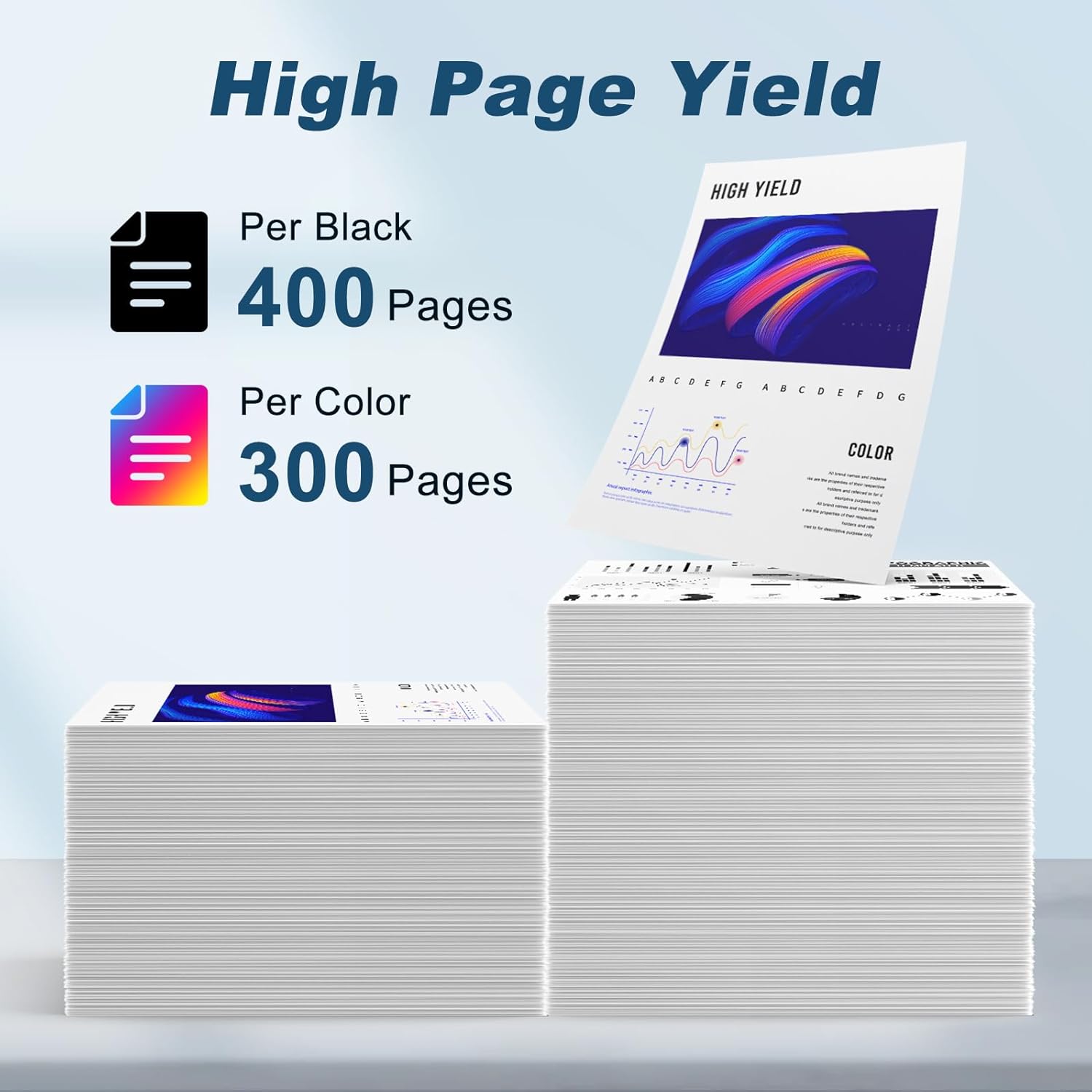
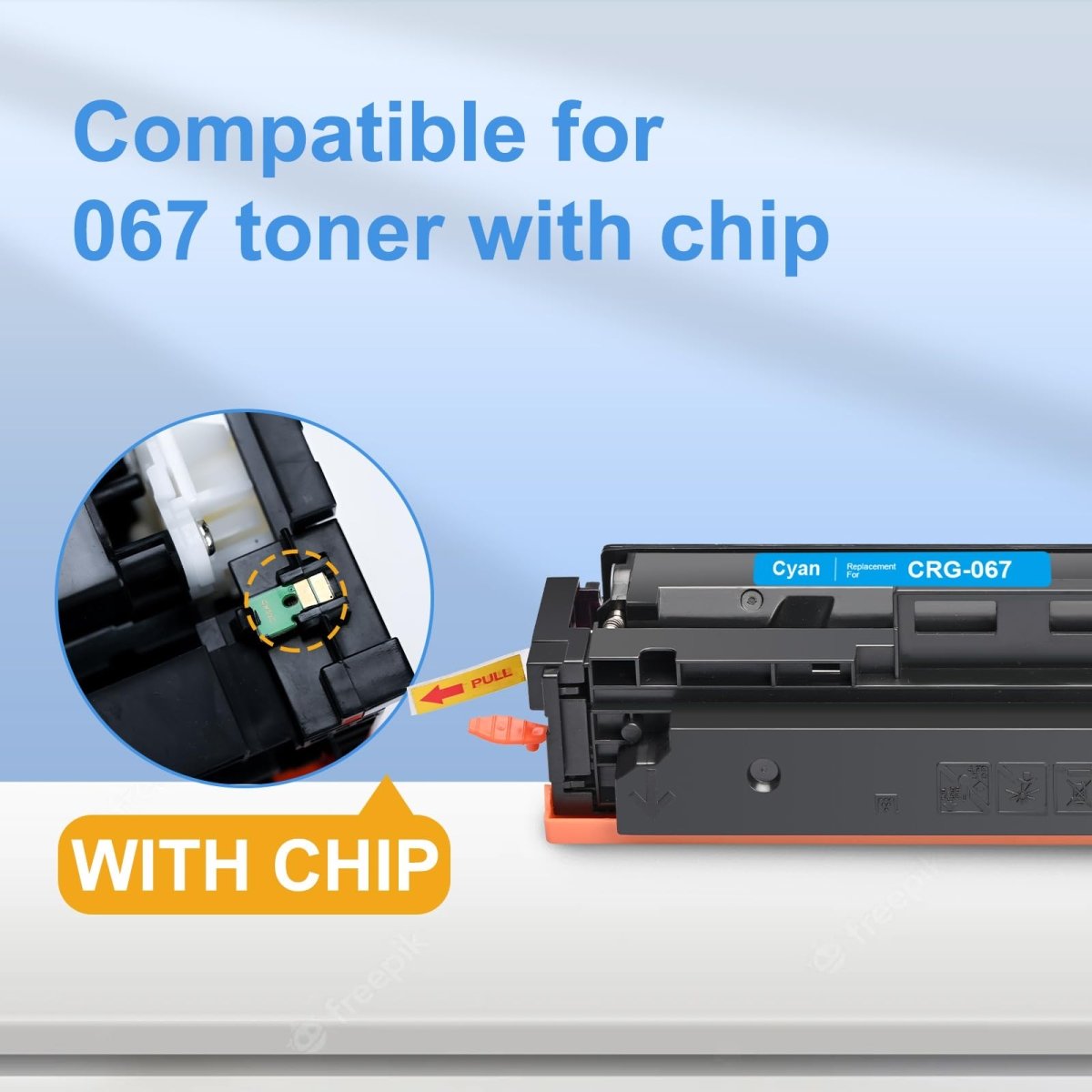
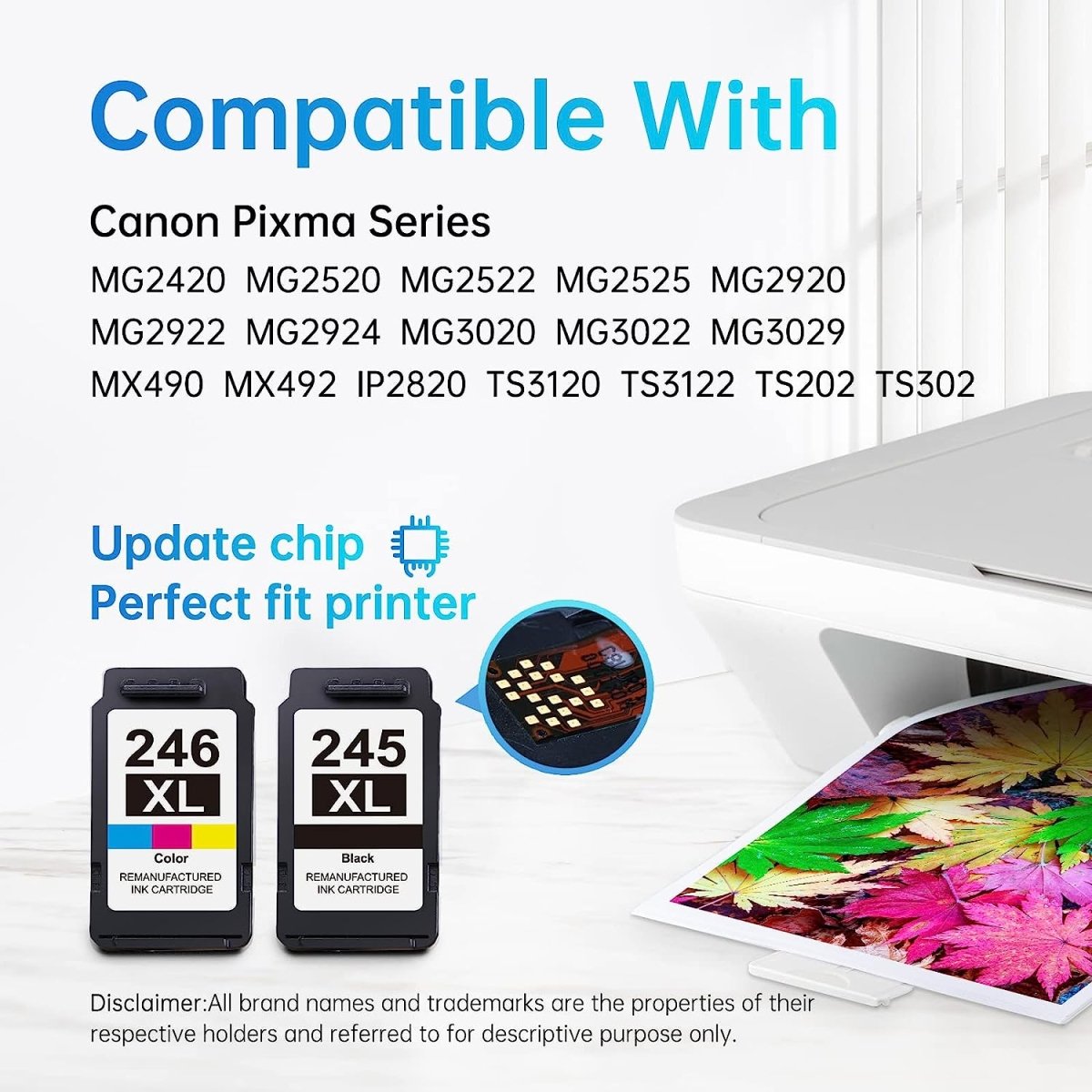
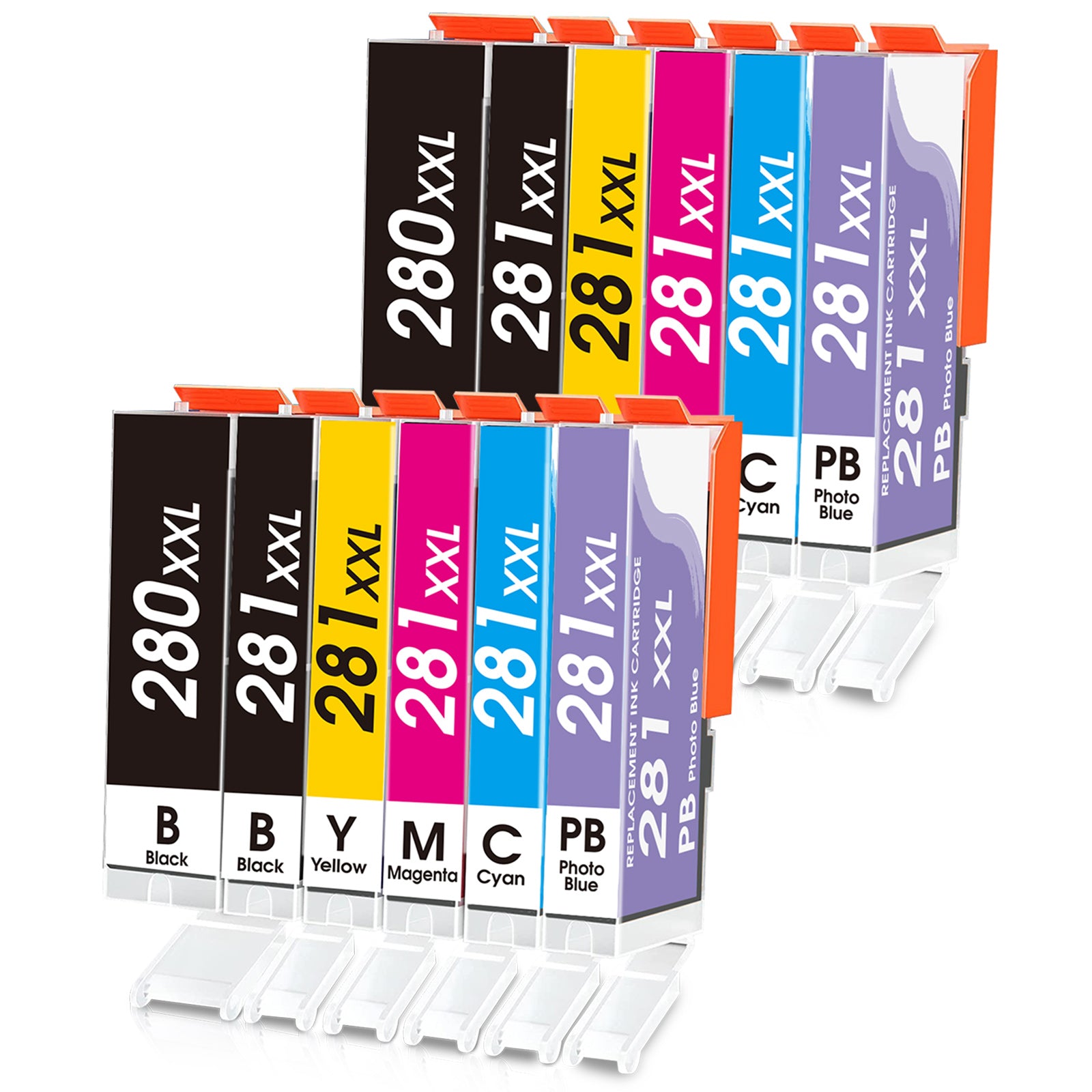
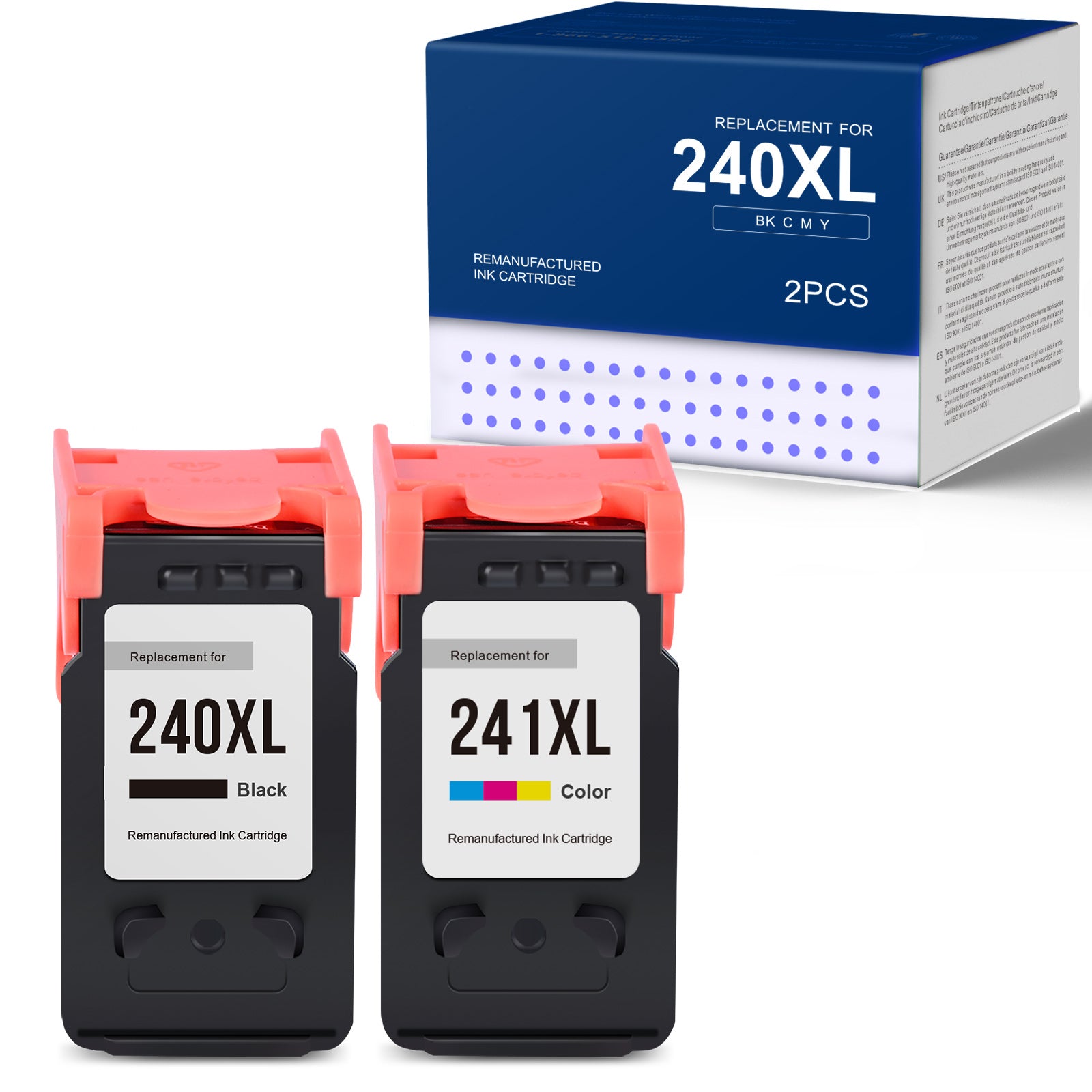
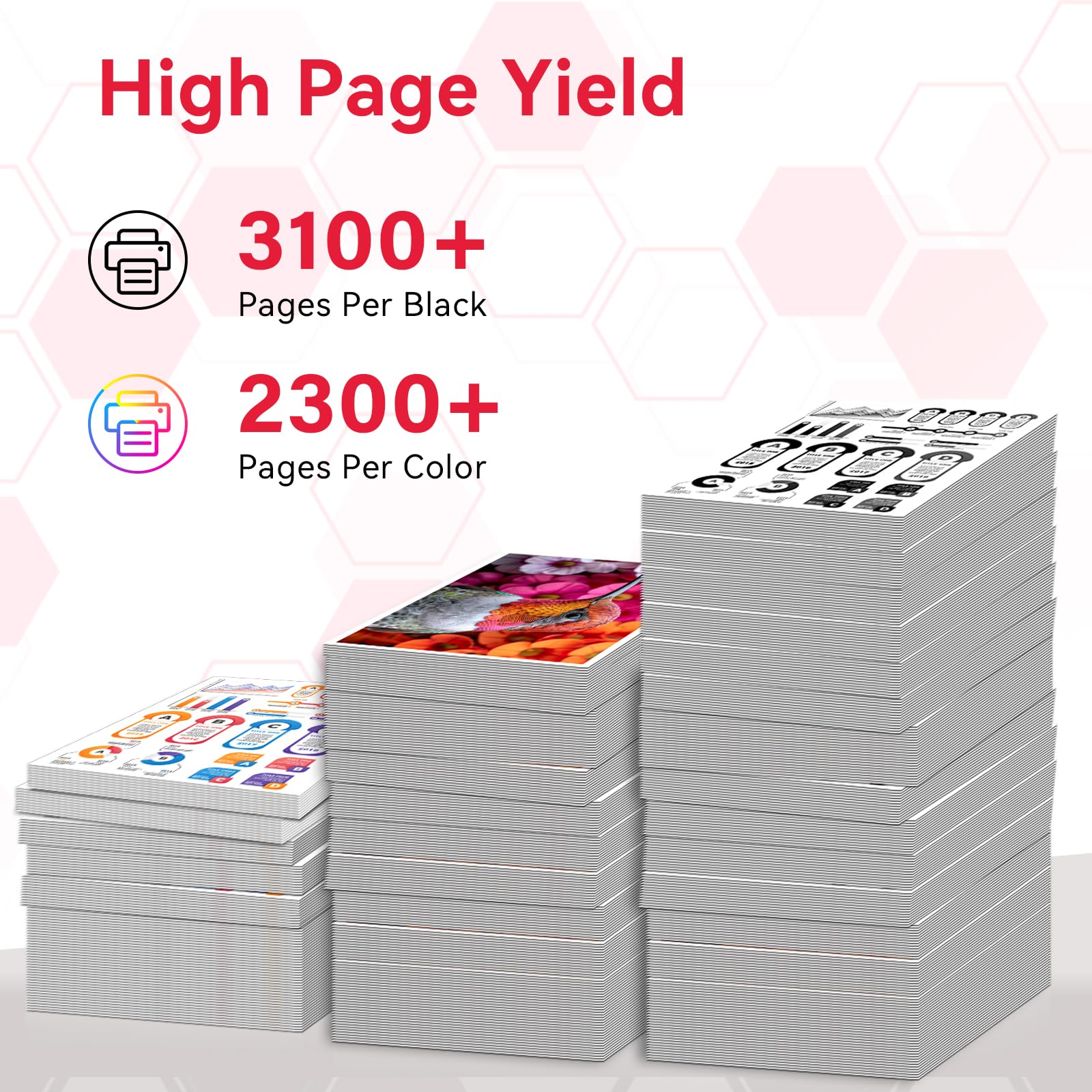
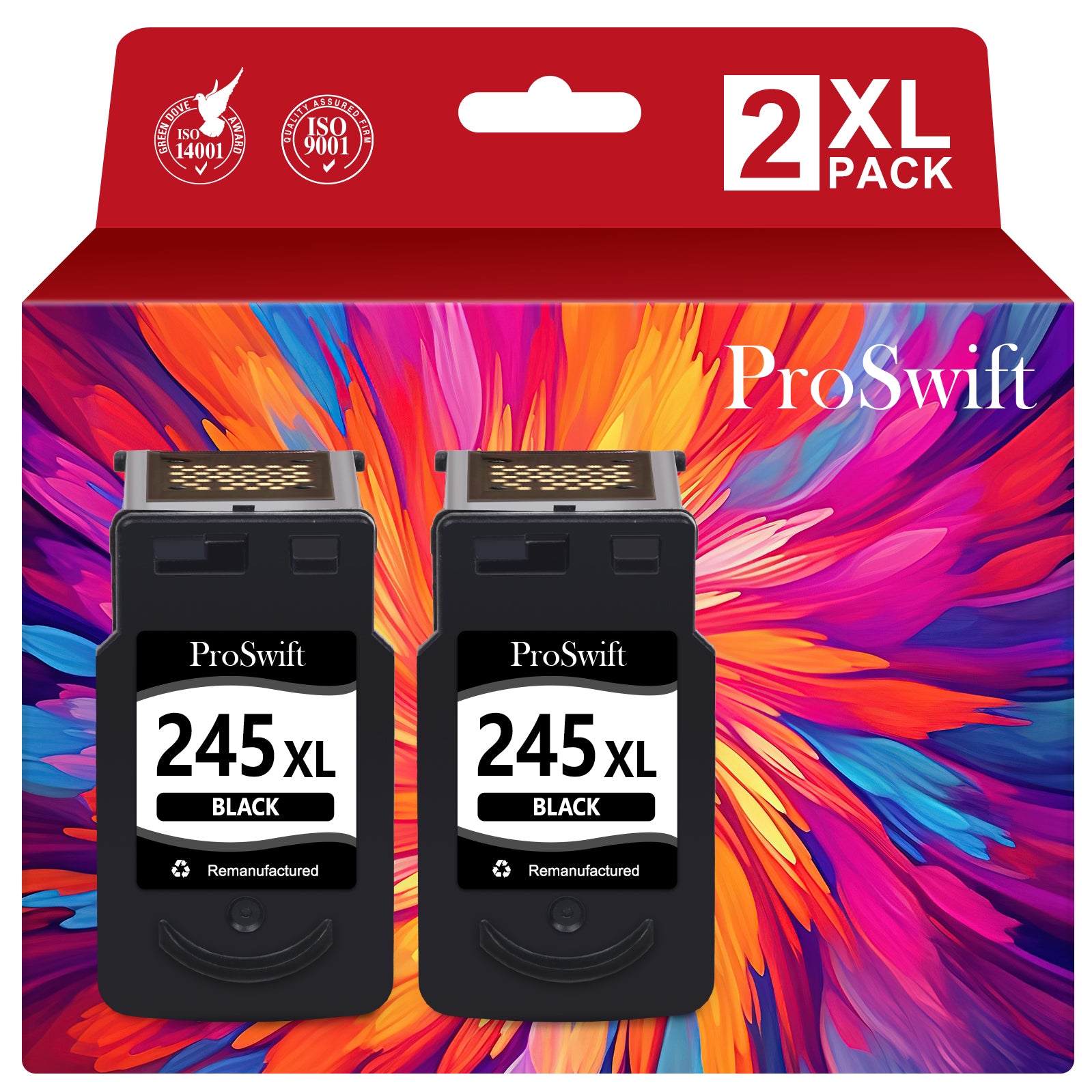
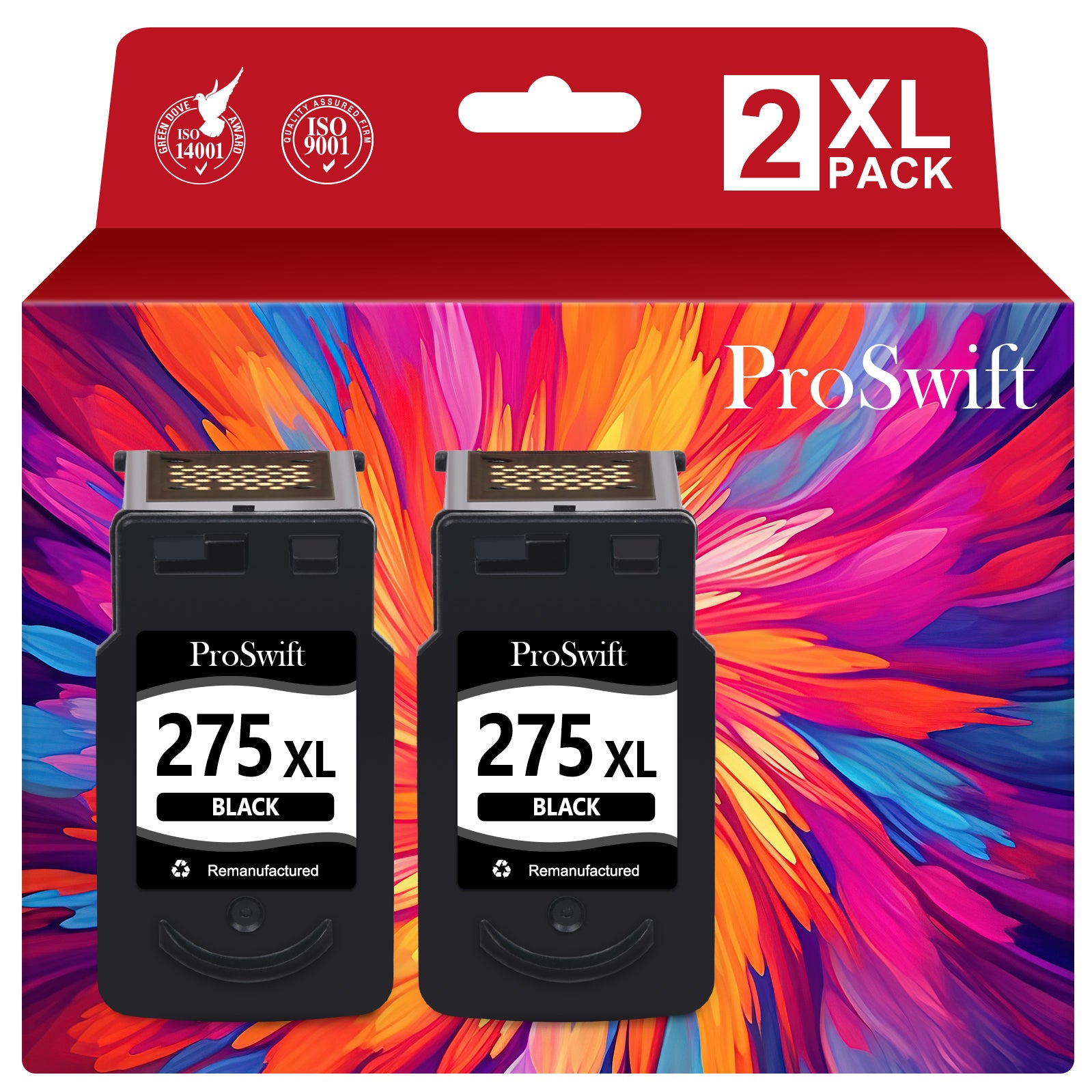
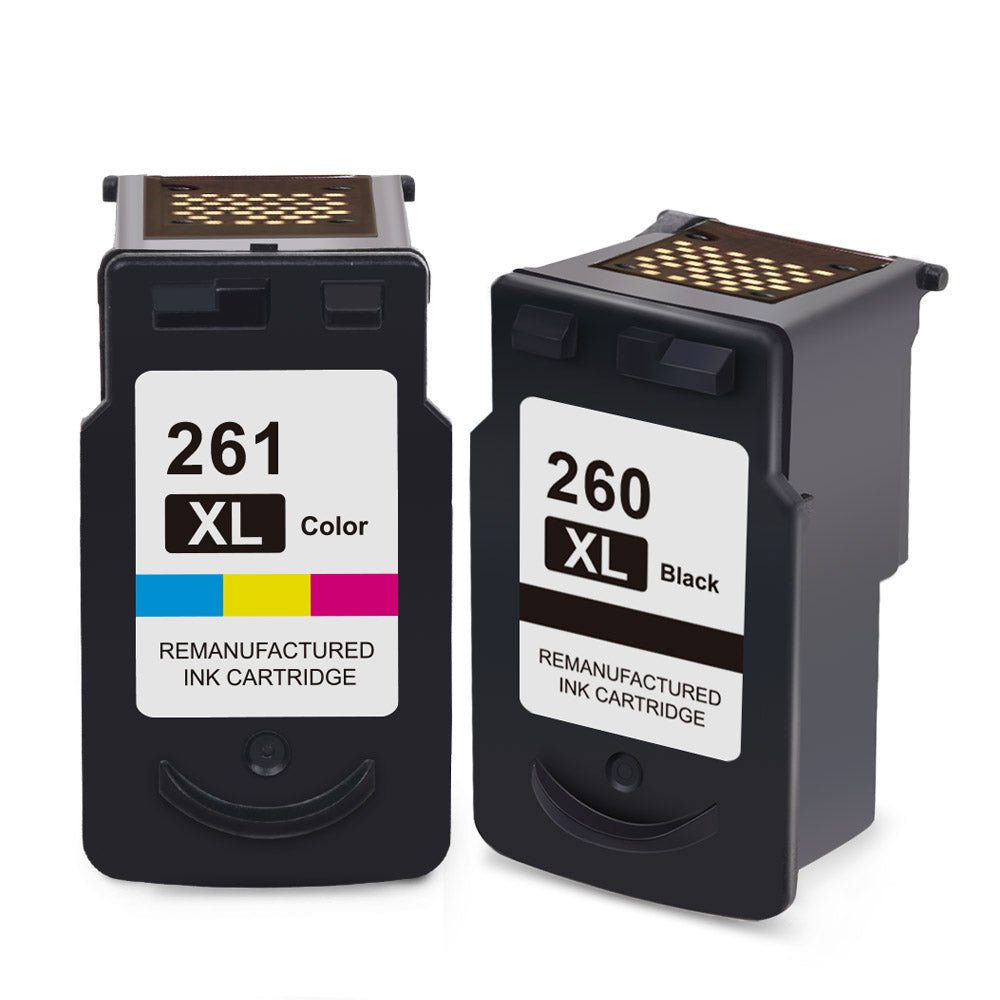
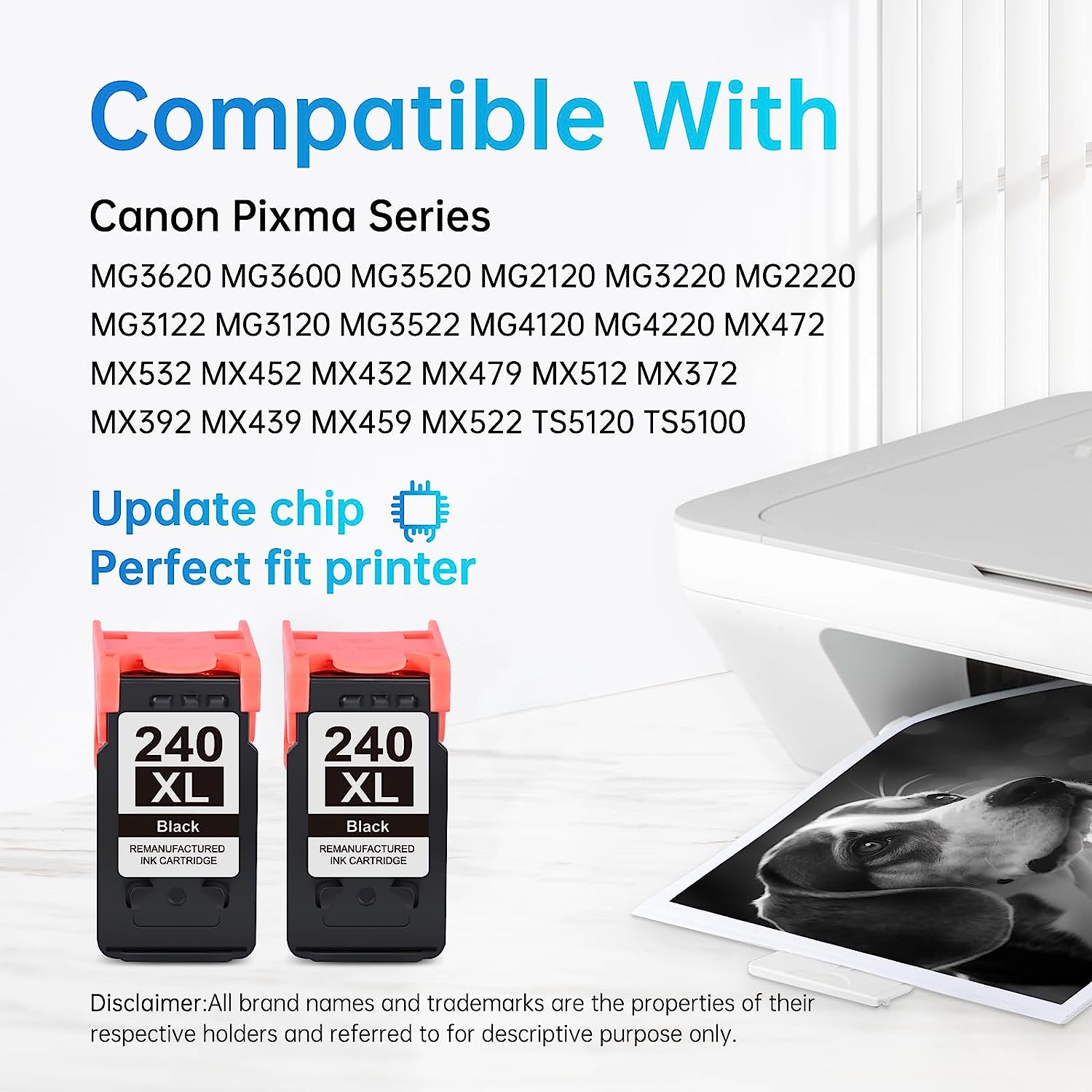
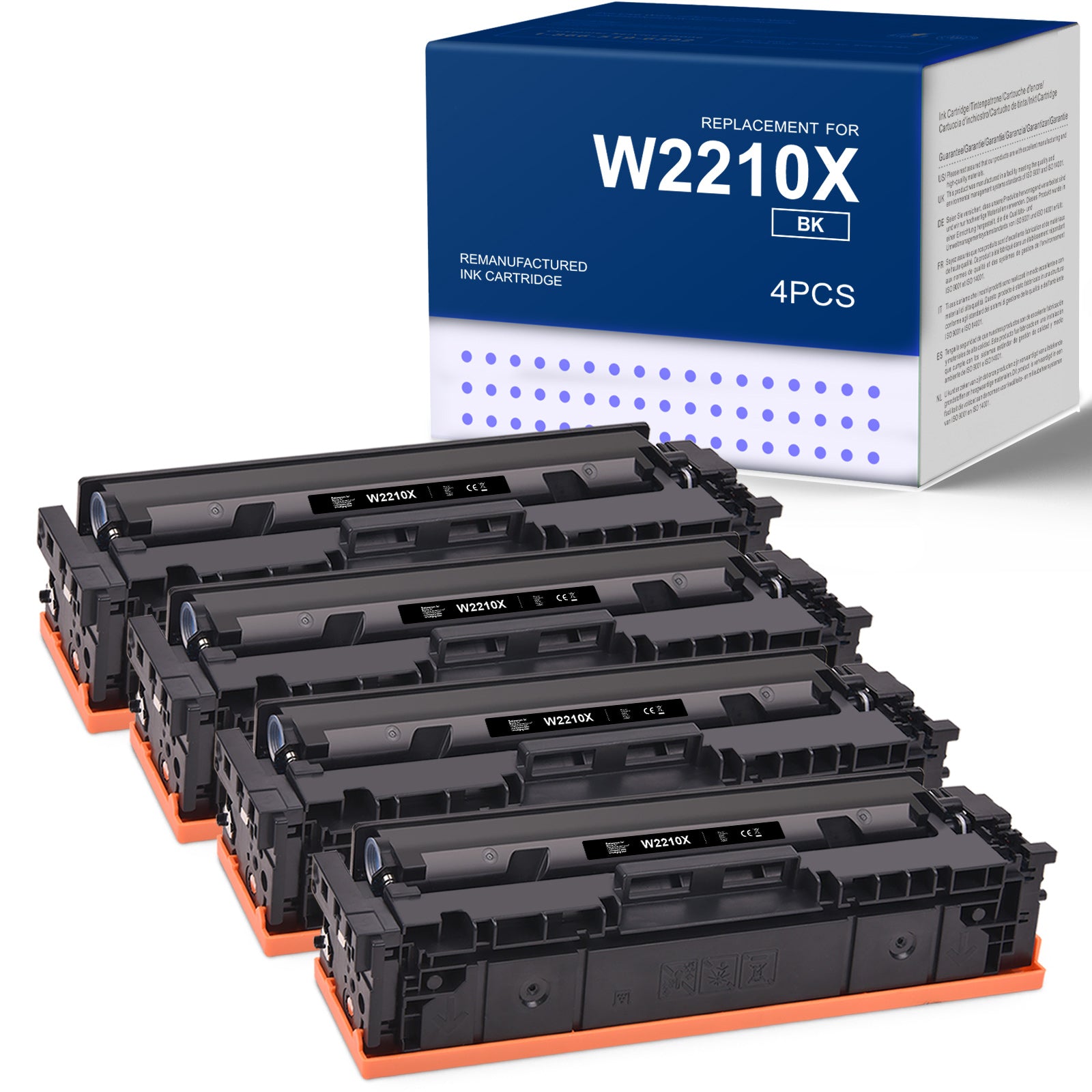
Find compatible and remanufactured Canon ink cartridges and toner cartridges designed to work seamlessly with your Canon PIXMA, imageCLASS, and MAXIFY printers. Linford offers high-yield replacements for Canon 245XL, 246XL, 240XL, 241XL, 275XL, 276XL, 054H, 067H, and more — at a fraction of the original cost. Every cartridge is chip-tested, firmware-compatible, and covered by a lifetime warranty. Free shipping on orders over $30.


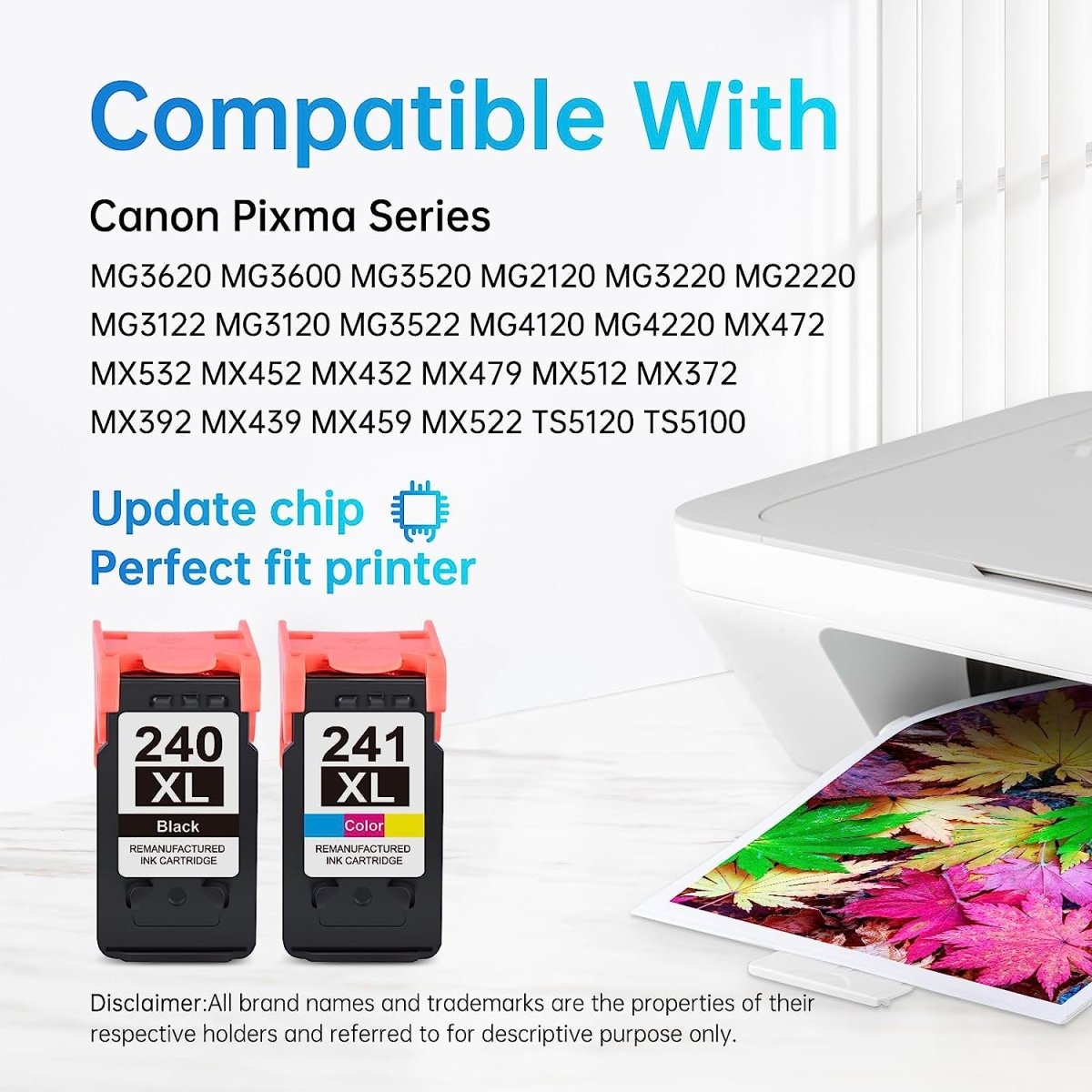
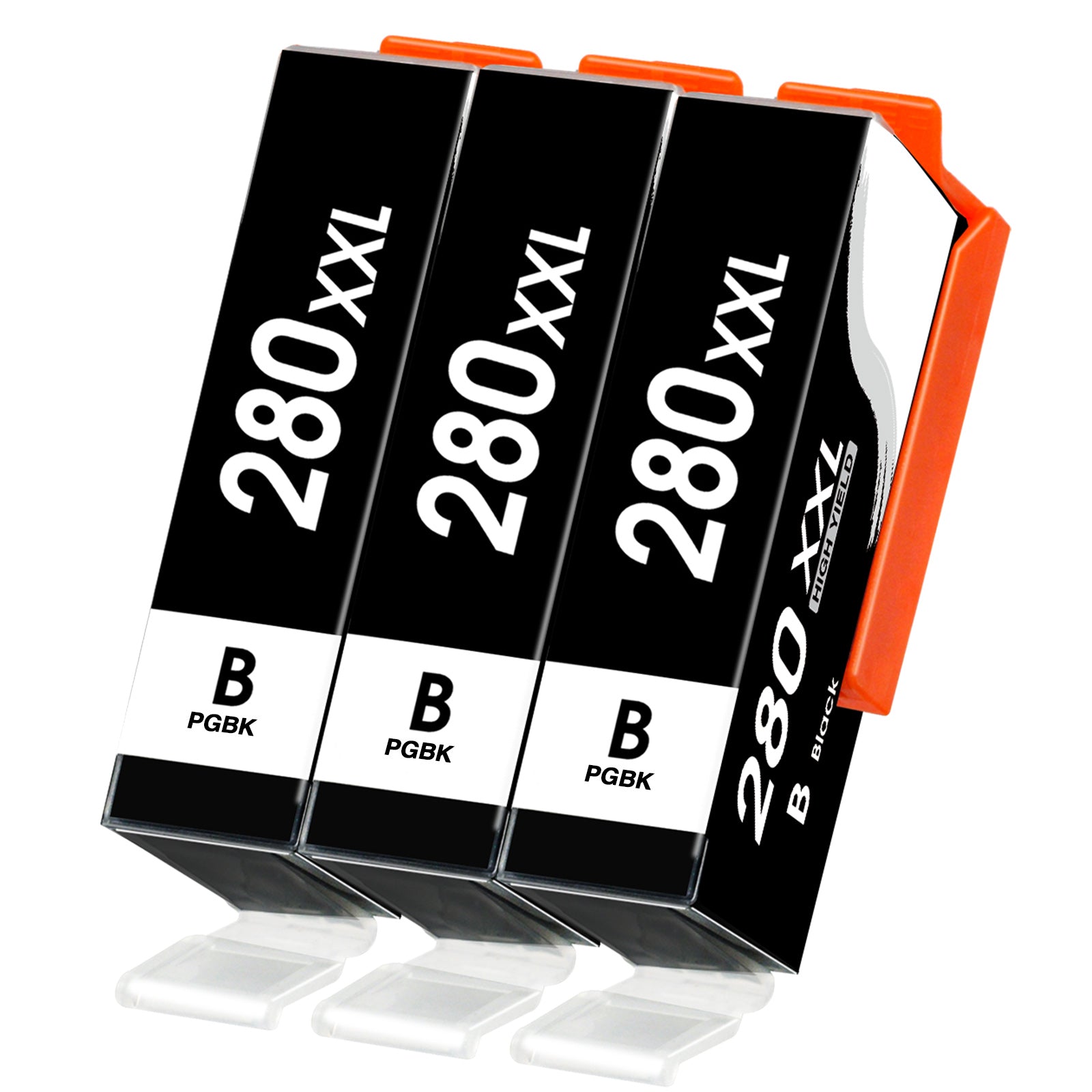
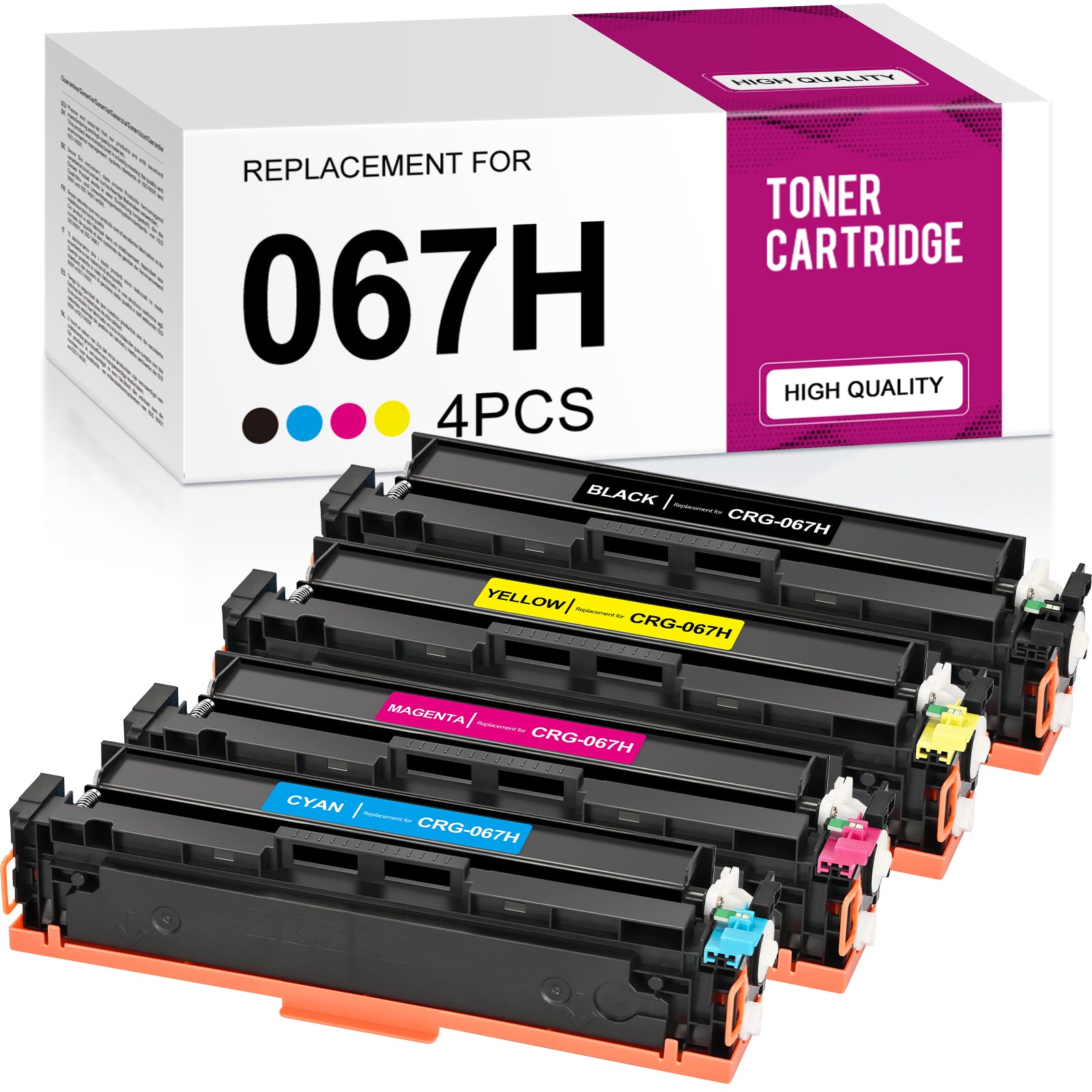
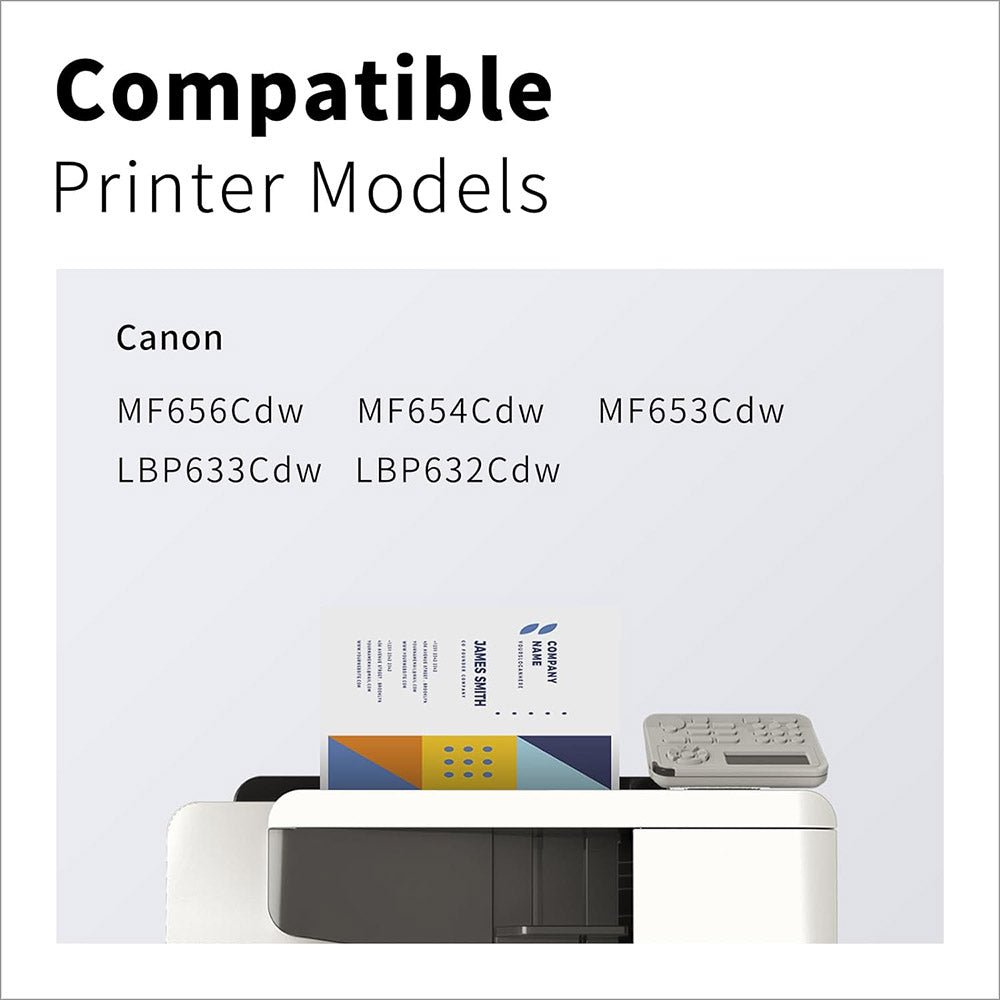
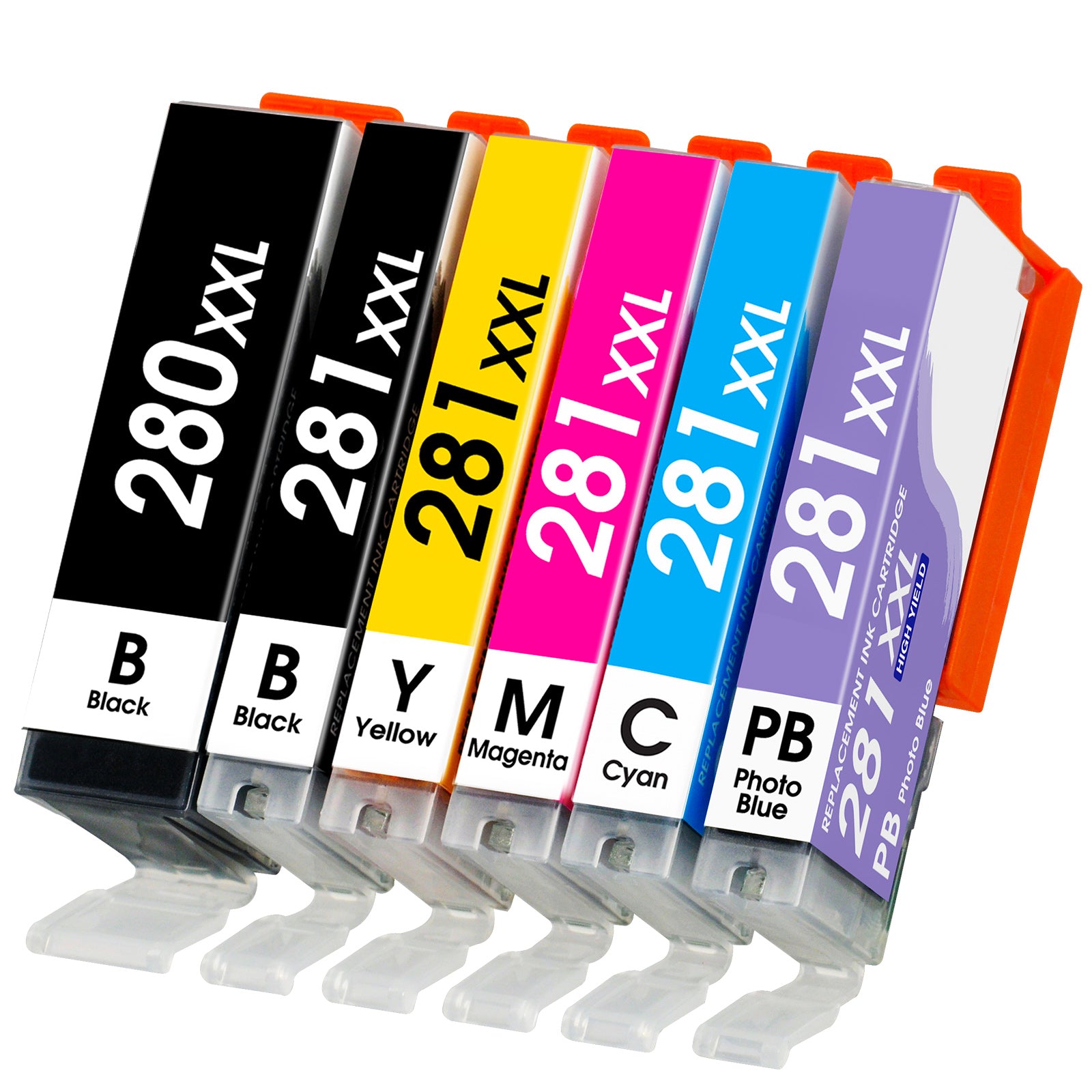
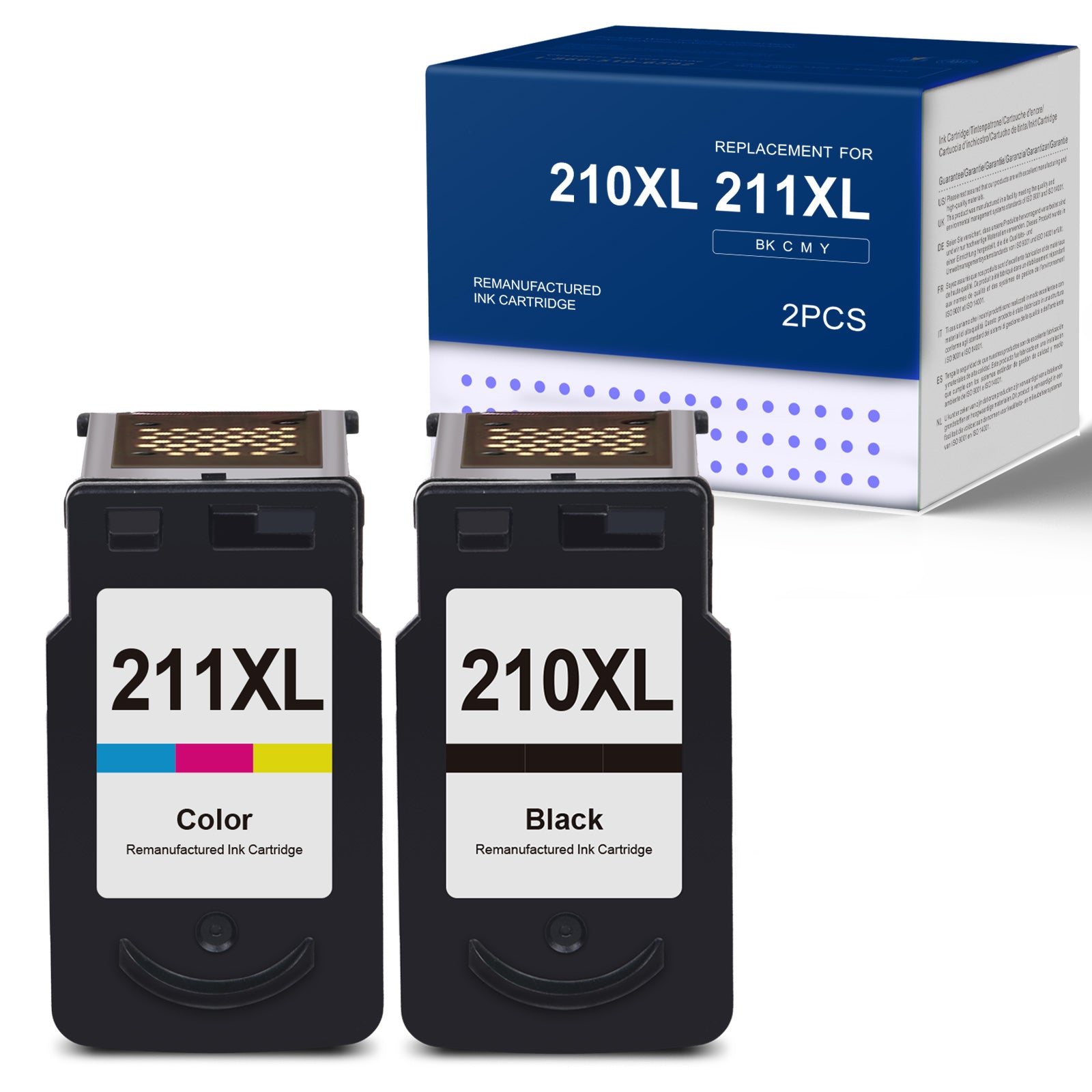
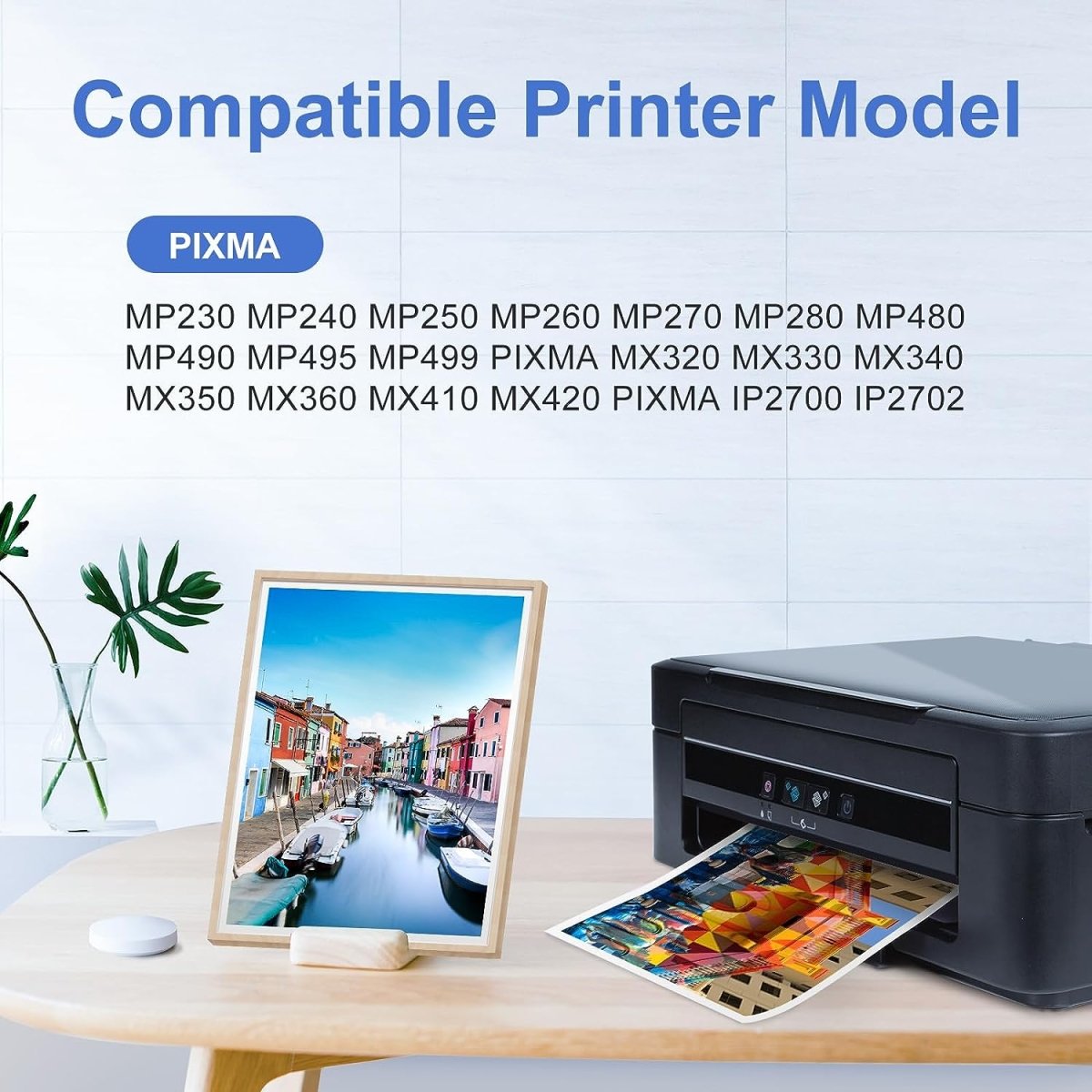
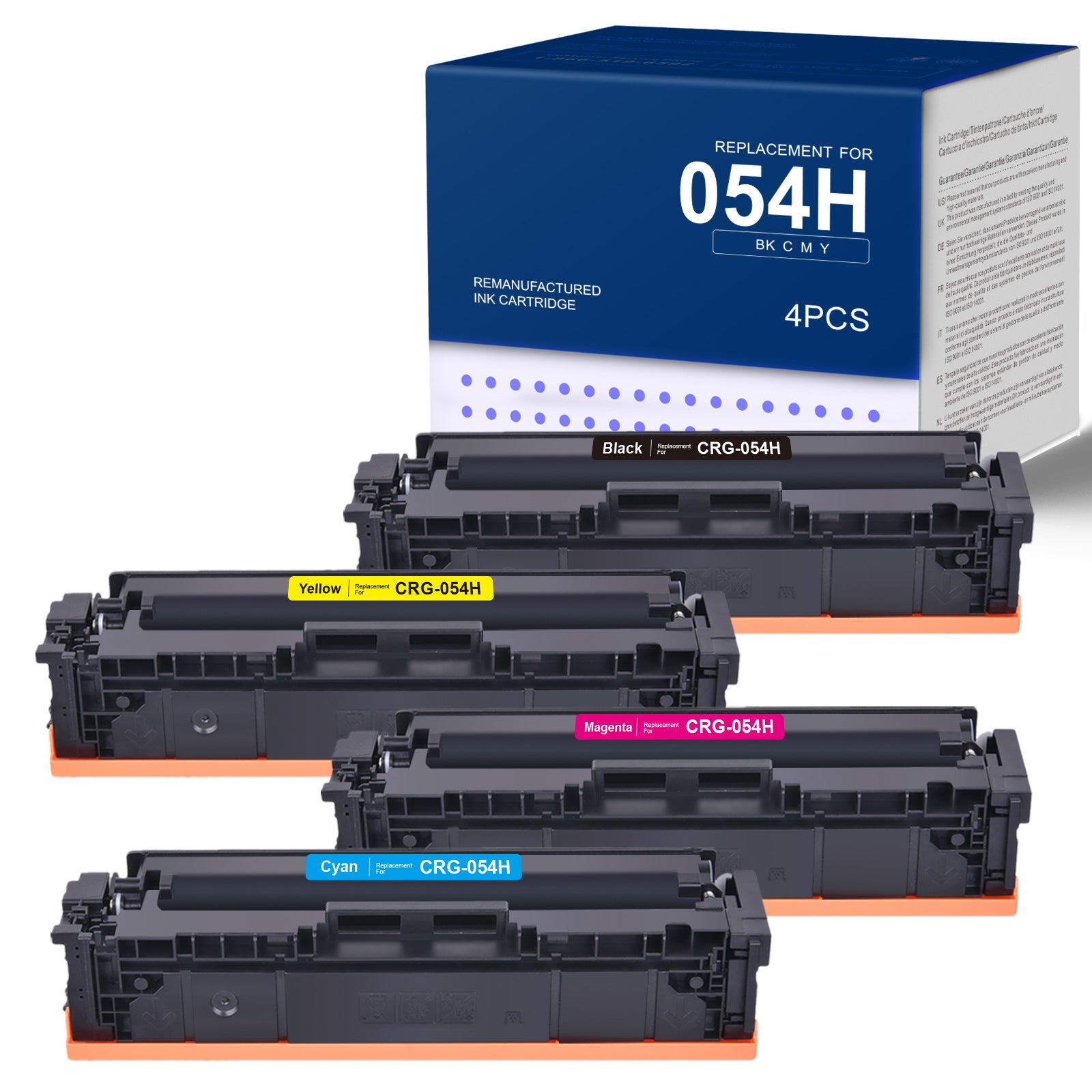

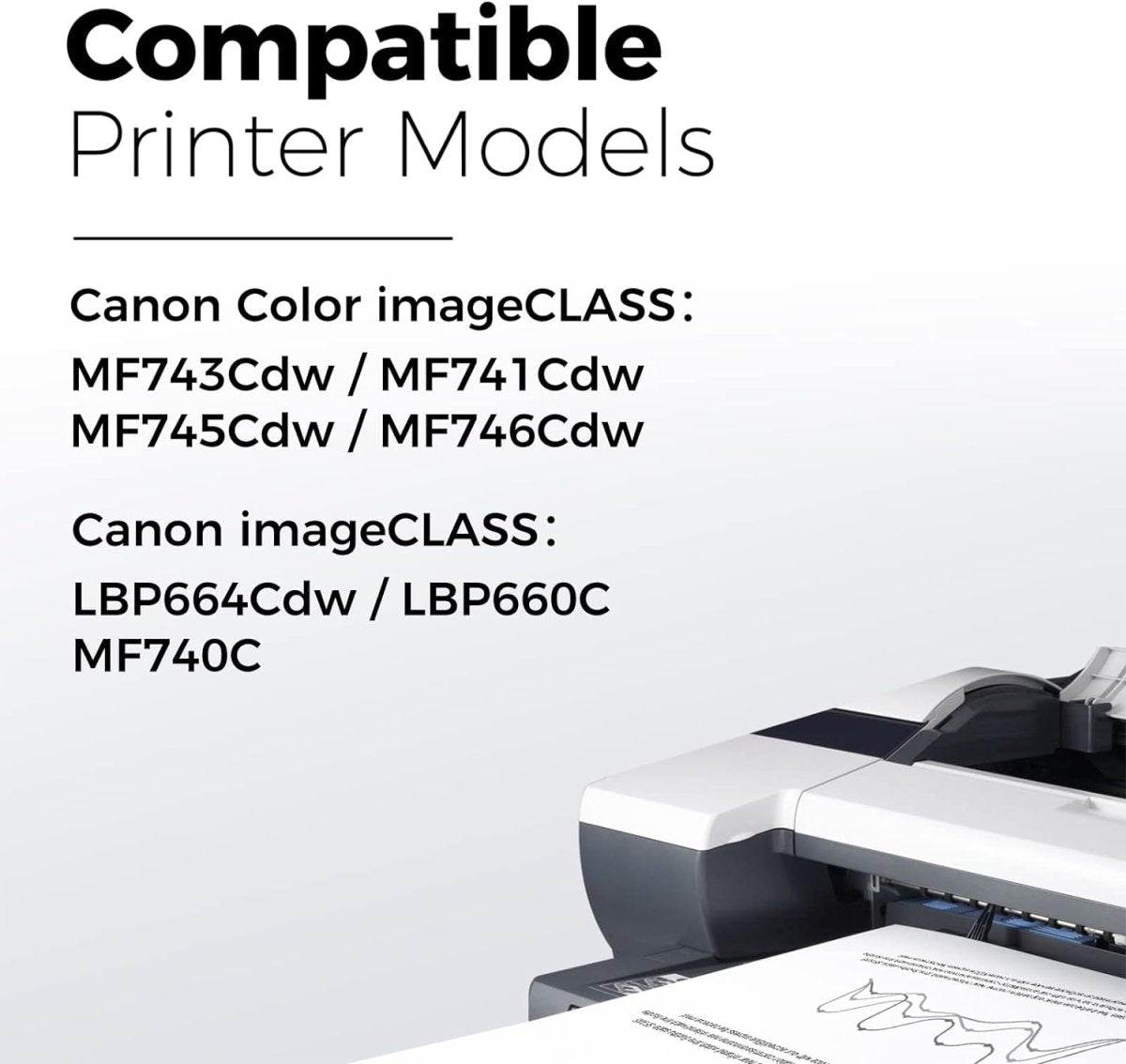
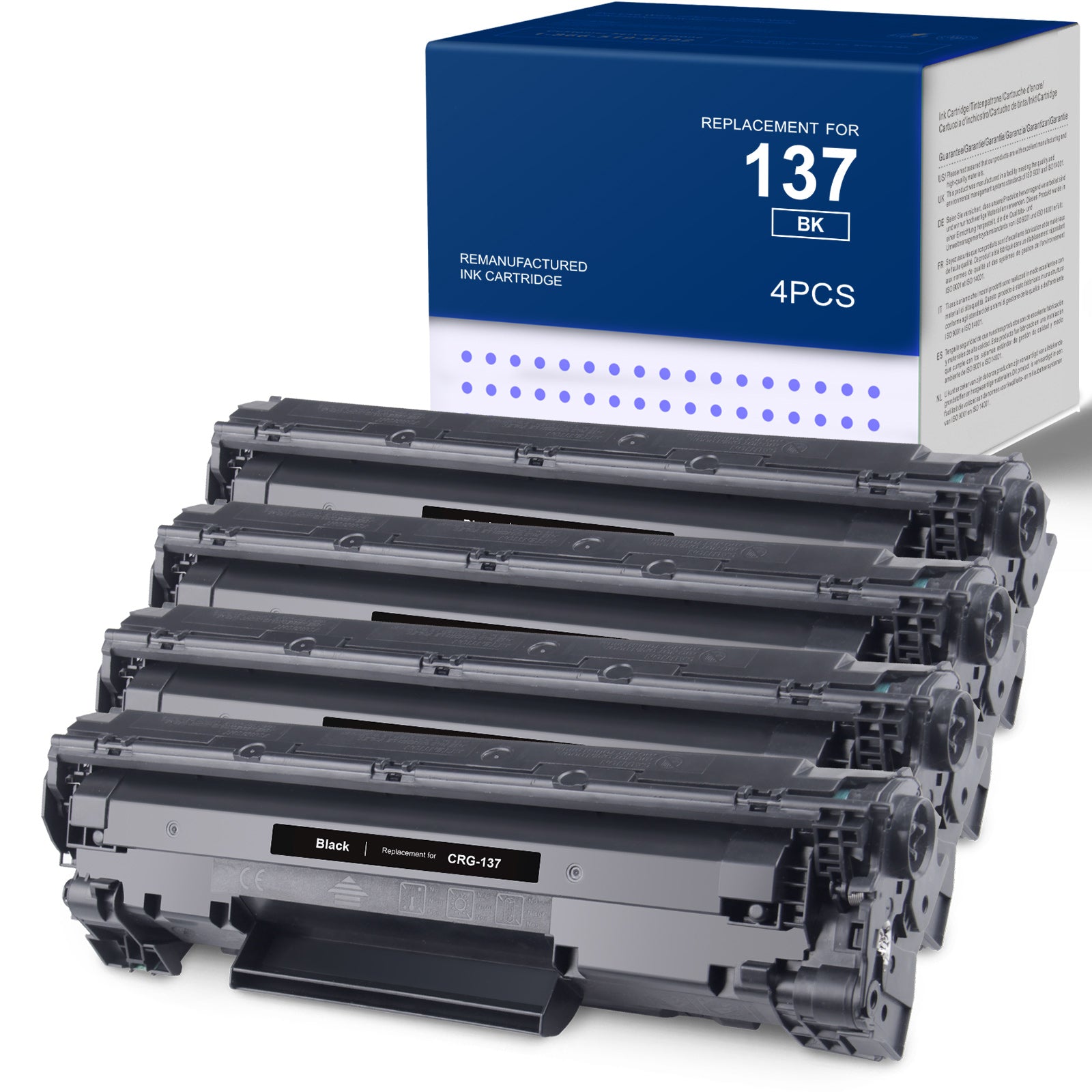
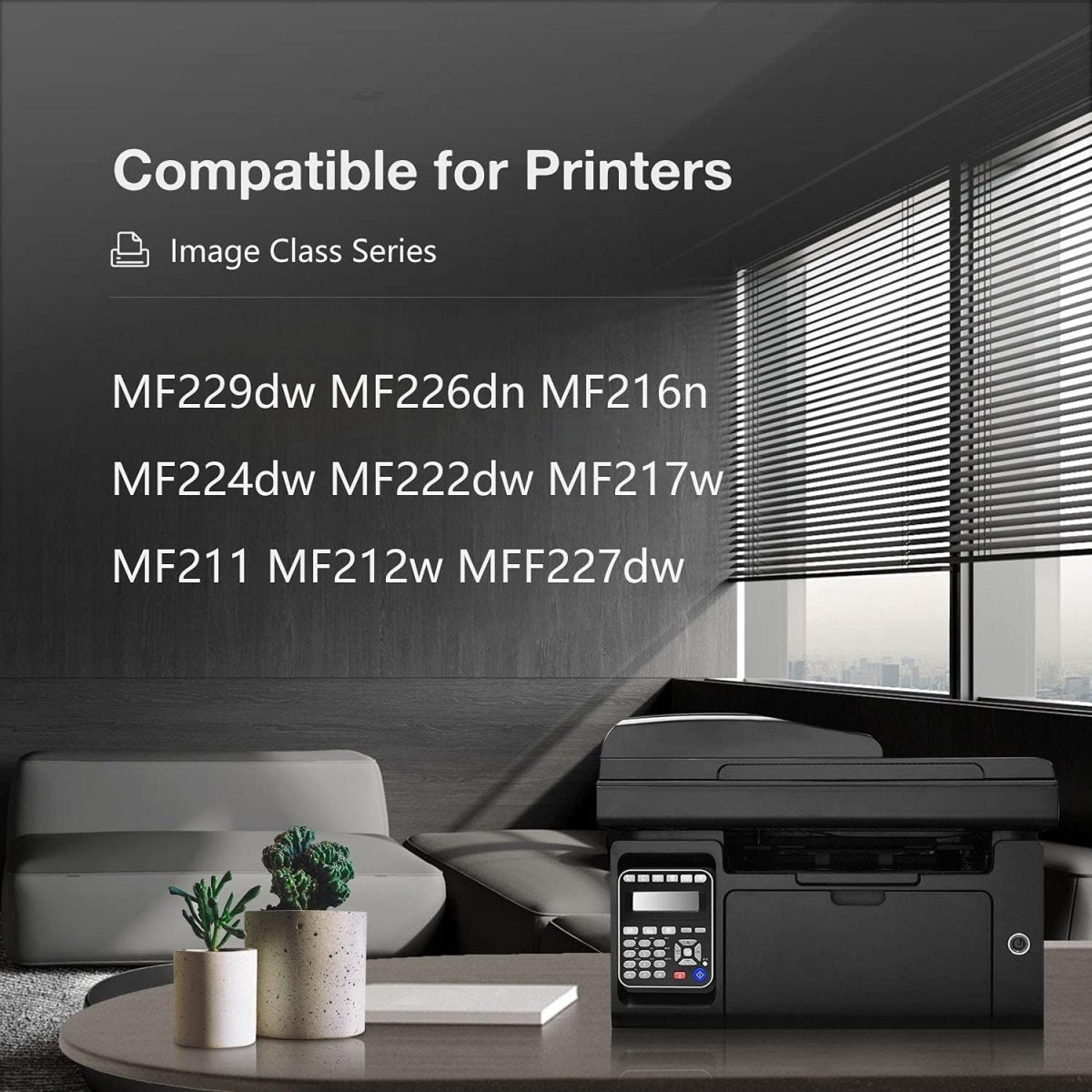
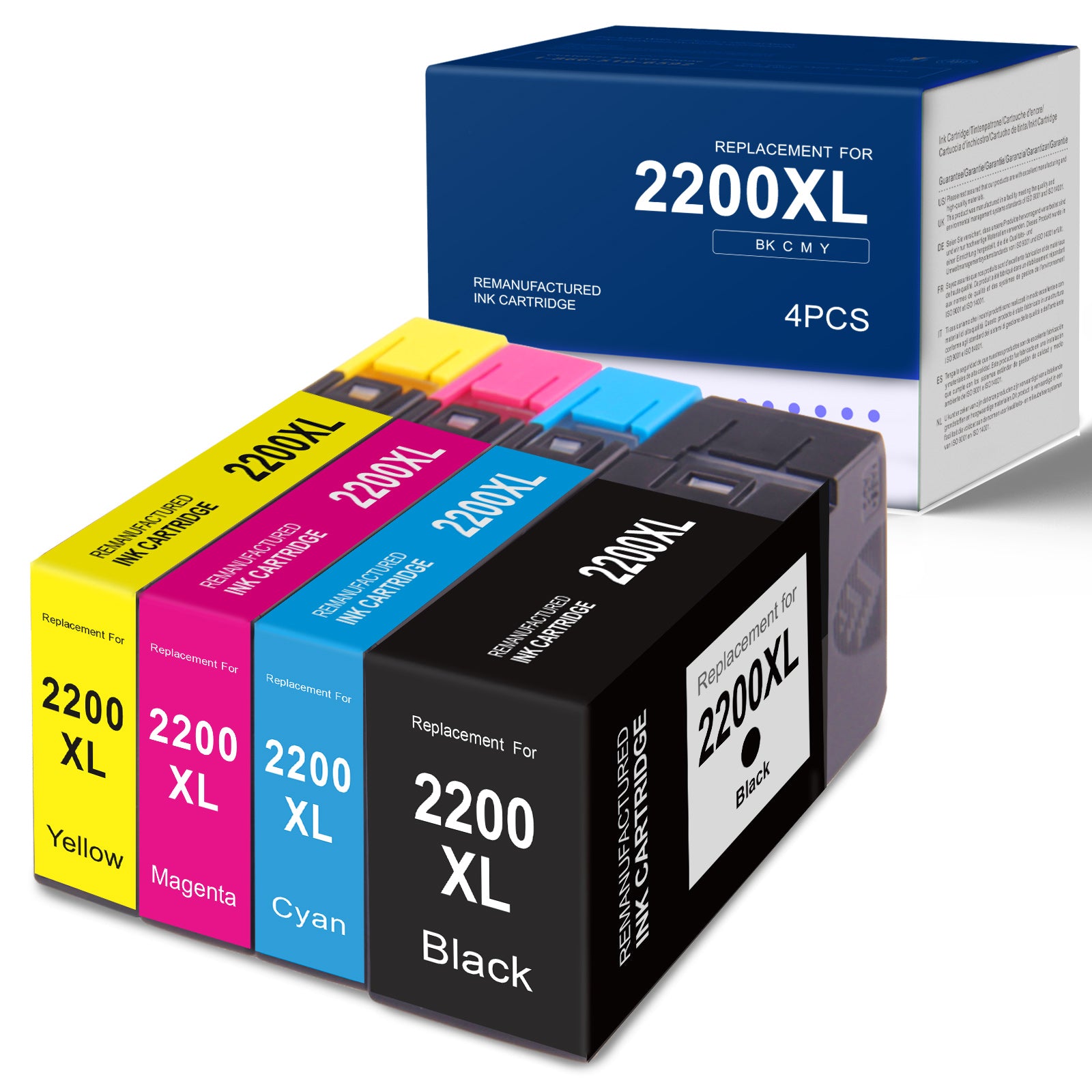
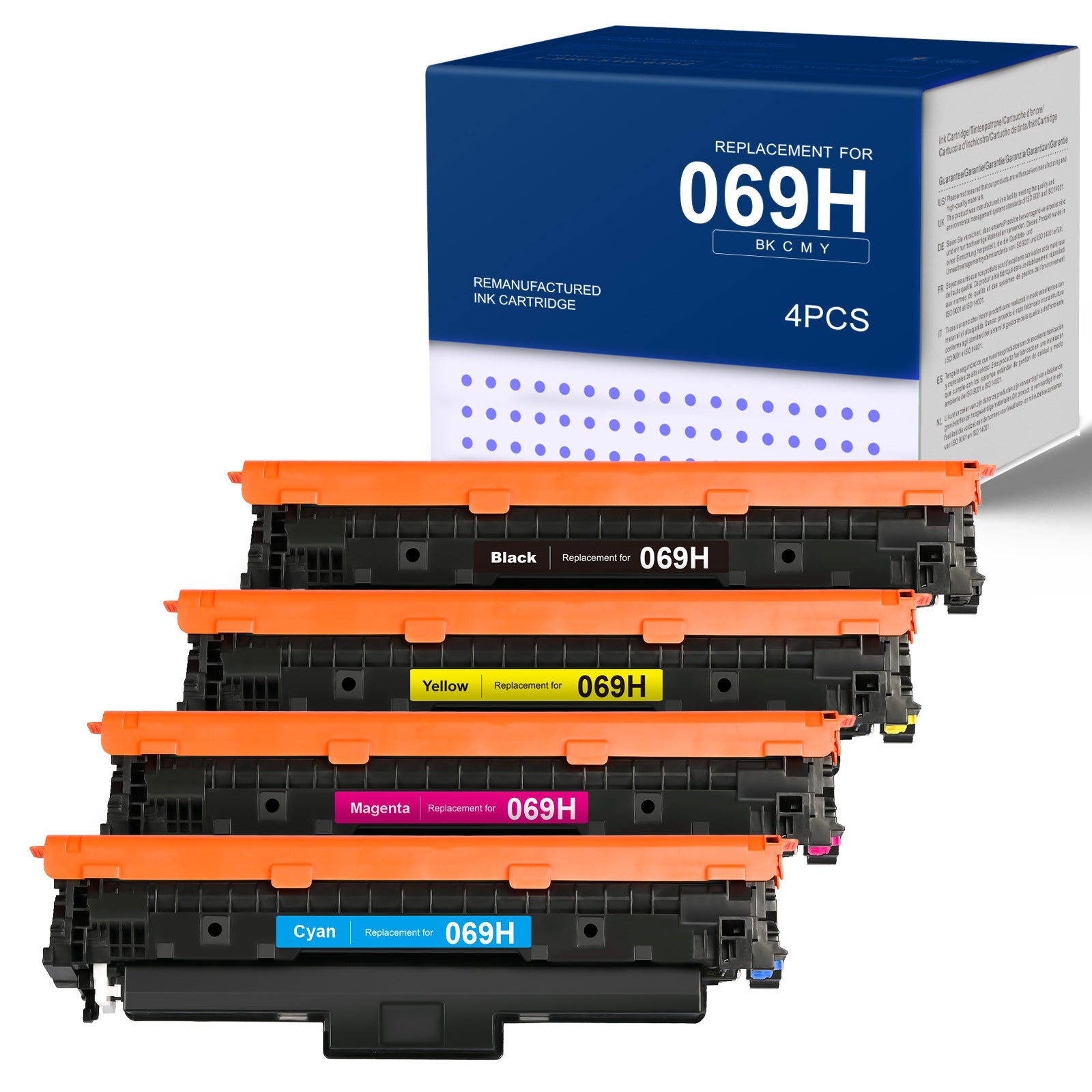
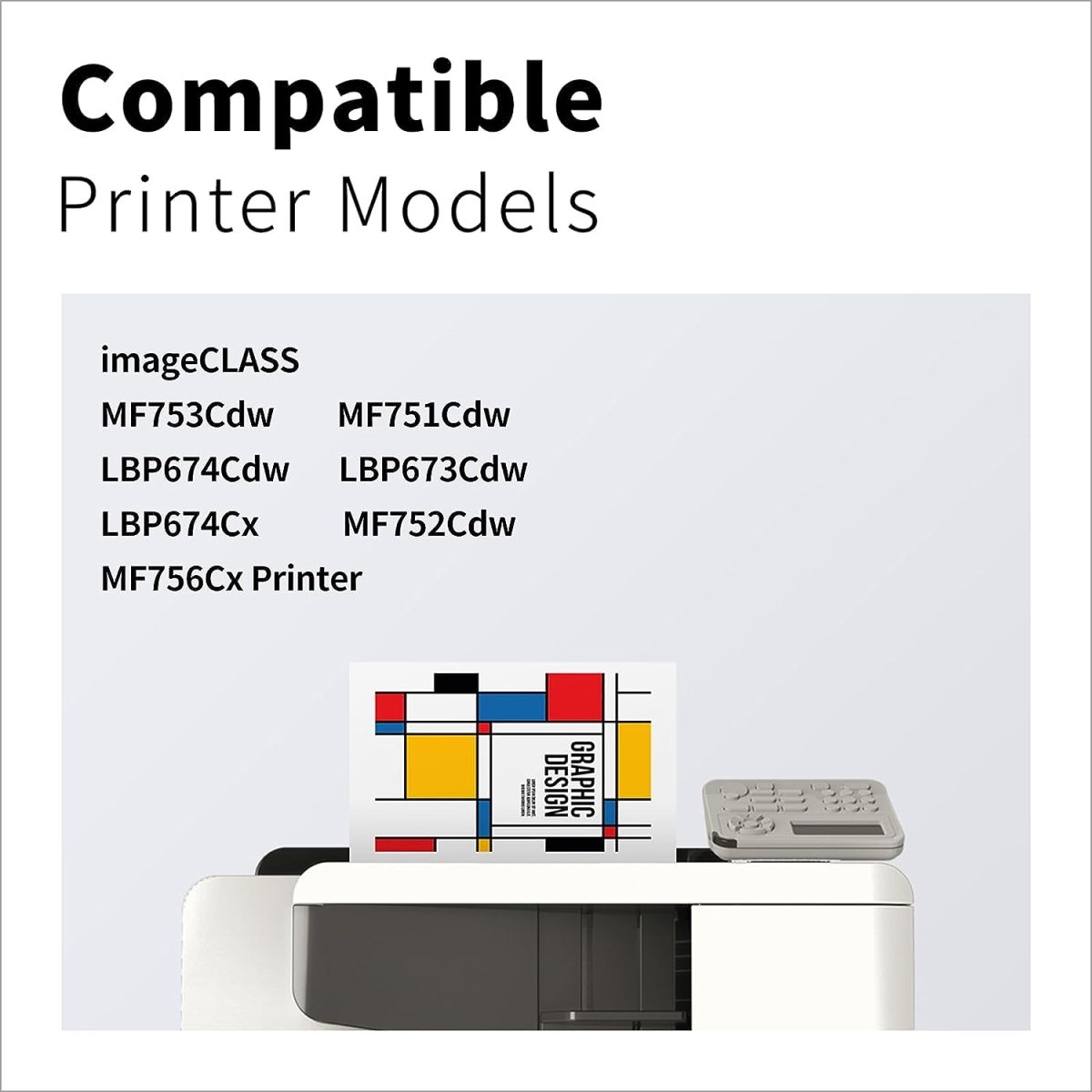
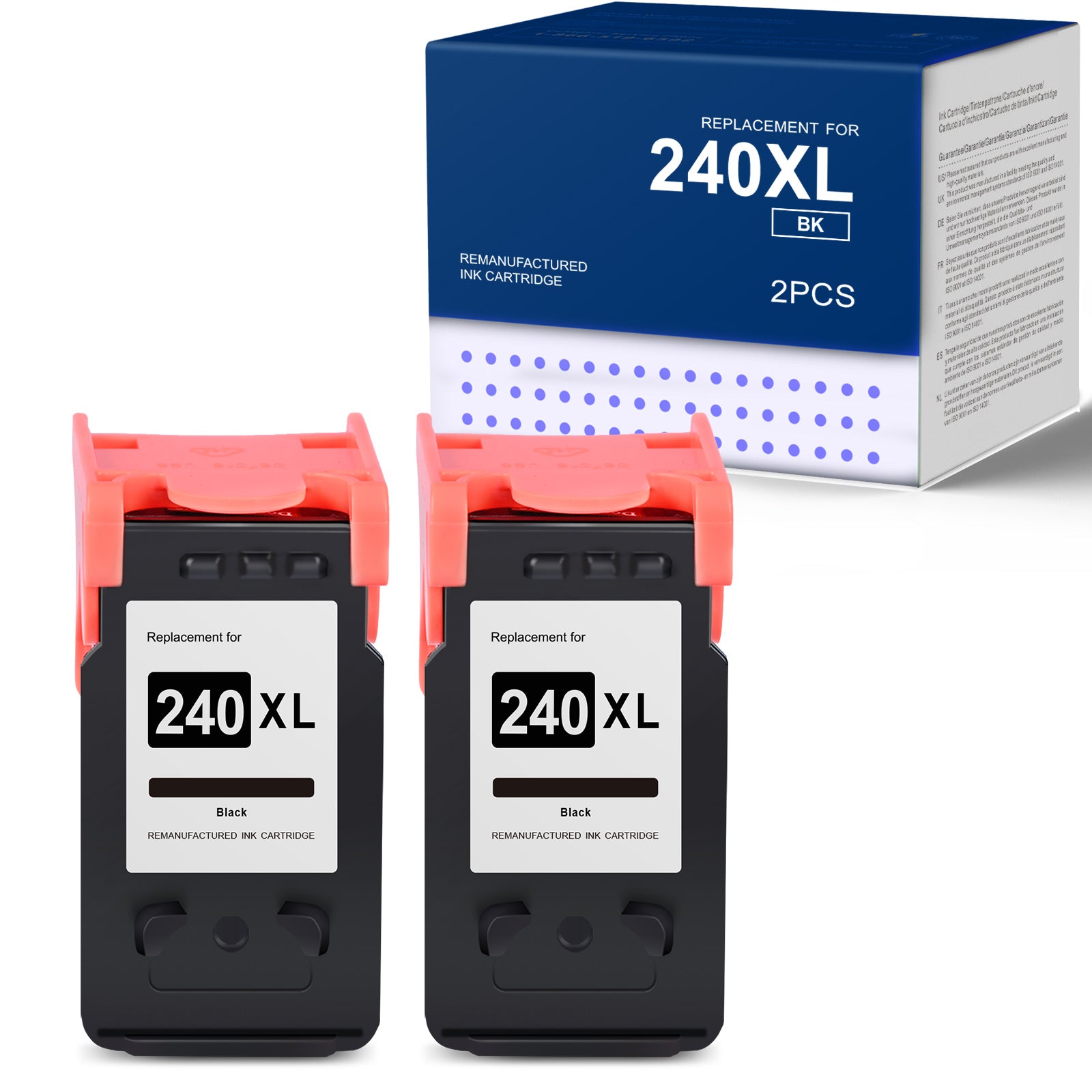
Shop by Popular Canon Printers
View all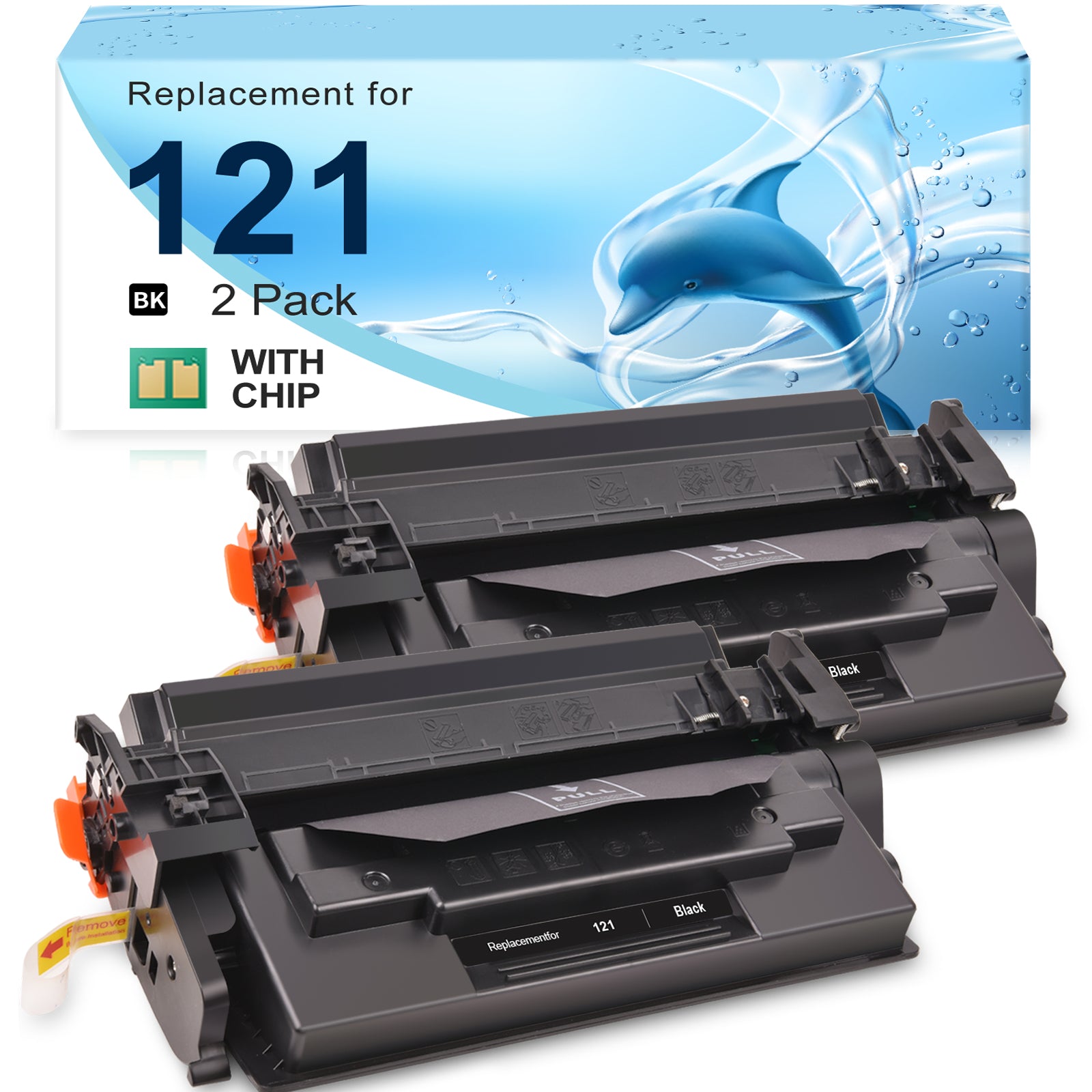
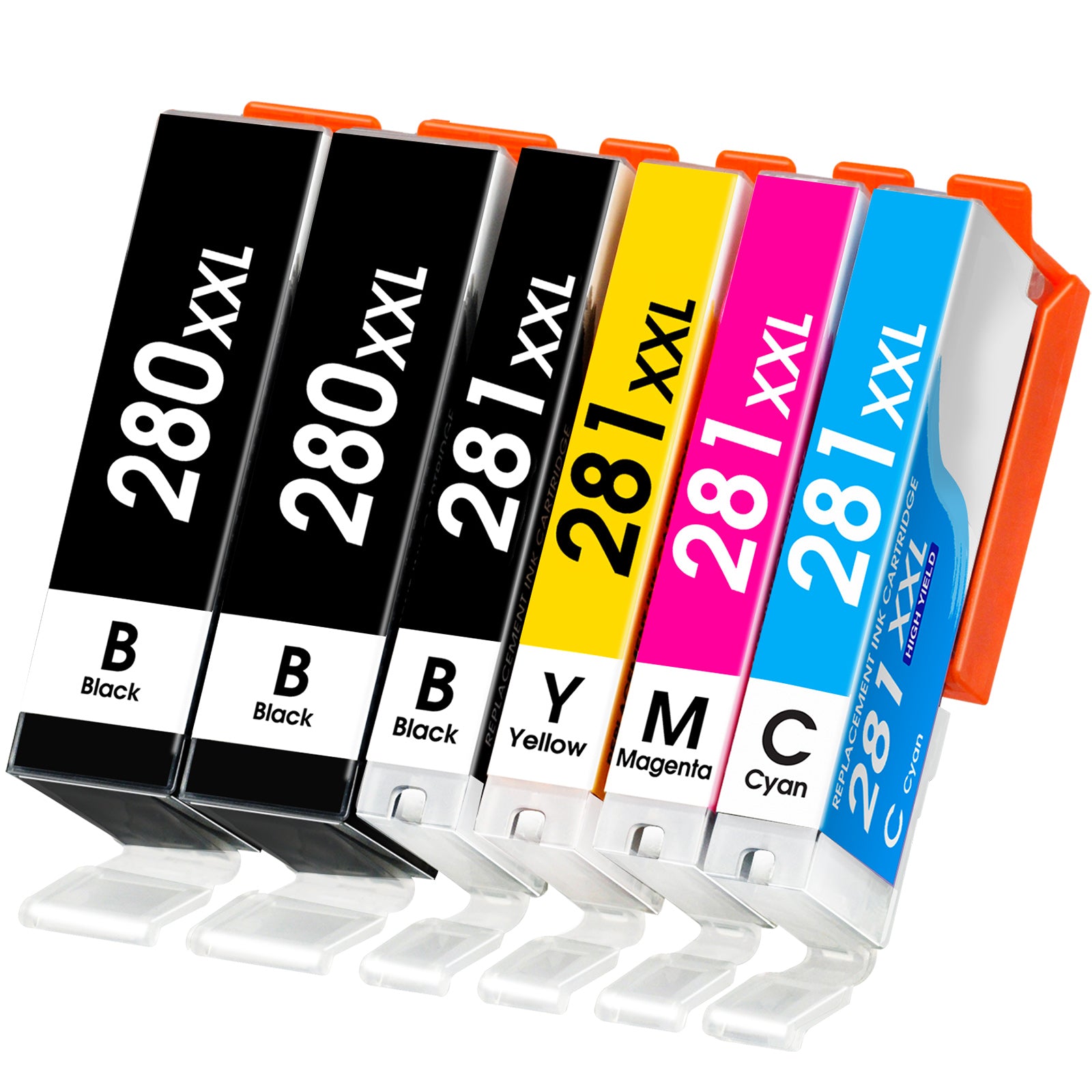
Shop by Popular Canon Ink Cartridges
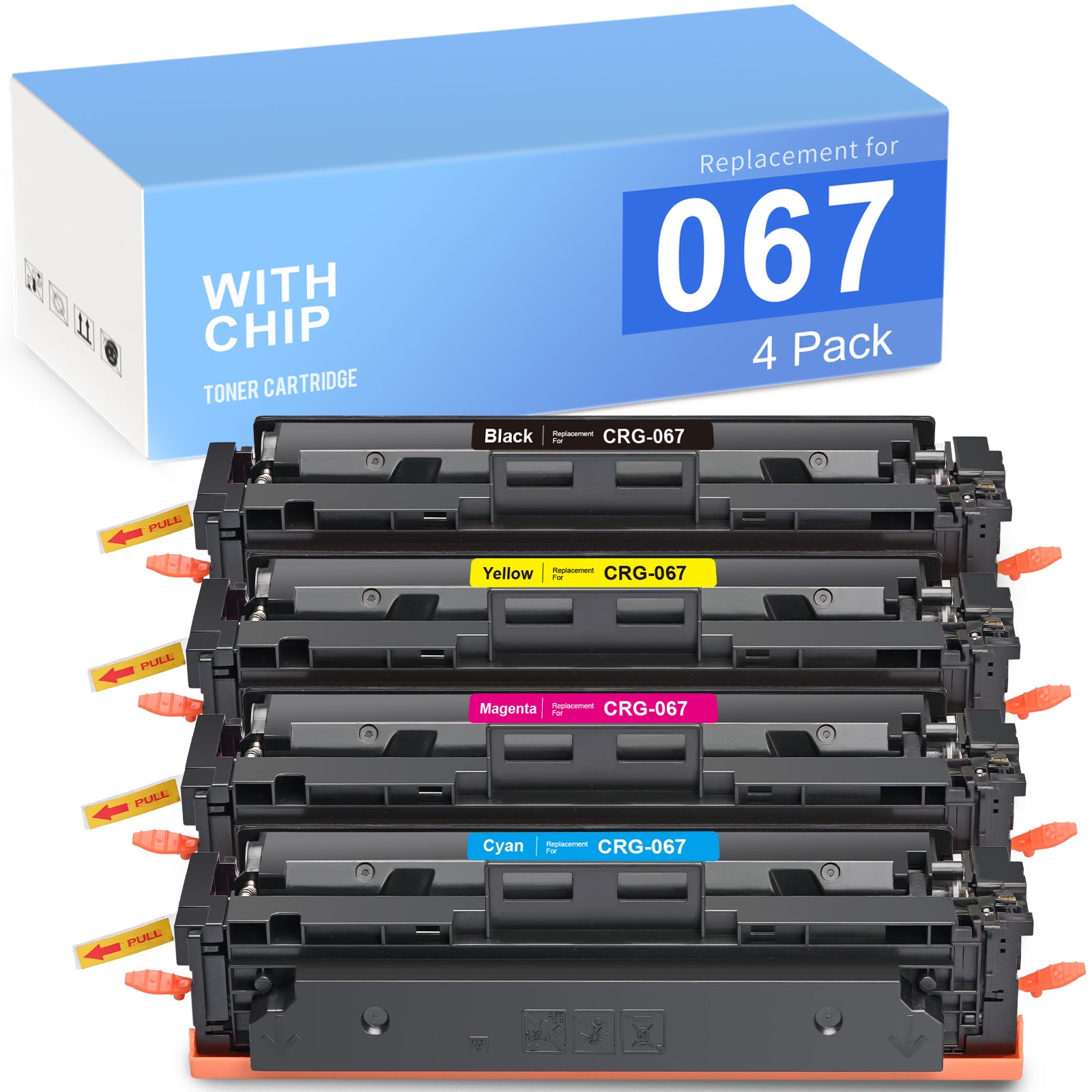
Shop by Popular Canon Toner Cartridges
Why Should You Buy Linford Compatible Canon Ink Cartridge?
✔ Exceptional Saving. Purchasing compatible Canon ink at Linford Office means you can enjoy significant cost savings without compromising on quality. Linford Office prices compatible inks competitively, allowing you to print whatever you want without worrying about the expense.
✔ True-to-Life Printing. Our compatible ink cartridges are carefully designed to reproduce lifelike colors and crisp text, ensuring your prints are as vivid and professional as you want them to be.
✔ Quality and Reliability. Linford Office guarantees the quality of its compatible Canon ink. You can count on our products to perform consistently and deliver great results every time you print.
✔ 2-Year 100% Satisfaction Guarantee. At Linford Office, we're committed to your 100% satisfaction. Your printing needs are our top priority, and we're here to ensure you're fully satisfied with every purchase. If any cartridge fails to perform properly within its warranty period, we will provide tech support, a return, or a refund.
How to change ink in Canon printer?
Open Printer Cover: Lift the front cover or the ink cartridge cover.
Remove Old Cartridge: Press the release lever or tab and gently remove the cartridge.
Prepare New Cartridge: Unpack the new cartridge, remove any protective covers or seals.
Install New Cartridge: Insert the new cartridge into the correct slot until it clicks into place. Make sure the color matches the slot label.
Close the Printer Cover: Securely close the cover.
Print a Test Page: Follow any on-screen instructions for alignment or print a test page to ensure the cartridge is working properly.
How to reset Canon ink cartridge chip?
Method one:
Switch off the Canon printer and wait a few minutes. Turn it back on. Open the printer cover by lifting it or by lifting the lever on the side. If you are not sure how to open the cover, consult your printer manual.
Press the Cancel and Print buttons on the printer at the same time, then press the + button. Scroll down to the printer cartridge you want to reset.
Press the "OK" or "Enter" button to complete the reset option.
Method two:
Switch on the printer and open the toner door. Press the Clear/Return button on the printer to access the reset menu.
Use the arrow keys to scroll through the printer's toner cartridge reset options. Select the toner to reset and press OK.
Press "1" to reset the cartridge and then press "Clear/Back" to exit the menu. Close the toner door and you should be able to print again using the existing toner cartridge.
How to replace ink cartridge Canon printer?
Remove the Empty Cartridge by pressing the release lever and pulling it out.
Prepare the New Cartridge: Unpack it and remove any protective covers.
Install the New Cartridge into the correct slot until it clicks.